Blood Pressure Monitor Got Wet? What to Do Next
If your blood pressure monitor gets wet, stop using it, disconnect power safely, check the manual, and contact the manufacturer before reuse.
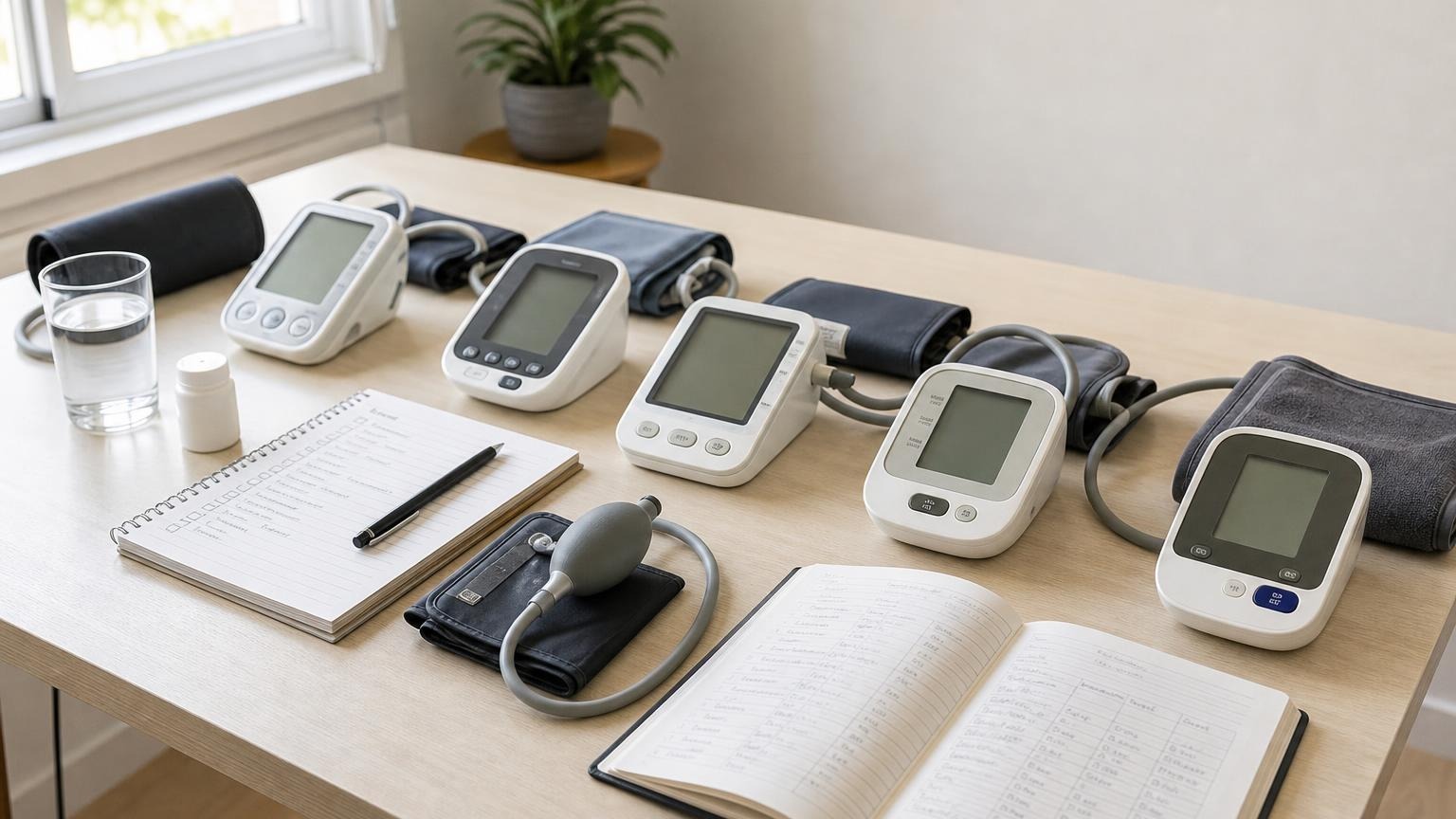
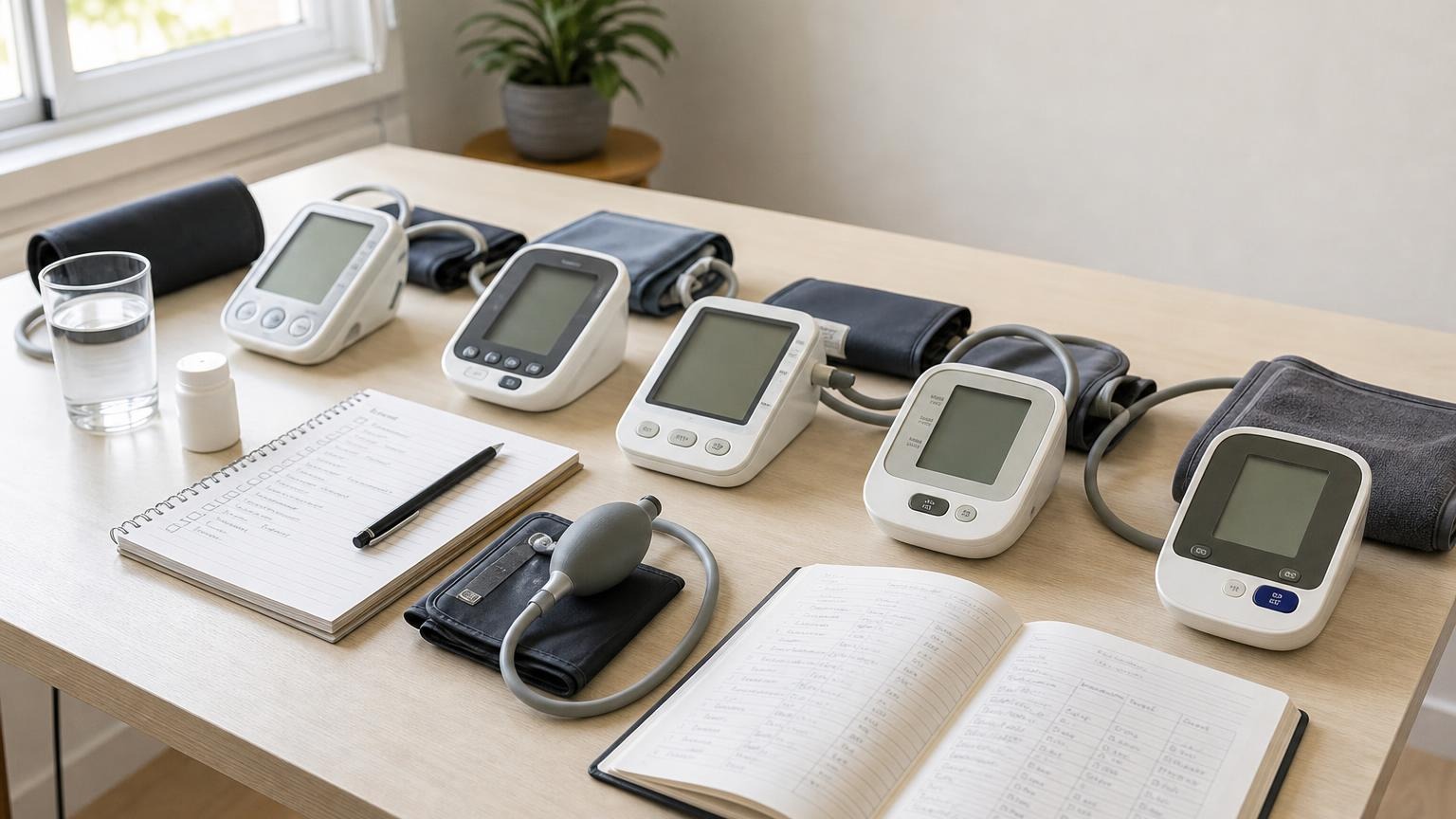
If your blood pressure monitor gets wet, stop using it, disconnect power safely, check the manual, and contact the manufacturer before reuse.
If your blood pressure monitor got wet, stop the measurement and do not start another one just to see whether the device still works. Let the cuff release, remove it from your arm, turn the monitor off, and disconnect external power only if you can do so with dry hands and without touching a wet plug or outlet. Then check the manual for the exact model and contact the manufacturer before reuse.
A dry-looking case is not proof that the pressure sensor, pump, display, battery compartment, or air connection is unharmed. Home troubleshooting can document what happened; it cannot inspect sealed electronics or prove that a reading remains accurate.
Blood pressure monitor got wet: what to do first
Use a cautious sequence rather than pressing buttons or applying heat.
- End the cuff cycle safely. Press the normal stop or start/stop control once if the device is safe to touch. Keep your arm relaxed until the cuff softens. If it does not deflate, follow the model’s emergency-removal instructions rather than pulling a pressurized cuff apart.
- Move away from the spill. Keep the monitor, cuff, tube, and adapter away from more liquid. Do not carry a dripping device over an energized outlet or extension lead.
- Isolate external power only when safe. Never handle a plug with wet hands. If the adapter, cord, plug, or outlet is wet, do not touch it while energized; switch off power upstream or get qualified help.
- Do not restart the monitor. A startup test sends power through the device and may run the pump. One successful screen flash would not clear the monitor for use.
- Blot the exterior. Use a clean, dry cloth without pushing liquid toward buttons, seams, ports, the battery compartment, air socket, or display edge.
- Preserve the facts. Note the model number, liquid involved, where it landed, whether the device was on, how long it was exposed, and any error, flicker, sound, heat, odor, or abnormal cuff behavior.
- Use the exact manual and support channel. Similar-looking monitors can have different water protection, cuff-cleaning, battery, and service instructions.
Official manuals are deliberately cautious. The OMRON BP5465 manual says not to use that monitor where moisture or splashing could reach it and not to disassemble or attempt repair. The Microlife BP B3 Comfort PC manual states that its device is not water-resistant or waterproof and should not be spilled on or immersed. These are model examples, not universal recovery instructions.
Identify which part of the automatic blood pressure monitor got wet
“Wet monitor” can describe several different incidents. The next step depends on where the liquid went.
| What got wet | Safer response |
|---|---|
| Outside of the cuff after normal skin contact or an approved wipe | Follow that cuff’s cleaning instructions and let it dry completely before use |
| Cuff cover soaked or submerged | Do not assume it is washable; some models allow a specific cover-only process and others do not |
| Air tube, connector, socket, or inflatable bladder | Stop using the cuff and ask whether the complete cuff assembly needs replacement |
| Monitor case, buttons, display edge, charging port, or battery compartment | Keep it powered off and ask the manufacturer about inspection, service, or replacement |
| AC adapter, cable, plug, or outlet | Do not handle it wet while energized; replace damaged power parts only with approved components |
| Liquid entered after a drop or cracked case | Treat both the impact and liquid exposure as possible damage; do not rely on a normal-looking exterior |
A damp cleaning cloth is not the same as a spill. The A&D UA-767 Plus manual, for example, allows that model’s monitor and cuff to be cleaned with a dry soft cloth or a cloth dampened with water and mild detergent. That does not mean the device can be rinsed, immersed, or returned to service after liquid enters its housing.
Cuff instructions vary even more. The Microlife manual above provides a specific hand-washing process for its removable cuff cover after the connector and bladder are taken out. Do not copy that procedure to a cuff that is not designed to be disassembled. If the manual only permits wiping, follow that limit.
For ordinary care rather than a spill, use our guide to cleaning a blood pressure cuff without damaging it. To prevent moisture and condensation problems, see how to store a blood pressure monitor and cuff.
Do not guess a drying time or use a household drying trick
There is no safe universal answer such as “wait 24 hours.” Exposure differs by liquid, quantity, entry point, power state, monitor construction, and manufacturer instructions. The exterior may dry before trapped moisture or residue is visible.
Avoid undocumented recovery methods:
- do not put the monitor in rice
- do not use an oven, microwave, radiator, heating pad, or direct sun
- do not force hot air or compressed air into ports or seams
- do not shake the monitor to move liquid through the housing
- do not open the case, pressure sensor, pump, cuff bladder, or adapter
- do not spray cleaner into the battery compartment or air socket
- do not inflate a cuff off your arm unless the exact manual explicitly provides that test
These steps do not verify measurement performance, and some can spread liquid, introduce debris, deform components, or bypass the manufacturer’s service process. Tell support exactly what was spilled—including whether it was plain water, a drink, cleaner, or another liquid—rather than trying to erase evidence of the incident.
Can you use a blood pressure monitor after it dries?
Only after the manufacturer or an authorized service process says the model can return to use. Air-drying alone does not establish that the device still controls cuff pressure or calculates readings normally.
Ask support whether they recommend inspection, service, a new cuff, a new adapter, or complete replacement. Have these details ready:
- complete model and serial number
- cuff part number
- source and amount of liquid
- parts that became wet
- whether batteries or an adapter were connected
- whether the device was measuring at the time
- any error code, display change, unusual sound, heat, smell, or failed deflation
- visible corrosion, residue, swelling, cracks, or sticky controls
The A&D manual tells users to contact the company for a mechanical problem and not to service, calibrate, or repair the monitor themselves. The Microlife manual similarly warns against opening or servicing the device because unauthorized access can compromise safety and performance.
Replace or professionally assess the setup rather than running repeated tests when liquid is visible inside, the case or adapter is damaged, battery contacts are wet or corroded, buttons stick, the screen flickers, the monitor becomes warm, or the pump and cuff no longer follow their normal cycle. A recurring code after liquid exposure belongs with the manufacturer; our blood pressure monitor error-code guide can help you record the type of failure without pretending to identify internal damage.
If the manufacturer clears the device for normal use, follow its restart instructions exactly. Confirm the approved power source, cuff connection, date, time, and saved-user setting. Stop immediately if the display, inflation, deflation, sound, or controls differ from normal. One plausible result is a function check, not proof of accuracy; bring the monitor and cuff to a clinician if you still question the readings.
What to do about readings while the monitor is out of service
An unfinished cuff cycle, error code, or blank screen is not a blood pressure reading. Do not add it to an average. If a complete result appeared during abnormal inflation or while liquid was entering the device, preserve the number with a note such as “spill during measurement,” but do not treat it as a clean routine reading.
Do not skip, delay, retime, or change blood pressure medication because the monitor is unavailable. Ask a clinician or pharmacist how to maintain any requested monitoring schedule and whether a temporary validated upper-arm monitor is appropriate. If severe new symptoms occur, seek medical help based on the symptoms rather than waiting for a damaged device to produce a number.
Frequently asked questions
Q: Can I use a blood pressure monitor once it looks completely dry?
A: Not on appearance alone. Keep it off and follow the exact manual or manufacturer guidance. Moisture or residue may not be visible, and one normal-looking screen or reading cannot verify the pressure system.
Q: Should I put a wet blood pressure monitor in rice?
A: No. Rice does not inspect the electronics, pressure sensor, pump, or adapter, and dust can enter openings. Blot the exterior, keep the device off, avoid heat, and ask the manufacturer what inspection or replacement it requires.
Q: What if only the blood pressure cuff got wet?
A: Check the cuff’s own instructions. Some models permit only surface wiping; a few provide a specific process for a removable washable cover. Do not soak, open, blow through, or reuse a cuff when liquid may have entered the tube, connector, or bladder unless the manufacturer clears it.
Q: Will water damage make a blood pressure reading high or low?
A: Do not assume a predictable direction. Liquid damage may cause an error, shutdown, abnormal inflation, display failure, or a plausible-looking number. A reading from an abnormal cycle cannot be corrected by adding or subtracting a fixed amount.
Sources
- OMRON BP5465 instruction manual
- Microlife BP B3 Comfort PC instruction manual
- A&D Medical UA-767 Plus instruction manual
Bottom line
If a blood pressure monitor gets wet, end the cuff cycle safely, keep the device off, avoid improvised drying or repairs, document the exposure, and get model-specific manufacturer guidance. Treat a wet cuff cover, liquid inside the air path, a wet monitor housing, and a wet adapter as different problems rather than assuming one drying rule fits all of them.
If the damaged setup must be replaced, compare validated upper-arm monitors by cuff range, readable controls, replacement-part support, and everyday usability:
This article is educational and not medical advice. Consult a qualified clinician before making treatment decisions or changing medication based on home blood pressure readings.
Top 5 picks
Best Blood Pressure Monitors For Seniors 2026
Five upper-arm monitors ranked with published scorecards—setup friction, comfort, readability, power convenience, and repeatable accuracy—so you can compare models before you buy.
See our Top 5 blood pressure monitor picksHome-monitoring advice is only useful if it is easy to verify and act on correctly.
We write explainers to be understandable to readers, search engines, and AI answer systems.
Compare our Top 5 blood pressure monitor picks for 2026 , then track readings over time with consistent technique.