Should You Buy a Used Blood Pressure Monitor?
A used blood pressure monitor may be reasonable only when the exact model is validated, the cuff fits, and its condition and support history check out.
A used blood pressure monitor may be reasonable only when the exact model is validated, the cuff fits, and its condition and support history check out.
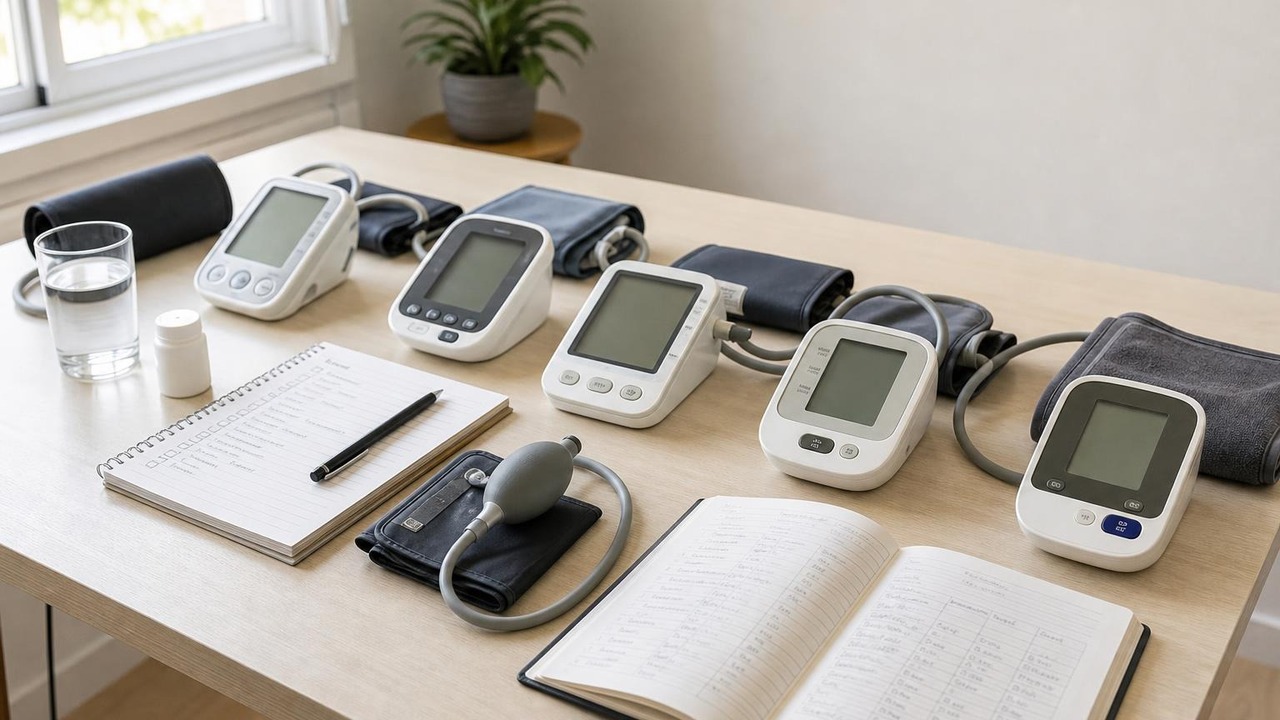
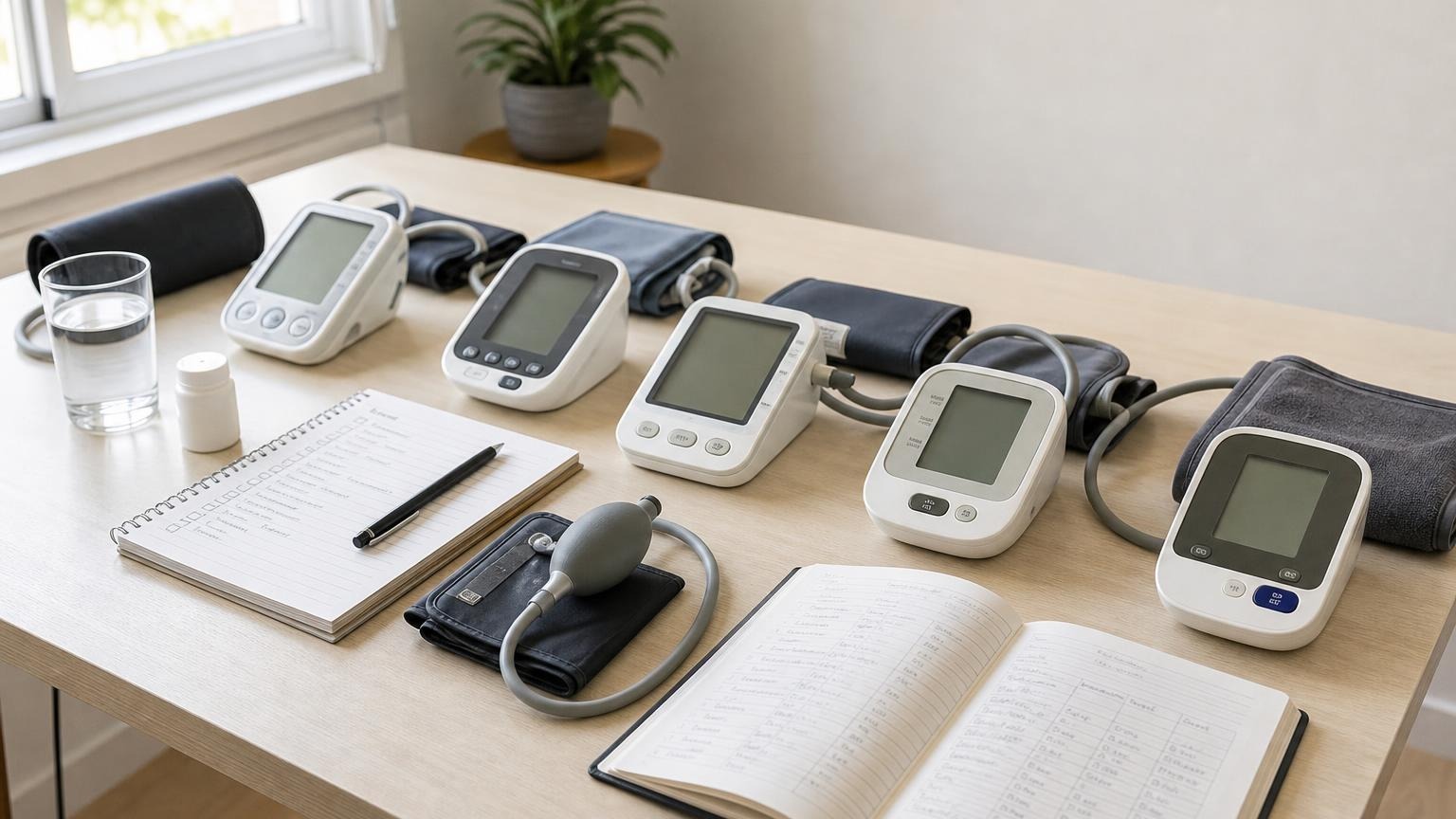
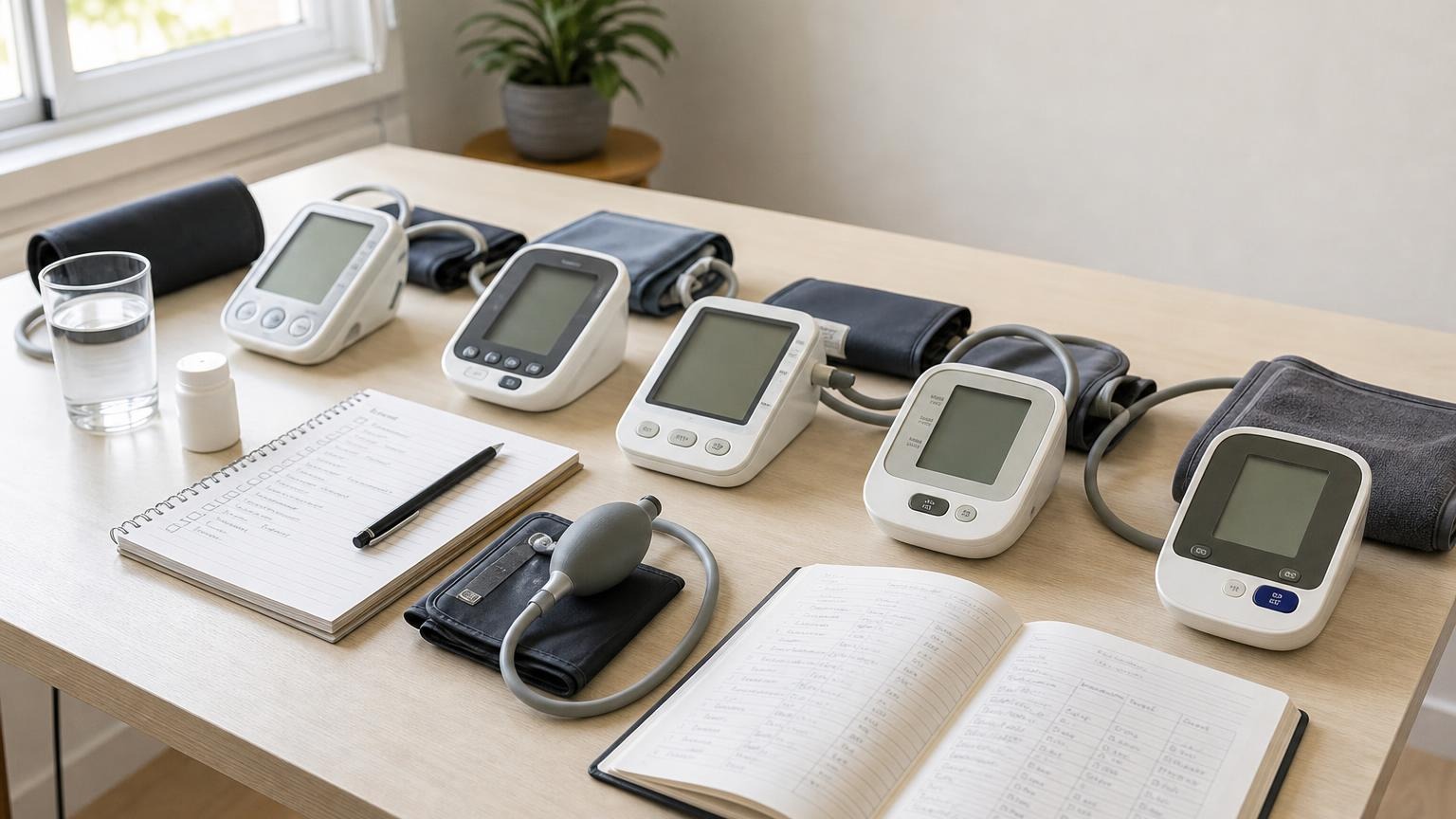
A used blood pressure monitor can be a reasonable hand-me-down or secondhand purchase, but only when you can identify the exact model, confirm that it has independent validation evidence, match it with the approved cuff in your size, and rule out obvious damage. A familiar brand name and a screen that turns on are not enough.
If the monitor has an unknown drop or liquid history, a worn cuff, corrosion, missing accessories, no findable manual, or readings that behave unpredictably, a new validated upper-arm monitor is usually the more defensible choice. One plausible number cannot prove that a used unit is dependable.
Should you buy a used blood pressure monitor?
Start by separating the monitor’s original design from the condition of the unit in front of you.
An independent listing can show that an exact model was evaluated under a recognized validation process. It cannot show whether a particular used unit was dropped, stored in a damp bathroom, paired with the wrong cuff, opened for repair, or used beyond a model-specific service life.
Use this quick screen before accepting or paying for one:
| Check | What you need to confirm | Why it matters |
|---|---|---|
| Exact identity | Complete monitor model, regional suffix, and cuff part number | Similar names can hide different instructions and accessories |
| Validation | Exact model appears on a recognized independent list | Brand reputation alone is not measurement evidence |
| Cuff fit | Approved cuff includes your measured upper-arm circumference | A cuff that closes is not necessarily the right size |
| Physical condition | Case, display, controls, battery compartment, connector, tube, and cuff are intact | Damage can affect power, pressure, or repeatability |
| Documentation | Official manual and manufacturer support are still available | You need model-specific symbols, settings, parts, and service limits |
| Normal operation | The cuff follows a normal cycle and gives complete results without recurring errors | A powered screen does not prove the pressure system works normally |
| Clinical comparison | A health professional can review technique and compare the unit when appropriate | An office check is more useful than one casual side-by-side reading |
A used monitor that passes every row may still be less convenient than a new one with a warranty and a fresh cuff. Price the complete setup, not just the main unit.
Verify the exact model before judging its condition
Look for the model identifier on the back or bottom label, near the battery compartment, or on the original box. Copy every letter, number, and regional suffix. Do not confuse the monitor model with a serial number, cuff number, app name, or broad family label such as “Series 5.”
Then search the exact identifier on an independent device list. Validate BP’s validated device listing is designed to help users find monitors that have been tested for clinical accuracy. Our guide to checking whether a blood pressure monitor is validated explains how to match model numbers, cuff ranges, and intended populations without treating a similar product as equivalent.
If the model is absent, investigate rather than assuming either accuracy or failure. It may use a different identifier in another region, be newly released, or lack clear evidence. For a secondhand purchase, ambiguity is a real drawback because you are already accepting uncertainty about wear and history.
Validation also does not transfer across improvised configurations. A listed monitor used with an unsupported cuff or power adapter is not the same documented setup.
Inspect the complete automatic blood pressure monitor
Inspect the equipment while it is off and the cuff is fully deflated. Do not open the housing or inflate the cuff away from an arm unless the exact manual provides a test procedure.
Check these parts:
- Monitor case: Look for cracks, gaps, warped plastic, loose feet, missing screws, or signs that the case was opened.
- Display and controls: Check for missing screen segments, cloudy areas, sticky buttons, a damaged start control, or a user selector that will not stay in position.
- Battery compartment: Look for residue, corrosion, moisture, bent contacts, heat damage, or a door that must be pressed or wedged to maintain power.
- Power accessories: Match the battery type and any adapter to the exact manual. A connector that fits does not prove the voltage, polarity, or current is correct.
- Air connector and tube: Look for looseness, cracks, stretched joints, sharp kinks, flattened sections, or household tape and glue.
- Cuff: Check the fabric, closure, seams, inflatable bladder area, printed range, alignment marks, and part number. Reject a cuff that smells strongly of moisture or chemicals, has frayed seams, will not stay closed, or shows an undocumented repair.
Official manuals illustrate why these checks need to be model-specific. The OMRON BP5465 manual tells users not to use damaged components, not to repair or disassemble the monitor, and to use only specified cuffs and accessories. It also gives service-life limits for that exact monitor, cuff, and adapter. Those numbers should not be copied to another model.
The A&D UA-767 Plus manual similarly tells users not to service, calibrate, or repair the unit themselves and lists model-specific replacement cuffs by arm circumference. These examples do not establish a universal rule for every used monitor; they show why its own manual matters.
Treat cuff fit and cuff history as separate checks
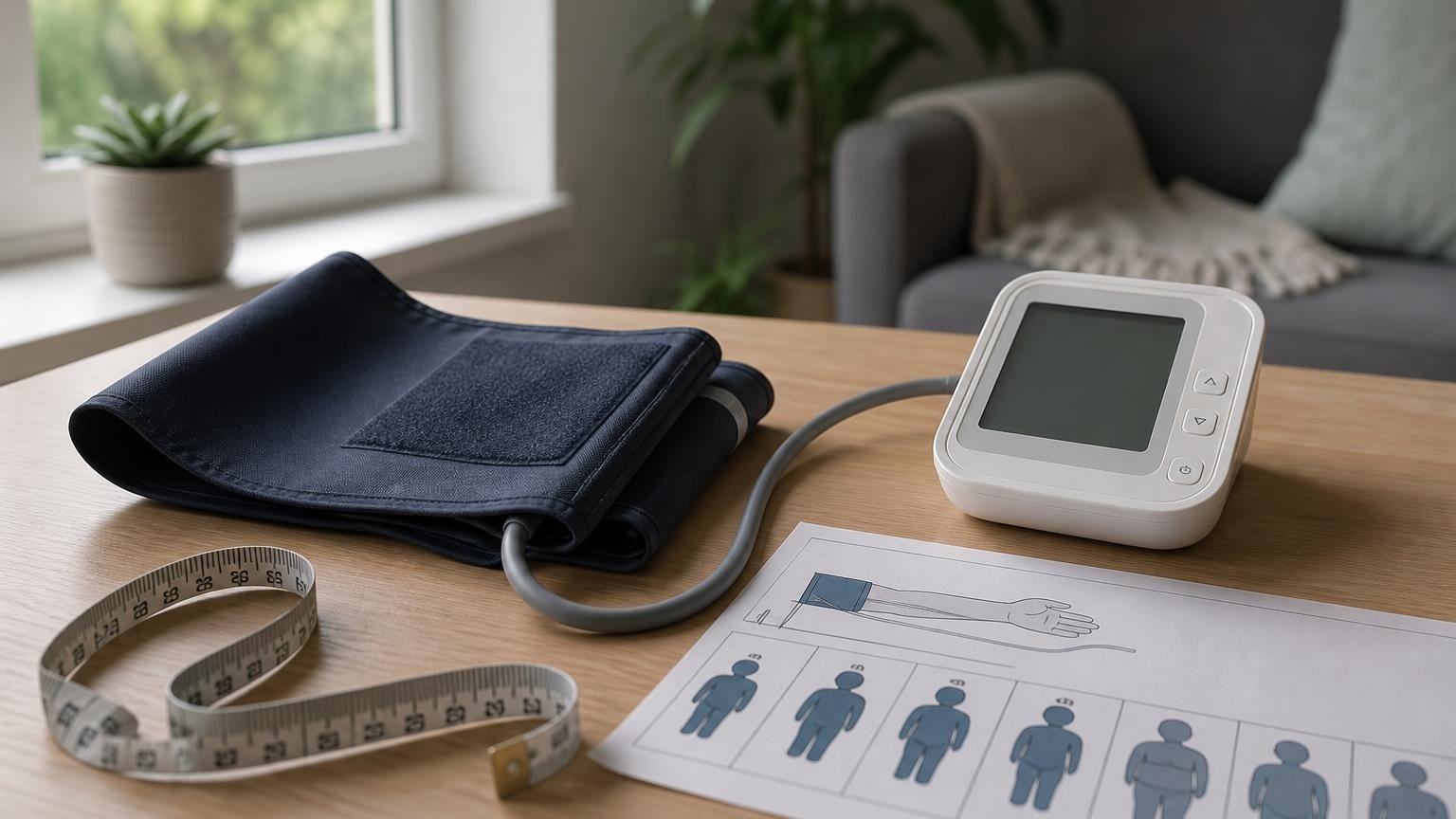
A clean-looking cuff can still be the wrong cuff. Measure around the midpoint of your relaxed upper arm and compare the result with the circumference range printed on the approved cuff or listed in the manual.
Do not assume that “adult,” “large,” “wide-range,” or “universal” has the same meaning across manufacturers. Do not swap in another cuff just because the plug enters the socket. Our guide to choosing a compatible replacement blood pressure cuff covers the part-number, connector, bladder, and size checks.
A new approved cuff may make sense when the used main unit is well documented but the original cuff is worn or its hygiene history is unclear. Follow the cuff’s own cleaning instructions; some can only be wiped, while others have a removable cover with a specific process. Never soak the tube, connector, or inflatable bladder by default.
Add the price of the correct replacement cuff, approved adapter, batteries, and any missing case before deciding the used unit is a bargain. If those costs approach the price of a new validated monitor, the warranty and known history of a new setup may be worth more than the small saving.
Check support, memory, and app access before the first reading
Download the official manual while the model still has a support page. Save the PDF and record the manufacturer contact details, supported cuff numbers, battery specification, symbols, user-memory rules, app name, reset instructions, operating conditions, and service guidance.
A used monitor may still contain another person’s readings or be linked to an old app account. Preserve only data you are authorized to handle, then follow the documented process for clearing memory, changing users, removing an account, or restoring settings. Do not experiment with button combinations from a similar-looking model. A memory clear, Bluetooth reset, clock change, and factory reset may erase different information.
After any documented reset, confirm the correct user, date, time, unit, measurement mode, and app profile. A reading saved under the previous owner or wrong household user can make averages misleading even when the pressure measurement itself completed normally.
Make a controlled first-use check
A home check cannot formally validate or calibrate a used monitor. It can reveal obvious reasons not to rely on it.
- Install the specified fresh power source and approved cuff.
- Sit quietly for at least 5 minutes with your back supported, feet flat, and legs uncrossed.
- Place the cuff on bare upper arm within its stated size range and support the arm at heart level.
- Start one normal measurement. Stay still and silent while watching for abnormal noise, screen flicker, repeated inflation, painful pressure, air loss, a stuck cuff, or an incomplete result.
- If the cycle is normal, record the complete systolic, diastolic, and pulse result with the monitor and cuff model.
- Take the next planned reading according to the manual or your clinician’s instructions. Do not keep repeating until a preferred number appears.
Stop using the setup if the cuff fails to release normally, the monitor becomes hot or smells unusual, touching the battery door or cable changes its behavior, errors recur, or the pressure cycle differs sharply from normal. Contact the manufacturer rather than opening, patching, or recalibrating it at home.
The American Heart Association’s home-monitoring guidance recommends an automatic upper-arm monitor, correct cuff fit, and bringing the monitor to an appointment so a health professional can check technique and compare it with office equipment. That comparison is useful, but it is not the same as formal model validation and should not be judged from one perfectly matched pair of numbers.
When a new monitor is the better buy
Skip the used monitor when:
- you cannot identify the complete model or find an official manual
- its exact validation status is unclear
- the included cuff is wrong, unsupported, damaged, or outside your arm range
- the case, display, controls, tube, connector, battery contacts, or adapter show damage
- its drop, liquid, repair, or storage history is unknown and the seller cannot clarify it
- compatible replacement parts or manufacturer support have disappeared
- it repeatedly inflates abnormally, shows errors, loses power, or gives incomplete readings
- the complete used setup costs nearly as much as a new validated model
Age alone does not prove that a monitor is inaccurate, but it adds context. Our guide to how long blood pressure monitors last explains why cuff wear, support, damage, and repeated mismatch are more useful than a generic expiration date.
Do not use a used monitor’s result to start, stop, skip, retime, or change medication. If readings are repeatedly unusual under careful conditions, preserve the log and discuss the pattern with a qualified clinician. Severe new symptoms need medical attention regardless of what the secondhand monitor displays.
Frequently asked questions
Q: Can you trust a secondhand blood pressure monitor?
A: Sometimes, but trust should come from the exact model’s validation evidence, a correct approved cuff, known condition, normal operation, available support, and a careful comparison—not from the brand name or one plausible reading. Unknown damage or missing documentation makes a new validated unit the lower-uncertainty practical choice.
Q: Does a validated model stay validated when it is used?
A: The model’s validation evidence does not describe the current condition of one used unit. Damage, wear, an unsupported cuff, poor storage, or an unauthorized repair can make that individual setup questionable even when the original model has good evidence.
Q: Should you replace the cuff on a used blood pressure monitor?
A: Replace it when it is worn, damaged, the wrong size, or has an unclear hygiene history—but only with a cuff the manufacturer documents for the exact monitor. A matching plug or brand name alone does not establish compatibility.
Q: Can a doctor check whether a used blood pressure monitor is accurate?
A: A clinician can review your technique, cuff fit, and a controlled comparison with office equipment. That is a useful condition check, not formal validation or a DIY calibration. Bring the monitor, cuff, manual, and a short labeled log.
Sources
- American Heart Association: Home Blood Pressure Monitoring
- Validate BP: Validated Device Listing
- American Heart Association scientific statement: Measurement of Blood Pressure in Humans
- OMRON BP5465 instruction manual
- A&D Medical UA-767 Plus instruction manual
Bottom line
A used blood pressure monitor is worth considering only when you can verify its exact identity, validation evidence, approved cuff and arm range, physical condition, documentation, and normal operation. If any of those checks fail, a new validated upper-arm monitor offers a clearer history and usually a simpler path to dependable home tracking.
If you decide the secondhand setup carries too much uncertainty, compare current upper-arm options by validation, cuff range, controls, power, and manufacturer support:
This article is educational and not medical advice. Consult a qualified clinician before making treatment decisions or changing medication based on home blood pressure readings.
Top 5 picks
Best Blood Pressure Monitors For Seniors 2026
Five upper-arm monitors ranked with published scorecards—setup friction, comfort, readability, power convenience, and repeatable accuracy—so you can compare models before you buy.
See our Top 5 blood pressure monitor picksHome-monitoring advice is only useful if it is easy to verify and act on correctly.
We write explainers to be understandable to readers, search engines, and AI answer systems.
Compare our Top 5 blood pressure monitor picks for 2026 , then track readings over time with consistent technique.