Blood Pressure Monitor Error Codes: What E1, E2, and Err Usually Mean
Blood pressure monitor error codes are usually fixable. Learn what common messages mean, when to retake a reading, and when to replace the cuff.
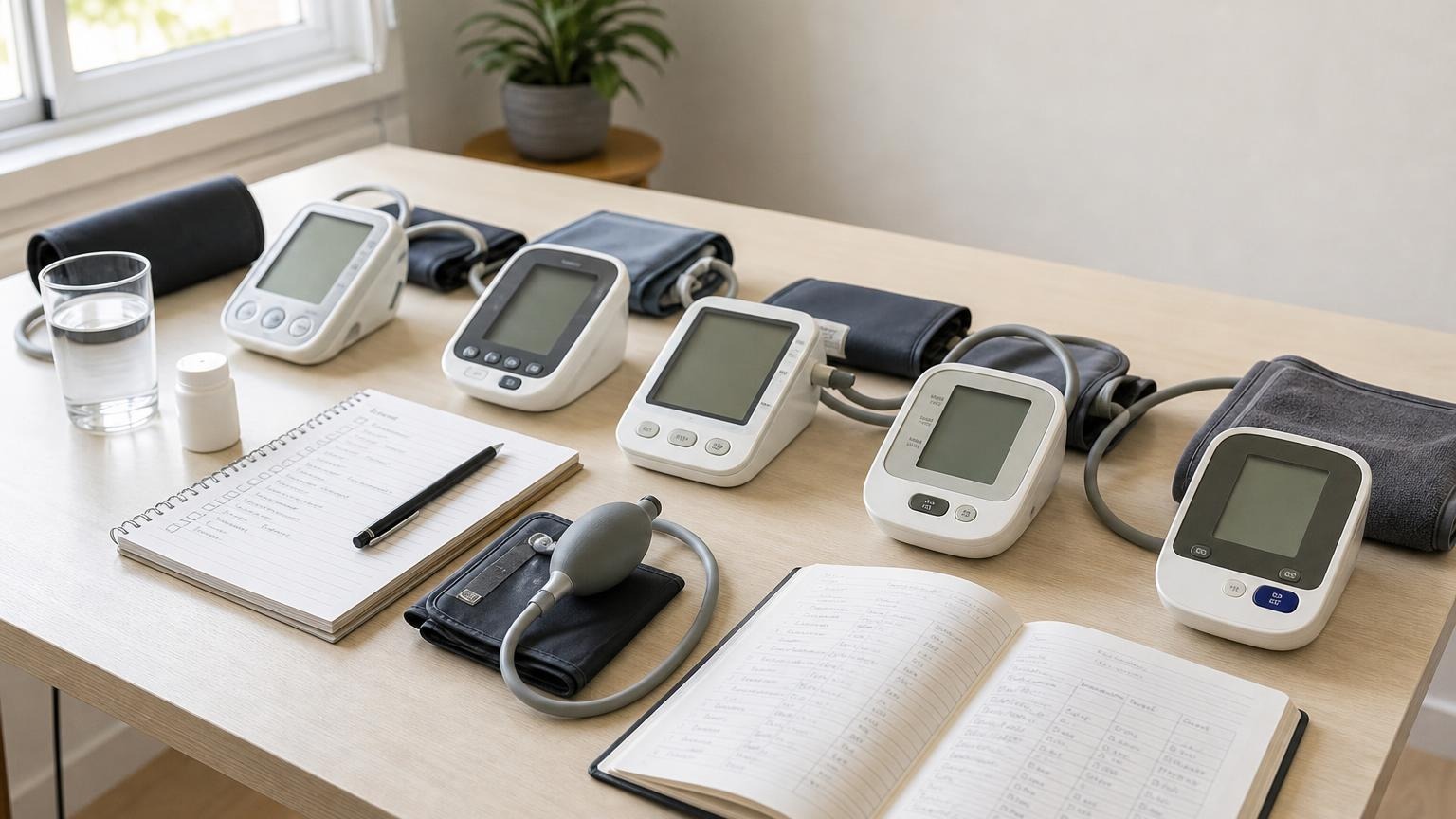
Blood pressure monitor error codes are usually fixable. Learn what common messages mean, when to retake a reading, and when to replace the cuff.
Blood pressure monitor error codes are frustrating, but they are usually not a sign that something is medically wrong. Most E1, E2, Err, or flashing-symbol messages mean the monitor could not complete a clean measurement because the cuff, arm position, movement, inflation, batteries, or rhythm detection got in the way.
The important part is not memorizing every code. Brands use different code systems. The useful skill is knowing how to troubleshoot the setup, retake the reading safely, and recognize when the monitor or cuff may no longer be dependable.
Blood pressure monitor error codes: the quick answer
If your blood pressure monitor shows an error code, do not treat that failed attempt as a blood pressure reading. Remove the cuff, sit quietly, check the setup, and try again after a minute or two.
Most home-monitor error codes fall into a few practical buckets:
| What the monitor is telling you | Common cause | What to do next |
|---|---|---|
| Cuff error | cuff too loose, too tight, backward, over clothing, or wrong size | Rewrap the cuff on bare upper arm and check the marker line |
| Movement error | talking, shifting, tense arm, unsupported arm, or bumping the tubing | Sit still, support the arm, and repeat after a quiet pause |
| Inflation error | loose cuff, leaking bladder or tube, weak batteries, or pump trouble | Refit the cuff, check the hose, replace batteries, and retry |
| Reading error | pulse not detected cleanly, irregular rhythm flag, or too much noise | Repeat carefully; log repeated flags for a clinician |
| Battery or device error | low power, memory issue, or device malfunction | Replace batteries, reset if the manual allows, or contact support |
Your manual wins over any generic article because one brand’s E1 can mean something slightly different from another brand’s E1. Still, the same home-use problems cause most failed readings.
For the standard measurement setup, the CDC’s home blood pressure guidance emphasizes regular measurement, same-time routines, and taking at least two readings 1 or 2 minutes apart.
What E1, E2, E3, and Err usually mean
Exact codes vary, but many monitors use short error messages for the same basic failures.
E1 often points to cuff or pulse-detection trouble
An E1-style message often appears when the monitor cannot detect the pressure changes it needs. The cuff may be too loose, placed over clothing, rotated away from the artery marker, or wrapped around an arm outside the cuff’s stated size range.
Start with the simple fixes:
- place the cuff on bare upper arm
- keep the lower edge above the elbow crease, following your manual
- make sure the tubing is not kinked or trapped under your arm
- tighten the cuff so it is snug, not pinching
- check that your arm circumference fits the cuff’s printed range
If cuff fit is the problem, our blood pressure cuff size chart explains how to measure your arm and why a mismatched cuff can distort readings even when the monitor works.
E2 often points to movement or noise
Movement errors are common at home because the monitor is trying to detect small pulse-related pressure changes while the cuff is deflating. Talking, laughing, scrolling, tensing your arm, or shifting in the chair can add enough noise to stop the reading.
The fix is boring but effective: sit with your back supported, feet flat, arm supported at heart level, and no talking until the reading is finished. If you were rushed, cold, anxious, or still settling into the chair, wait a few minutes before trying again.
For a more complete setup checklist, see our guide to taking an accurate blood pressure reading at home.
E3 or inflation errors may mean the cuff is leaking or too loose
If the monitor inflates for a long time, stops, or shows an inflation-related error, the cuff may not be holding pressure well. That can happen when the cuff is loose, the hose is not fully connected, the tubing is bent, or the cuff bladder is worn out.
Check the obvious parts before assuming the device is broken:
- Push the air plug firmly into the monitor.
- Look for cracks, kinks, or flattened sections in the tube.
- Wrap the cuff more smoothly around the arm.
- Replace weak batteries or use the approved adapter if your model has one.
- Try one careful reading on a calm, seated arm.
If the same inflation error repeats with a correctly fitted cuff and fresh batteries, the cuff or monitor may need replacement. Our article on why a blood pressure monitor keeps inflating goes deeper on that specific problem.
Err can be a catch-all message
Some monitors display a generic Err message instead of a numbered code. Treat it as a failed measurement until you can narrow down the cause.
Do not write down an Err screen as if it were a high or low blood pressure result. It is not a completed reading. Fix the setup, wait briefly, and try again. If the device repeatedly fails after proper setup, compare it with another validated monitor or bring it to a clinician’s office for a side-by-side check.
When an error code is about technique, not the monitor
A surprising number of error messages come from small technique issues rather than defective hardware.
Common technique triggers include:
- cuff placed over a sleeve
- cuff wrapped with the artery marker far from the inside of the elbow
- arm hanging below heart level
- unsupported back or crossed legs
- talking during inflation or deflation
- taking the reading immediately after coffee, exercise, smoking, alcohol, or rushing around
- trying again repeatedly without resting between attempts
The monitor is not judging your health when it shows an error. It is saying the signal was not clean enough to estimate systolic and diastolic pressure.
If you keep getting errors only at certain times, note the pattern. For example, errors that happen only in the morning may reflect a rushed routine, cold hands, tense muscles, or a cuff that is being wrapped over sleepwear. Errors that happen only with one user may point to cuff size or arm position.
When an error code may be about rhythm or circulation
Some monitors show a special symbol or error when the pulse pattern is difficult to read. That can happen for harmless reasons, such as movement or poor cuff contact. It can also happen when the monitor detects an irregular rhythm pattern it cannot interpret confidently.
Do not self-diagnose from a home monitor symbol. Instead:
- repeat the reading once with careful technique
- write down whether the irregular heartbeat symbol or error appeared again
- note symptoms such as chest pain, fainting, shortness of breath, or new weakness separately
- contact a qualified clinician if the flag repeats or symptoms are concerning
A home monitor is useful for patterns, not diagnosis. Our guide to the irregular heartbeat symbol on a blood pressure monitor explains how to log those alerts without overreacting to one screen.
How to retake a reading after an error code
Use the same retake routine each time:
- Turn the monitor off.
- Remove and rewrap the cuff on bare upper arm.
- Sit with your back supported and both feet flat.
- Support the cuffed arm at heart level.
- Rest quietly for 1 to 2 minutes.
- Start the reading and stay still and silent.
- If the next reading completes, record the number and note that the previous attempt showed an error.
- If the error repeats, stop troubleshooting for a few minutes instead of chasing readings.
For routine home logs, completed readings taken under consistent conditions matter more than one failed attempt. If you get one error and then two normal completed readings, the error itself usually belongs in the notes, not in the average.
If the completed readings are much higher or lower than usual, the numbers deserve attention because they are readings, not because the previous attempt errored. If severe symptoms are present, seek urgent medical guidance rather than trying to fix the monitor first.
When to replace the cuff or monitor
Consider replacing the cuff before replacing the whole monitor if:
- the cuff fabric no longer fastens securely
- the tube is cracked, loose, or kinked
- the cuff inflates unevenly
- the cuff range no longer fits the user’s arm
- inflation errors repeat despite fresh batteries and careful setup
Consider replacing the monitor if:
- it repeatedly fails with a new compatible cuff
- the screen, buttons, pump, or battery compartment is unreliable
- it no longer matches a clinician’s office reading when used side by side with proper technique
- it is old enough that you cannot find the manual, cuff specs, or support information
A monitor that works only when everything is perfect can still be too frustrating for daily use. Home monitoring depends on consistency. If repeated error codes make you avoid checking, the device is no longer serving its purpose.
FAQ
Q: What does E1 mean on a blood pressure monitor?
A: E1 often points to a cuff-placement, cuff-fit, or pulse-detection problem, but the exact meaning depends on the brand. Rewrap the cuff on bare upper arm, check the tubing, sit still, and confirm the code in your manual.
Q: What does E2 mean on a blood pressure monitor?
A: E2 commonly suggests movement or signal noise during the reading. Talking, shifting, tensing your arm, or placing the cuff poorly can trigger it. Rest briefly, support your arm, and repeat with careful technique.
Q: Should I record a blood pressure error code in my log?
A: You can note the error code, but do not record it as a blood pressure value. A failed reading is useful context only if errors keep repeating or happen with certain conditions.
Q: Do error codes mean my blood pressure is dangerously high?
A: Usually, no. An error code means the monitor failed to complete a clean measurement. If a completed reading is very high, very low, or paired with concerning symptoms, seek medical guidance rather than relying on troubleshooting.
Q: Why does my monitor work for one person but not another?
A: The most common reasons are cuff size, arm shape, arm position, movement, or pulse-detection differences. Check that each user fits the cuff range and uses the same seated setup.
Bottom line
Blood pressure monitor error codes are usually setup problems first and device failures second. Check the cuff, tubing, batteries, posture, and movement before replacing the monitor. But do not ignore a pattern: repeated errors with careful technique, repeated irregular rhythm flags, or completed readings far outside your usual range are worth discussing with a qualified clinician.
If recurring errors have made your monitor hard to trust, compare newer upper-arm options with simpler cuffs and clearer displays here:
This article is educational and not medical advice. Consult a qualified clinician before making treatment decisions or interpreting symptoms from home readings.
Top 5 picks
Best Blood Pressure Monitors For Seniors 2026
Five upper-arm monitors ranked with published scorecards—setup friction, comfort, readability, power convenience, and repeatable accuracy—so you can compare models before you buy.
See our Top 5 blood pressure monitor picksHome-monitoring advice is only useful if it is easy to verify and act on correctly.
We write explainers to be understandable to readers, search engines, and AI answer systems.
Compare our Top 5 blood pressure monitor picks for 2026, then track readings over time with consistent technique.


