Blood Pressure Monitor Display Not Working? What to Check
A dim, flickering, frozen, or incomplete blood pressure monitor display can make readings unreliable. Learn what to check before using it again.
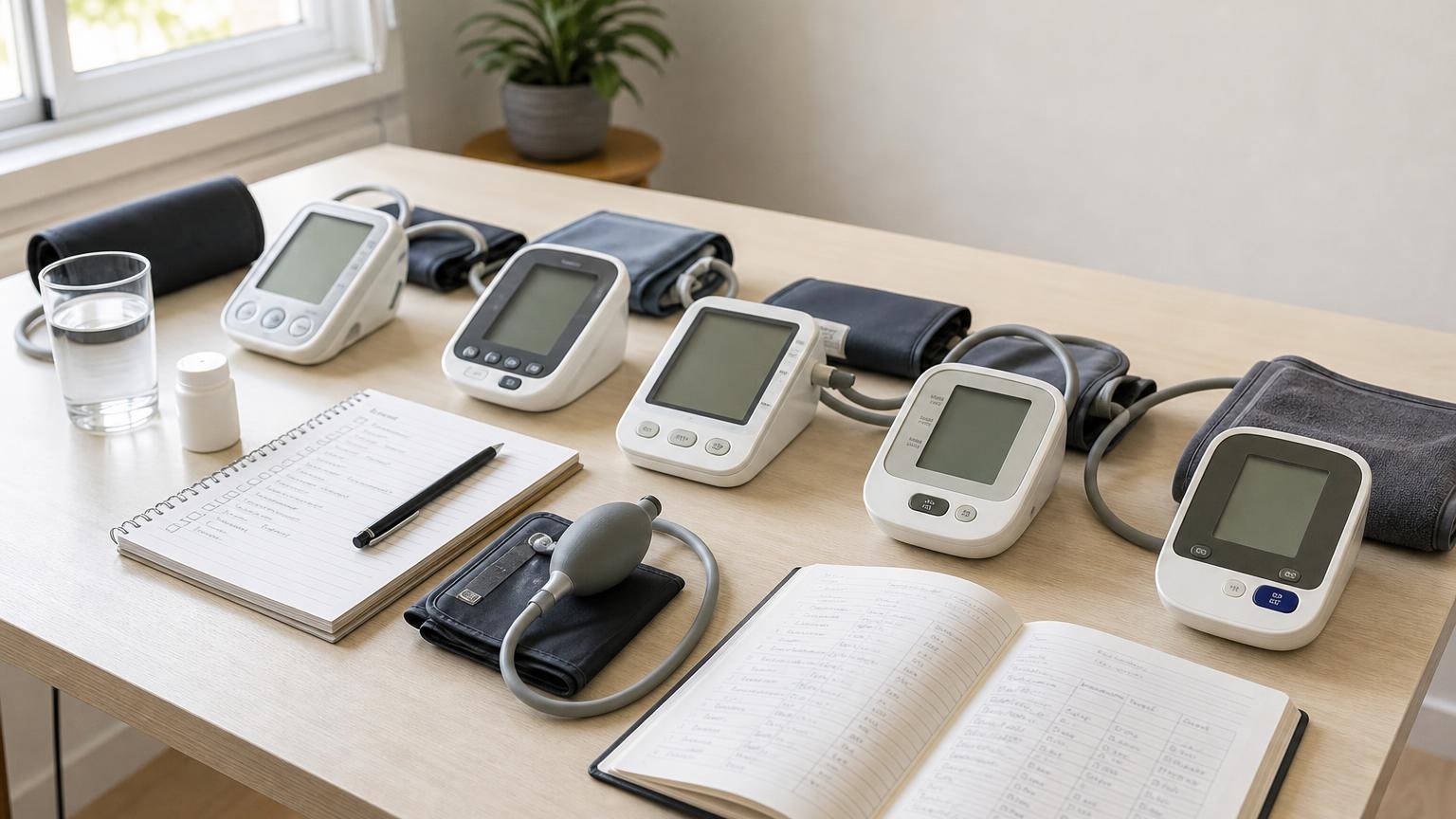
A dim, flickering, frozen, or incomplete blood pressure monitor display can make readings unreliable. Learn what to check before using it again.
If your blood pressure monitor display is not working, do not guess at a faint or incomplete result. Replace the full battery set, check battery direction and contacts, confirm the correct display or memory mode, and look for screen damage. Stop relying on the monitor if numbers are missing, the screen freezes or flickers, or the problem returns with fresh power.
A display problem is not a blood pressure result. It may be as simple as weak batteries or viewing the wrong memory screen, but it can also mean the monitor was damaged or cannot show all three values clearly enough for safe home tracking.
Why a blood pressure monitor display may stop working
Automatic upper-arm monitors depend on stable power to run the pump, process the pressure signal, save the result, and show systolic pressure, diastolic pressure, and pulse. A screen can light up even when the available power is not stable enough for a normal measurement cycle.
Common causes include:
- Weak, mixed, or incorrectly installed batteries. The display may dim, fade during inflation, flash briefly, or reset.
- Dirty, corroded, or loose battery contacts. Poor contact can interrupt power when the pump starts drawing more energy.
- An incorrect or failing adapter. A plug that fits is not necessarily approved for the monitor’s voltage and polarity.
- Memory or settings confusion. The monitor may be showing a stored reading, user number, average, clock, or setup screen rather than a new result.
- Cold storage or condensation. A monitor moved from an unsuitable environment may need to return to the operating conditions specified in its manual before use.
- Impact or moisture damage. A fall, crushed display, liquid exposure, or damaged case can affect the screen or internal electronics.
- Display or control failure. Missing segments, a frozen screen, unresponsive buttons, or repeated restarts can point to a fault that home troubleshooting cannot repair.
Do not open the housing, press on the display, or use an undocumented button sequence. Start with the manual for the exact model because battery types, adapters, reset steps, operating temperatures, and screen symbols differ.
Check a dim or flickering blood pressure monitor screen
Work through these steps before putting the cuff back on your arm:
- Turn the monitor off. Disconnect the adapter if one is attached.
- Photograph the screen and saved readings. Preserve any visible error, date, user profile, or measurement history before changing power or settings.
- Replace every battery at once. Use a fresh matching set of the type listed in the manual. Do not mix old and new batteries, brands, or battery chemistries.
- Confirm battery direction. Match every positive and negative end to the markings inside the compartment.
- Inspect the compartment without tools. Look for white residue, rust-colored marks, moisture, bent parts, or a loose spring. Follow the manufacturer’s cleaning instructions; do not pour cleaner or scrape contacts aggressively.
- Close the battery door fully. A loose door can let batteries shift.
- Test the approved power source. If the model supports an adapter, use only the specified one. A random household charger is not a safe substitute.
- Check display settings. Brightness, backlight, contrast, voice, user profile, and memory controls are model-specific. Use the manual rather than experimenting.
If the monitor now starts normally, watch the whole display during startup. Many devices briefly illuminate all screen segments as a self-check. Compare what appears with the display illustration in the manual. If part of a digit or symbol never appears, contact the manufacturer instead of mentally filling in the missing line.
For a monitor that remains completely dead, use our more specific guide to a blood pressure monitor that will not turn on. If the screen fades mainly while the cuff pumps, see how low batteries can affect blood pressure monitor behavior.
What missing numbers or frozen screens can mean
A seven-segment display builds each digit from separate bars. If one segment fails, an 8 may resemble a 0, a 9 may resemble a 3, or a value may simply be unreadable. That is not a cosmetic problem when you need to distinguish systolic, diastolic, and pulse values.
Do not infer a missing digit from your usual range. Do not copy a partial result into your log, and do not change medication based on a number you reconstructed yourself.
A frozen screen creates a different risk: you may be looking at an old result. Check whether the date, time, memory index, or user icon changes when you follow the manual’s normal controls. If the display and timestamp remain unchanged, power the unit down and contact support. Clearing all memory is not a useful first test because it can erase context without fixing the display.
The CDC’s home blood pressure guidance emphasizes measuring at consistent times, taking at least two readings 1 or 2 minutes apart, and recording the results. Those steps only help when the monitor completes the cycle and shows each value unambiguously.
Can you trust a reading after the screen starts working?
Fresh batteries or a corrected setting may solve a simple power or display-mode problem. Even then, treat the first successful cycle as a function check rather than proof that the monitor is accurate.
Use the normal home setup:
- sit quietly for at least 5 minutes
- place the correctly sized cuff on bare upper arm
- keep your back supported, feet flat, and arm supported around heart level
- remain still and silent while the cuff runs
- confirm that inflation and deflation sound and feel normal
- take two completed readings about one minute apart
- record that you changed batteries or corrected a setting
The American Heart Association recommends an automatic, validated upper-arm monitor with a correctly fitting cuff and advises bringing the monitor to appointments so its use can be checked. A working screen does not replace device validation, correct cuff fit, or a clinician-guided comparison when accuracy remains in doubt.
Stop after one careful test if the display dims again, segments disappear, buttons stop responding, the unit resets, the pump behaves abnormally, or the cuff does not release normally.
When to stop using the monitor
Contact the manufacturer or replace the monitor when:
- missing display segments make any value ambiguous
- the screen flickers, freezes, restarts, or shuts down with fresh approved power
- the case, display, battery compartment, or adapter port is cracked or loose
- corrosion or liquid is visible inside the device
- the problem began after a drop, spill, or extreme storage conditions
- the cuff cycle changes along with the display problem
- the model manual and support process cannot restore normal operation
Have the model number, serial number, cuff part number, error code, and a description of the screen behavior ready. Do not continue testing a questionable monitor on your arm simply to reproduce the fault.
If a device malfunction appears to have caused a serious injury, consumers can review the FDA’s MedWatch safety reporting information. Reporting a problem does not diagnose the fault; it gives the manufacturer and regulator information to evaluate.
FAQ
Q: Why is my blood pressure monitor screen dim?
A: Weak batteries are a common cause, especially if the display fades while the cuff inflates. Replace the full set with fresh matching batteries, confirm their direction, and check the contacts and battery door. If the screen stays dim, follow the manual and contact the manufacturer.
Q: Can I trust a blood pressure reading with a missing digit?
A: No. Do not guess or reconstruct a systolic, diastolic, or pulse value from an incomplete display. Treat it as an unreadable result and stop using the monitor until the display works normally or the device is replaced.
Q: Why is my monitor showing the same numbers after a new reading?
A: You may be viewing a stored result or average, but the display may also be frozen. Check the user, memory, date, and time indicators using the model’s manual. If the screen does not update or the controls are unresponsive, stop relying on it and contact support.
Q: Will changing the batteries erase blood pressure readings?
A: It depends on the model. Many monitors preserve measurement memory but may reset the date and time. Save or photograph important readings first, then follow the manual’s battery-replacement instructions.
Bottom line
A blood pressure monitor display that is dim, flickering, frozen, or missing segments needs a power and hardware check before another routine measurement. Preserve visible readings, install a full fresh battery set, inspect the contacts, use only the approved adapter, and confirm the correct screen mode. Never guess at an incomplete number.
If the display remains unreliable with fresh approved power, compare replacement options by validation, cuff range, readable controls, and manufacturer support:
This article is educational and not medical advice. Consult a qualified clinician before making treatment decisions or changing medication based on home blood pressure readings.
Top 5 picks
Best Blood Pressure Monitors For Seniors 2026
Five upper-arm monitors ranked with published scorecards—setup friction, comfort, readability, power convenience, and repeatable accuracy—so you can compare models before you buy.
See our Top 5 blood pressure monitor picksHome-monitoring advice is only useful if it is easy to verify and act on correctly.
We write explainers to be understandable to readers, search engines, and AI answer systems.
Compare our Top 5 blood pressure monitor picks for 2026, then track readings over time with consistent technique.


