Can Low Batteries Affect Blood Pressure Monitor Readings?
Can low batteries affect blood pressure readings? Learn what weak power can change, what it cannot prove, and how to retake a cleaner reading.
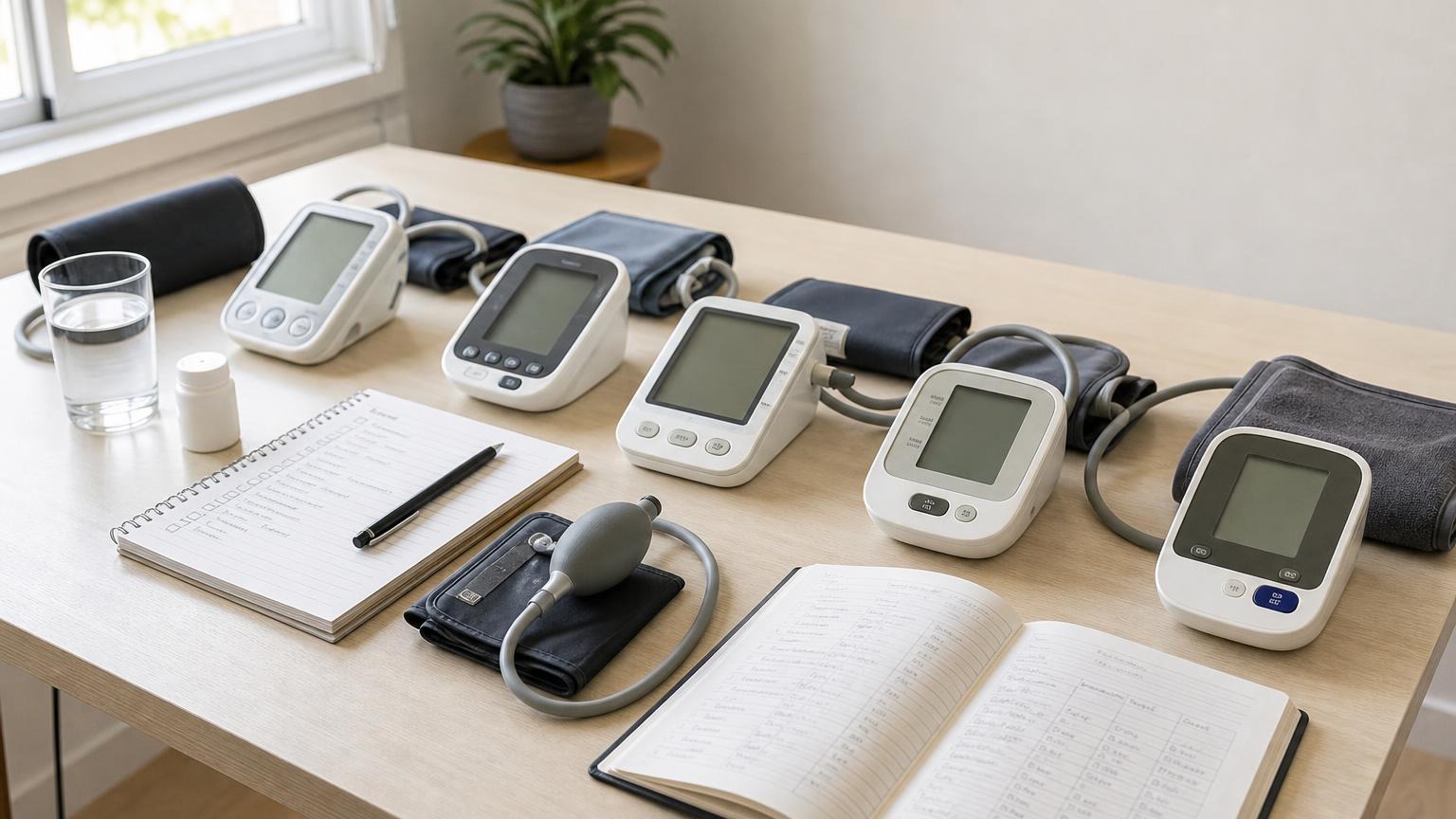
Can low batteries affect blood pressure readings? Learn what weak power can change, what it cannot prove, and how to retake a cleaner reading.
Can low batteries affect blood pressure monitor readings? They can affect how reliably some monitors inflate, display, save, or complete a reading, but a low-battery symbol does not automatically explain every high or low number. Treat weak power as one simple variable to remove before you decide the reading, cuff, or monitor is the real problem.
The safest approach is practical: replace the batteries or use the approved power adapter, reset your technique, and compare the next few completed readings under calm, consistent conditions.
Can low batteries affect blood pressure monitor readings?
Yes, low batteries can sometimes affect a blood pressure monitor’s behavior. The most common problem is not a subtle medical-looking number that is secretly wrong. It is usually a device behavior problem: slow inflation, repeated reinflation, a failed reading, an error code, a dim display, or a monitor that shuts off before the measurement finishes.
Automatic blood pressure monitors need steady power to inflate the cuff, detect pressure changes, process the signal, and display the result. If the power is weak, the monitor may have a harder time completing that sequence cleanly.
That said, low batteries are only one possible explanation. Odd readings can also come from cuff size, cuff placement, movement, talking, arm position, recent activity, stress, meals, caffeine, nicotine, pain, temperature, or a rushed first reading.
If you see a low-battery icon or the monitor behaves inconsistently, fix the power issue first. Then judge the readings after the device is working normally again.
Signs your blood pressure monitor may have weak power
Weak batteries do not always announce themselves clearly. Watch for patterns like these:
- the low-battery symbol appears or flashes
- the screen looks dim or fades during inflation
- the cuff inflates more slowly than usual
- the monitor stops mid-reading
- the pump sounds weaker or inconsistent
- the device shows repeated error codes
- readings fail more often than they used to
- stored readings disappear or the date and time reset
- the monitor works briefly after a battery change, then fails again
If the monitor plugs into the wall, also check the adapter. Use only the adapter type the manufacturer approves for that model. A random adapter that fits the port is not automatically the correct power source.
For other failed-reading patterns, see our guide to blood pressure monitor error codes.
What low batteries can and cannot tell you
A low-battery warning tells you the monitor may not have enough steady power. It does not diagnose your blood pressure, prove the monitor is inaccurate, or explain away every concerning number.
Use this distinction:
| What happened | How to interpret it | What to do next |
|---|---|---|
| Low-battery icon plus failed reading | The attempt may not be usable | Replace batteries and retake after resting |
| Low-battery icon plus completed reading | The number may be worth repeating under better conditions | Replace batteries, wait, and take two fresh readings |
| Repeated errors after fresh batteries | Power was probably not the only issue | Check cuff fit, tubing, posture, and monitor condition |
| Sudden odd readings with no power warning | Battery is possible, but not the first assumption | Review technique and compare repeated readings |
| Symptoms with a very high or low reading | Do not troubleshoot endlessly at home | Seek appropriate medical guidance |
A completed number from a weakly powered monitor is not automatically false, but it deserves a careful repeat. Do not delete it from your log as if it never happened; write a note such as “low battery warning” and retake the reading after changing power.
How to retake a reading after changing batteries
After replacing batteries, avoid the common mistake of immediately squeezing in five anxious readings. Reset the conditions first.
Use this routine:
- Turn the monitor off.
- Replace all batteries at the same time with the type listed in the manual.
- If the model uses an adapter, confirm it is the approved adapter.
- Reconnect the cuff tubing firmly.
- Sit with your back supported and both feet flat.
- Place the cuff on bare upper arm, following the cuff marker and size range.
- Support the cuffed arm near heart level.
- Rest quietly for 5 minutes.
- Take one reading without talking or moving.
- Wait about one minute and take a second reading.
- Record both numbers, the average if you use one, and the note “fresh batteries.”
The CDC’s home blood pressure guidance emphasizes using a consistent routine and taking at least two readings 1 or 2 minutes apart. That same routine helps you separate a power problem from a measurement-technique problem.
If the fresh-battery readings return to your usual pattern, weak power may have been part of the issue. If they stay unusual, the next step is not more battery swapping; it is better technique review, cuff inspection, and clinician guidance when the pattern is concerning.
When the problem is probably not the batteries
Fresh batteries are a good first fix because they are cheap and easy. But they do not solve every monitor problem.
Look beyond the batteries if:
- the cuff is cracked, stretched, leaking, or losing Velcro grip
- the tubing is kinked, loose, or damaged
- the cuff size does not match your arm circumference
- the monitor keeps reinflating despite careful setup
- readings vary widely even when you sit quietly
- the device was dropped, exposed to moisture, or stored in heat
- the same problem returns immediately after new batteries
- your home readings no longer resemble clinic readings or another trusted monitor
A worn cuff can mimic a weak monitor because it may not hold pressure consistently. A cuff that is too small, too large, or wrapped unevenly can also create misleading readings even when the electronics are fine. Our blood pressure cuff size chart is a useful place to check before replacing the whole monitor.
If the monitor itself is old or erratic, read our guide to whether home blood pressure monitors need calibration. In many consumer models, replacement is more realistic than true at-home calibration.
Should you use rechargeable batteries?
Use the battery type your monitor’s manual recommends. Some home monitors work well with certain rechargeable batteries, while others may be designed around standard alkaline batteries or a specific adapter.
The issue is not that rechargeable batteries are automatically unsafe or inaccurate. The issue is compatibility. If your monitor starts showing low-power warnings quickly, shuts off during inflation, or behaves inconsistently with rechargeables, switch to the battery type listed by the manufacturer or use the approved adapter.
Avoid mixing old and new batteries, mixing brands, or mixing rechargeable and disposable batteries in the same device. Replace the full set together so the monitor gets steady power.
FAQ
Can low batteries make a blood pressure reading falsely high?
Low batteries can make some monitors behave inconsistently, but they are not a reliable explanation for a high reading. Replace the batteries, retake the reading with careful technique, and look at the repeated pattern rather than dismissing one completed number.
Can low batteries make a blood pressure reading falsely low?
Possibly, but a low reading should not be blamed on batteries automatically. Weak power is more likely to cause failed readings, slow inflation, or errors. If a low reading repeats or comes with dizziness, faintness, weakness, or other symptoms, seek medical guidance.
Should I record a reading taken with a low-battery warning?
Record it with context. Write down the number if the monitor completed the reading, but add a note such as “low battery warning” and retake after replacing batteries. Context helps you and your clinician decide how much weight to give it.
How often should I replace blood pressure monitor batteries?
There is no universal schedule because usage and battery type vary. Replace them when the monitor shows a low-battery symbol, inflates weakly, shuts off during a reading, or starts failing readings without another obvious cause.
Bottom line
Low batteries can affect blood pressure monitor readings by making the monitor less reliable, especially during inflation, signal detection, or error handling. They do not automatically explain a high or low number. Replace weak batteries, retake the reading with a calm routine, and pay attention to repeated patterns.
If power problems, cuff issues, or erratic readings keep interrupting your routine, it may be time to compare your device with a more dependable home monitor.
This article is educational and not medical advice. Consult a qualified clinician before making treatment decisions or changing how you respond to blood pressure readings.
Top 5 picks
Best Blood Pressure Monitors For Seniors 2026
Five upper-arm monitors ranked with published scorecards—setup friction, comfort, readability, power convenience, and repeatable accuracy—so you can compare models before you buy.
See our Top 5 blood pressure monitor picksHome-monitoring advice is only useful if it is easy to verify and act on correctly.
We write explainers to be understandable to readers, search engines, and AI answer systems.
Compare our Top 5 blood pressure monitor picks for 2026, then track readings over time with consistent technique.


