Why Won't My Blood Pressure Monitor Turn On?
A blood pressure monitor that will not turn on is usually a power, battery, adapter, or contact issue. Here is what to check before replacing it.
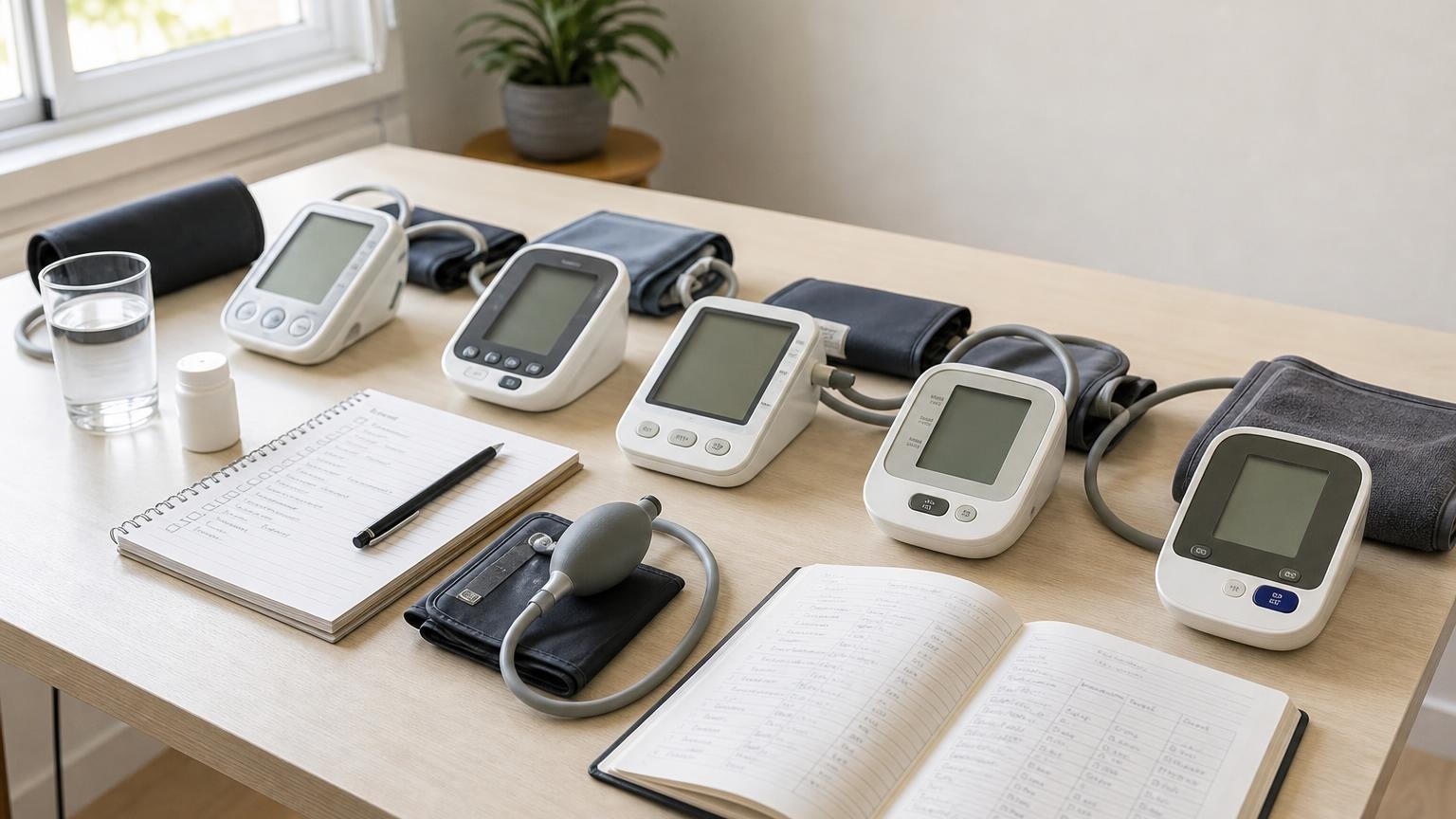
A blood pressure monitor that will not turn on is usually a power, battery, adapter, or contact issue. Here is what to check before replacing it.
If your blood pressure monitor will not turn on, start with the boring causes first: batteries, contacts, adapter fit, and whether the monitor is actually getting power. A dead screen does not automatically mean the monitor is ruined, and it definitely does not tell you anything useful about your blood pressure.
The goal is to separate a simple power problem from a monitor you should stop relying on. Do not keep taking readings with a device that shuts off, flickers, or behaves unpredictably. Fix the power issue first, then retest under calm conditions.
Why your blood pressure monitor won’t turn on
Most home blood pressure monitors fail to power on for one of these reasons:
- batteries are drained, mixed, reversed, or not seated firmly
- the battery contacts are dirty, bent, or corroded
- the battery door is loose or not fully closed
- the AC adapter is the wrong voltage, loose, damaged, or not approved for that model
- the monitor has reset after storage, travel, or a battery change
- the device has internal damage from age, moisture, a drop, or a worn power port
That list is intentionally practical. A monitor that will not turn on is usually a hardware or power-supply problem, not a medical mystery.
Start with the battery compartment
Open the battery door and check the simple things before assuming the monitor has failed.
First, replace the full set of batteries with new batteries of the type listed in the manual. Do not mix old and new batteries. Do not mix brands, chemistries, or partially used cells. A monitor may light up briefly with weak batteries and still fail once the pump needs power.
Second, confirm the positive and negative ends match the markings inside the compartment. This sounds obvious, but small battery diagrams can be hard to see, especially in a dim room.
Third, look at the metal contacts. If you see white residue, rust-colored marks, moisture, or a loose spring, the monitor may not be getting clean power. Do not scrape aggressively or use liquid cleaner inside the device. Wipe only what the manual allows, let everything dry fully, and stop if the compartment looks damaged.
If the monitor turns on after fresh batteries, set the date and time again if needed. Some monitors reset memory or clock settings when batteries are removed for long enough.
Check the adapter, but do not use just any charger
Some upper-arm monitors can run on either batteries or an AC adapter. That does not mean any adapter that fits the hole is safe or correct.
Use the adapter recommended by the manufacturer or one that exactly matches the model’s required output, polarity, and connector. A wrong adapter can fail to power the monitor, cause erratic behavior, or damage the device. Phone chargers, laptop chargers, and random drawer adapters are not interchangeable just because a plug seems close.
If you are using the approved adapter and the monitor still will not turn on, check:
- whether the wall outlet works with another small device
- whether the adapter is fully seated in the monitor and outlet
- whether the cord has bends, cracks, or exposed wiring
- whether the monitor works with fresh batteries but not with the adapter
That last check is useful. If batteries work and the adapter does not, the adapter or adapter port is likely the problem. If neither works, the monitor itself may need service or replacement.
What if the screen flashes and then shuts off?
A quick flash, beep, or partial display usually points to weak power or a poor connection. The monitor may have enough power to start the screen but not enough to run the pump and measurement cycle.
Treat that as unreliable until proven otherwise. Replace the full battery set, confirm the compartment is clean and closed, and try one test cycle without the cuff on your arm if the manual allows a startup check. If the monitor still shuts off, do not use the half-started reading as health information.
If the problem happens only during inflation, read our guide to why a blood pressure monitor keeps inflating. Inflation problems can come from power, but they can also come from cuff fit, tubing, movement, or a worn cuff.
When the monitor turns on but gives errors
A monitor that powers on but cannot finish a reading is a different problem from a monitor that will not turn on at all.
If the screen works but you see repeated error messages, check the cuff and setup:
- cuff on bare upper arm, not over clothing
- correct cuff size for your arm circumference
- tubing fully connected and not kinked
- arm supported near heart level
- body still, quiet, and seated during inflation
- fresh batteries or approved adapter power
Our blood pressure monitor error codes guide explains common E1, E2, Err, and cuff-related messages. If error codes continue after fresh power and careful setup, the monitor may not be dependable enough for routine tracking.
How to retest after you fix the power issue
Once the monitor powers on normally, do not immediately react to the first number. Treat the first successful reading after a power problem as a fresh setup check.
Use a standard routine:
- Sit with your back supported and feet flat.
- Rest quietly for 5 minutes.
- Place the cuff on bare upper arm.
- Support your arm near heart level.
- Take one reading without talking or moving.
- Wait about one minute and take a second reading.
- Record the numbers with a note such as “fresh batteries” or “adapter replaced.”
The CDC’s home blood pressure guidance also emphasizes consistent technique and taking more than one reading during a measurement session. The point is not to chase the lowest number. It is to rebuild confidence that the monitor is operating normally.
Signs it may be time to replace the monitor
Consider replacing the monitor, or contacting the manufacturer, if:
- it will not turn on with fresh batteries or the approved adapter
- the screen flickers, resets, or shuts off repeatedly
- the battery contacts are corroded or loose
- the adapter port is wobbly or damaged
- the pump sounds weak or inconsistent
- it has been dropped, exposed to moisture, or stored in heat
- readings remain erratic after you fix power, cuff fit, and technique
A home monitor does not last forever. If you are using readings for medication discussions, pregnancy monitoring, post-hospital follow-up, or clinician-requested logs, reliability matters more than squeezing another month out of a failing device.
FAQ
Can dead batteries make a blood pressure reading wrong?
Weak batteries are more likely to cause failed readings, slow inflation, shutdowns, or error messages than a predictable false high or false low number. If a reading was taken during a low-battery warning, record it with that note, replace the batteries, and repeat under standard conditions.
Can I use rechargeable batteries in my blood pressure monitor?
Only if your monitor manual allows them. Some rechargeable batteries have different voltage behavior than standard alkaline batteries, and some monitors are designed around a specific battery type. Follow the manual rather than guessing.
Should I delete readings taken before the monitor died?
Do not automatically delete them. If the readings were completed normally, keep them with context. If the screen flickered, the pump sounded weak, or a low-battery warning appeared, add a note and retake readings after fixing the power issue.
Why does my monitor work with batteries but not the adapter?
That usually points to the adapter, outlet, cord, connector, or power port. Use only the approved adapter for your model. If the approved adapter no longer works but batteries do, contact the manufacturer or replace the adapter with the exact recommended part.
Bottom line
A blood pressure monitor that will not turn on is usually a power problem before it is a monitor problem. Replace the full battery set, check the contacts, use only the approved adapter, and retest calmly after the monitor starts normally. If it still flickers, shuts off, or fails repeatedly, stop relying on it for trend tracking until it is repaired or replaced.
This article is educational and not medical advice. Consult a qualified clinician before making treatment decisions or changing how you monitor a medical condition.
Top 5 picks
Best Blood Pressure Monitors For Seniors 2026
Five upper-arm monitors ranked with published scorecards—setup friction, comfort, readability, power convenience, and repeatable accuracy—so you can compare models before you buy.
See our Top 5 blood pressure monitor picksHome-monitoring advice is only useful if it is easy to verify and act on correctly.
We write explainers to be understandable to readers, search engines, and AI answer systems.
Compare our Top 5 blood pressure monitor picks for 2026, then track readings over time with consistent technique.


