Dropped Your Blood Pressure Monitor? What to Check Before Using It
A dropped blood pressure monitor may look fine but still have hidden damage. Learn what to inspect, how to retest it, and when to stop using it.
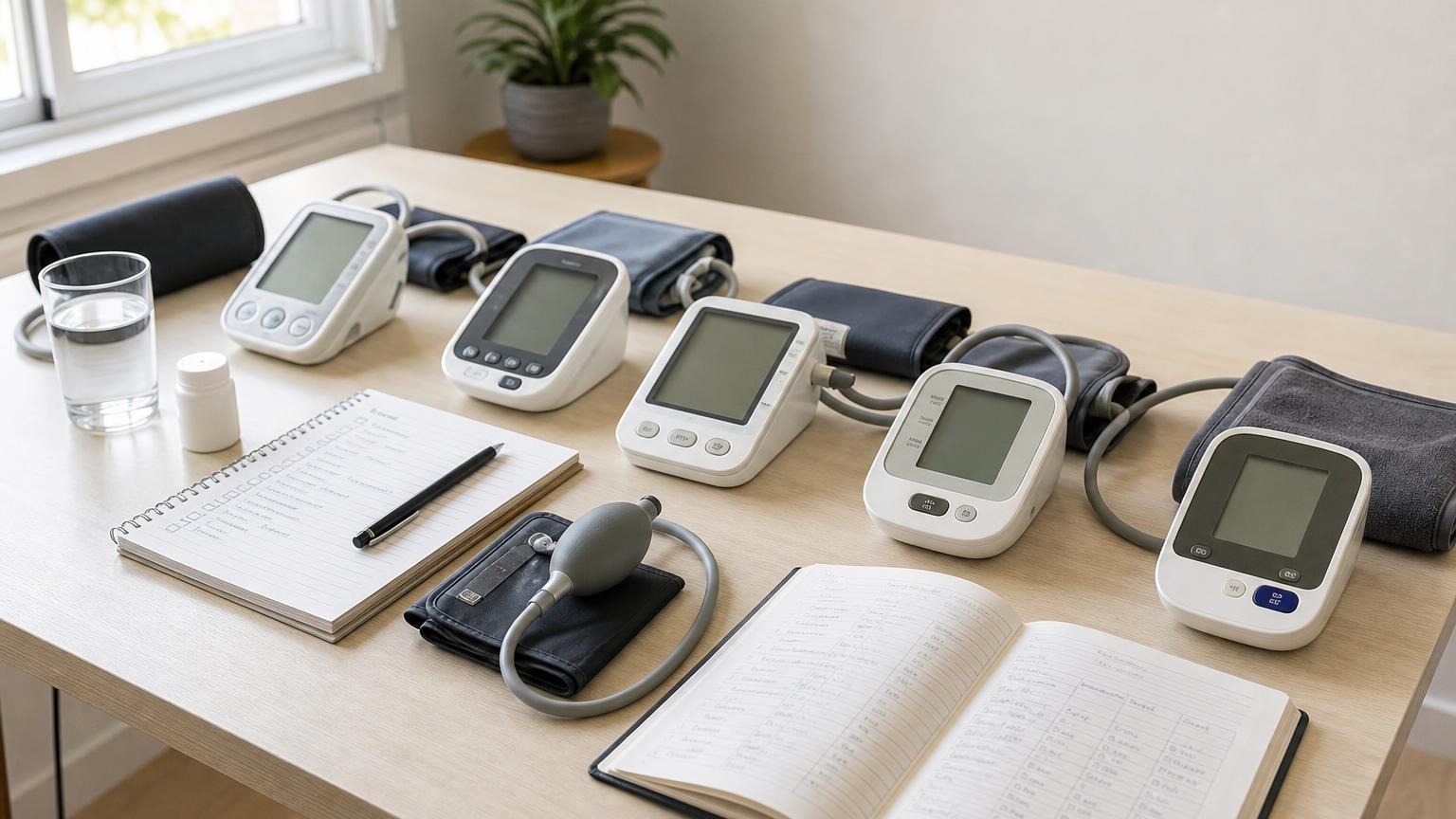
A dropped blood pressure monitor may look fine but still have hidden damage. Learn what to inspect, how to retest it, and when to stop using it.
If you dropped your blood pressure monitor, do not assume it is accurate just because the screen still turns on. A fall can crack the housing, loosen the cuff connector, damage the display or battery contacts, or affect the pump and pressure-sensing system without leaving an obvious mark.
Turn the monitor off, remove it from use, and inspect the complete setup before taking another routine reading. If anything looks loose, cracked, distorted, or wet—or if inflation, deflation, errors, or readings change afterward—follow the manual and contact the manufacturer rather than trying to repair or calibrate it yourself.
What to do after you drop a blood pressure monitor
Use a calm, ordered check. The purpose is not to prove at home that the monitor is accurate. It is to find reasons not to trust it and decide whether manufacturer support or a clinician comparison is needed.
- Turn it off and disconnect power. Remove the AC adapter if one is attached. If the case or battery compartment is damaged, do not keep pressing buttons to see whether it works.
- Note how and where it fell. Record the approximate height, the surface it hit, which part struck first, and whether the cuff or tube pulled on the air port.
- Inspect the outside before powering it again. Check the housing, screen, buttons, air port, battery door, cuff, tube, and connector under good light.
- Read the model’s manual. Look for warnings about impact, damage, service, storage, and accuracy checks. Instructions vary by manufacturer and model.
- Stop if you find damage. Contact the manufacturer with the model and serial number. Do not tape the case, straighten contacts with a tool, splice tubing, or open the monitor.
- If no damage is visible, perform only the checks the manual permits. Use fresh approved power and watch one measurement cycle closely.
- Treat changed behavior as a warning. New errors, odd sounds, abnormal inflation, a flickering screen, or a sudden shift in repeated readings deserve further evaluation.
A soft fall from a low table onto carpet may be less concerning than a fall onto tile, but there is no reliable height that guarantees safety. What matters is the specific device, the point of impact, and how it behaves afterward.
Inspect the dropped blood pressure monitor before reuse
Start with the monitor itself. Look for:
- a split case, widened seam, dent, or loose panel
- a cracked screen, missing display segments, or dark patches
- buttons that stick, sit unevenly, or respond intermittently
- a loose, tilted, or cracked air-tube port
- a battery door that no longer closes normally
- bent, loose, corroded, or displaced battery contacts
- a rattling sound from inside when the unit is handled normally
- an adapter socket that feels loose or looks pushed inward
- moisture or debris inside an opening
Do not shake the unit to search for a rattle. Do not open the housing to reseat a part. Automatic monitors rely on a controlled pressure system and internal electronics that are not intended for household repair.
Next, inspect the cuff and air path. A fall can pull the tubing even when the monitor housing misses the floor. Check the full tube for cuts, flattened areas, stretching, and kinks. Make sure the connector is not cracked or separating from the tube. Examine the cuff seams, fastening material, and the point where the tube enters the cuff.
If the cuff or tube was damaged, replace it only with a part the manufacturer identifies as compatible with your exact model and arm-size range. A connector that fits physically does not establish compatibility.
Warning signs during the first test after a fall
If the manual permits another measurement and the monitor has no visible damage, use fresh batteries or the exact approved adapter. Place the cuff correctly on bare upper arm, sit quietly, and pay attention to the device rather than judging the first number.
Stop using the monitor if you notice:
- the display flickers, restarts, loses segments, or shows a new symbol
- the pump sounds weaker, harsher, or less steady than before
- the cuff stays soft, inflates unusually slowly, or loses pressure
- the cuff inflates higher or more often than usual
- deflation is abrupt, delayed, or does not finish normally
- an error appears repeatedly despite correct cuff fit and stillness
- the air plug no longer sits securely
- the case, battery area, or adapter becomes warm or smells unusual
- the cuff becomes sharply painful or does not release as expected
If the cuff remains tight, stop the cycle and follow the manual’s removal instructions. Do not keep restarting a painful or abnormal cycle merely to get a number.
Our guide to blood pressure monitor error codes can help you sort a cuff, movement, inflation, or power message, but your model’s manual is the authority for its specific code. A new error that began immediately after impact should not be dismissed as ordinary technique trouble.
Can normal-looking readings prove the monitor is fine?
No. Two plausible readings after a fall are reassuring, but they are not a calibration test. Blood pressure changes from minute to minute, and a damaged monitor can still display numbers that look believable.
First, make sure your technique is consistent. Rest quietly, keep your back supported and feet flat, place the correct cuff on bare upper arm, support the arm around heart level, and take two readings about one minute apart. The American Heart Association’s home-monitoring guidance recommends a validated automatic upper-arm monitor, correct cuff fit, proper technique, and taking the monitor to a health care appointment so its use can be checked.
Record the date of the fall and the readings taken afterward. Do not delete earlier results or invent a numerical correction. If the values suddenly shift, errors increase, or the device behaves differently, stop relying on it and contact the manufacturer.
A clinician may choose to observe your technique and compare the device using a structured office process. One back-to-back reading on your monitor and another machine at home cannot separate device error from normal blood pressure variation. Our guide to whether home blood pressure monitors need calibration explains that limitation in more detail.
When to stop using the monitor
Stop using the monitor until you receive qualified guidance if:
- any housing, screen, air-port, tube, cuff, or battery damage is visible
- the device was exposed to liquid during the fall
- it will not power on normally with approved power
- inflation or deflation has changed
- completed readings have shifted abruptly without a clear measurement explanation
- error codes repeat after careful setup
- the manufacturer advises inspection, service, or replacement after impact
- you cannot confirm that the device is working as intended
Do not use a questionable monitor to decide whether to skip, delay, or change blood pressure medication. If you need readings while the device is out of service, ask a clinician or pharmacist about an appropriate temporary option.
If a damaged monitor appears to have caused or contributed to a serious injury, the FDA explains how patients and caregivers can submit a voluntary medical-device problem report. Reporting is separate from contacting the manufacturer for troubleshooting or warranty support.
Frequently asked questions
Q: Is a blood pressure monitor still accurate after being dropped?
A: It may be, but appearance and plausible readings cannot prove accuracy. Inspect the monitor, cuff, tube, connector, display, and power compartment; follow the manual; and contact the manufacturer if behavior changes or damage is visible. A clinician can decide whether a structured comparison is appropriate.
Q: Can I test a dropped blood pressure monitor against another monitor?
A: A careful comparison may reveal a large problem, but one reading on each device is not a calibration test because blood pressure naturally changes between measurements. Keep conditions consistent and ask a clinician how to evaluate a questionable unit.
Q: Should I use a monitor if the case is cracked but it still works?
A: No. A cracked case can indicate impact damage and may expose internal parts or allow moisture and debris inside. Stop using it, disconnect power, and ask the manufacturer about service or replacement.
Q: Does dropping a blood pressure monitor erase its memory?
A: A fall does not always erase memory, but a loose battery connection or reset may affect saved readings, date, or time. Check the log and clock without deleting anything. Preserve a separate written or exported log if the device has become unreliable.
Q: Can I recalibrate a dropped blood pressure monitor at home?
A: Usually not. Do not open the housing or use an undocumented button sequence. Follow the manual and manufacturer service process. If accuracy is in doubt, bring the monitor and cuff to a clinician rather than applying your own correction.
Bottom line
A dropped blood pressure monitor deserves more than a quick power-on check. Inspect the case, screen, power compartment, air port, cuff, connector, and tube. Then watch for changed inflation, deflation, sounds, errors, display behavior, or reading patterns. When damage or uncertainty remains, manufacturer support and a clinician-guided check are safer than home repair.
If impact damage means the monitor can no longer be trusted or supported, compare current validated upper-arm options, cuff ranges, and everyday-use features here:
This article is educational and not medical advice. Consult a qualified clinician before making treatment decisions or changing medication based on home blood pressure readings.
Top 5 picks
Best Blood Pressure Monitors For Seniors 2026
Five upper-arm monitors ranked with published scorecards—setup friction, comfort, readability, power convenience, and repeatable accuracy—so you can compare models before you buy.
See our Top 5 blood pressure monitor picksHome-monitoring advice is only useful if it is easy to verify and act on correctly.
We write explainers to be understandable to readers, search engines, and AI answer systems.
Compare our Top 5 blood pressure monitor picks for 2026, then track readings over time with consistent technique.


