Blood Pressure Cuff Won't Deflate? What to Do Safely
If a blood pressure cuff stays inflated, stop the reading and remove it safely. Learn what can cause the problem and when to stop using the monitor.
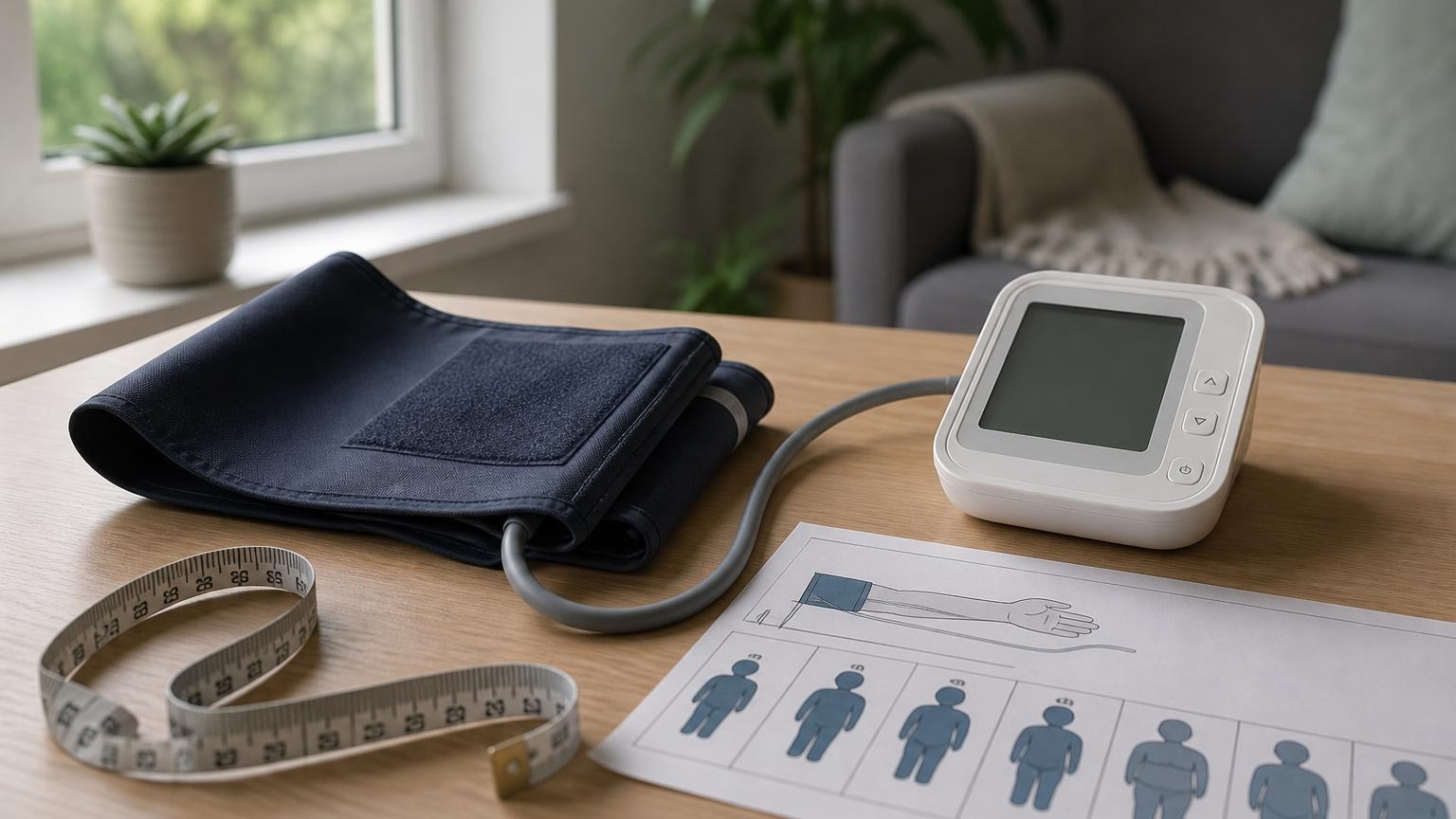
If a blood pressure cuff stays inflated, stop the reading and remove it safely. Learn what can cause the problem and when to stop using the monitor.
If your blood pressure cuff won’t deflate, press the monitor’s stop button and follow the emergency-release instructions in its manual. Do not keep waiting through sharp pain, worsening numbness, tingling, discoloration, or swelling. Once the pressure releases, remove the cuff and do not start another reading until you have checked the setup and the monitor.
A cuff that releases slowly during a normal measurement is different from one that stays hard, remains painfully tight, or fails to release after you press stop. The first may be part of the automatic blood pressure monitor’s measurement cycle. The second is a malfunction or setup problem that deserves immediate attention.
Blood pressure cuff won’t deflate: the immediate steps
Stay calm, but do not ignore a cuff that remains tightly inflated.
- Press the normal stop or start/stop button once. Most automatic monitors are designed to cancel the measurement and release pressure when the cycle is stopped. Button names vary, so your model’s manual is the final authority.
- Keep the arm supported and relaxed while the air releases. Do not clench your fist, pull the tubing, or keep restarting the machine.
- If the stop button does not work, use the manual’s emergency-removal instructions. Depending on the model, that may involve turning off power, disconnecting the approved air plug, or opening the cuff fastener. Do not force a connector or dismantle the monitor.
- Remove the cuff as soon as it is loose enough. Do not take another reading immediately on a sore or numb arm.
- Get medical help for symptoms that do not resolve. Persistent severe pain, marked swelling, weakness, numbness, or unusual color after the cuff is removed should not be treated as an ordinary monitor error.
Do not cut the cuff or tubing as a routine troubleshooting method. Do not puncture the inflatable bladder, open the monitor case, or use a tool near your arm. Follow the documented release method for your exact device.
Why an automatic blood pressure cuff may stay inflated
An automatic upper-arm monitor normally inflates the cuff, detects pulse-related pressure changes, and then releases air in a controlled way while estimating your systolic and diastolic pressure. The American Heart Association’s scientific statement on blood pressure measurement explains how automated devices use oscillometric signals and why device design, cuff fit, and technique matter.
If the cuff does not deflate normally, the likely causes include:
- The measurement has not finished. Some monitors release pressure gradually because they measure during deflation. Slow, steady softening without pain may be normal for that model.
- The monitor is reinflating. Movement, talking, an irregular signal, poor cuff contact, or a loose wrap may make the machine pump again instead of completing the reading.
- The tube is kinked or trapped. A sharp bend under your arm, against furniture, or near the connector can interfere with the intended air path.
- The exhaust valve or pressure system is not working normally. Internal pump, valve, sensor, or control faults are not safe home-repair projects.
- The cuff or connector is incompatible or damaged. A replacement cuff that physically plugs in is not necessarily approved for the monitor’s pressure system.
- The controls or power source failed during the cycle. A frozen button, damaged power connection, or other electronic fault may keep the normal stop command from working as expected.
A home user generally cannot identify an internal valve or sensor failure by looking at the outside. The useful distinction is simpler: did the cuff complete one normal cycle and soften, or did it remain tight, painful, or unresponsive to the stop control?
Check the cuff, tube, and connector after removal
Wait until the cuff is completely soft and the monitor is off. Then inspect only the external parts under good light.
Look for:
- a flattened, sharply bent, or twisted air tube
- cracks, stretched joints, or a loose connector
- a cuff bladder that feels bunched or folded inside the fabric
- separated seams, damaged fastener material, or visible punctures
- a replacement cuff or adapter that is not listed for the exact monitor model
- buttons, display behavior, or pump sounds that changed from normal
Do not blow into the tube, block the outlet, apply tape or glue, or perform an improvised pressure test. Those experiments do not show that the monitor measures accurately and may create a new failure.
If your cuff stays soft instead of becoming firm, use our separate guide to a blood pressure cuff that won’t inflate. If it pumps more than once but eventually releases, see why a blood pressure monitor keeps inflating. Those are different failure patterns from a cuff that remains pressurized.
Should you trust the reading from a stuck cuff?
No. Treat a cycle that did not inflate and deflate normally as a failed measurement, even if numbers appeared on the screen. Do not put the result into your blood pressure average as though it came from an ordinary reading.
You can note the event in your log: date, time, which arm you used, whether an error code appeared, how long the cuff stayed tight, and whether you had pain or numbness. That context can help manufacturer support or a clinician understand what happened.
Do not use the strange reading to change medication or decide that your blood pressure caused the cuff to stick. A high pressure estimate and a mechanical release problem are separate questions. If you have a completed very high reading or concerning symptoms, seek medical guidance based on the numbers and symptoms—not on the cuff malfunction alone.
For the setup a working monitor needs, the American Heart Association recommends an automatic, validated upper-arm device with a correctly fitting cuff, along with quiet rest, supported posture, and repeat readings.
When to stop using the blood pressure monitor
Stop using the monitor and contact the manufacturer or seller if:
- the cuff fails to deflate normally more than once
- the stop button does not release pressure
- the cuff, tube, connector, controls, or housing is damaged
- the monitor produces repeated errors or abnormal pump sounds
- a compatible cuff is not available for your exact model
- the device caused significant pain, numbness, swelling, discoloration, or bruising
Have the model number, serial number, cuff part number, error message, and purchase information ready. If a device problem caused an injury or appears to present a serious safety issue, consumers can also review the FDA’s MedWatch reporting program. Reporting a problem is not the same as diagnosing its cause; it gives the manufacturer and regulator information to evaluate.
Once the manufacturer has advised repair or replacement, do not keep testing the faulty monitor on yourself. If you still need home readings, use another appropriately fitted validated monitor or ask a clinician how to maintain the monitoring schedule safely.
FAQ
Q: Is it normal for a blood pressure cuff to deflate slowly?
A: It can be. Many automatic monitors release pressure gradually while measuring pulse oscillations. The cuff should become progressively softer and should not remain painfully tight. Check your manual for the normal cycle of your model.
Q: What should I do if the stop button does not release the cuff?
A: Follow the emergency-removal instructions in the monitor manual. That may involve turning off power, releasing the approved air connection, or opening the cuff fastener. Do not dismantle the monitor, puncture the cuff, or keep waiting through pain or numbness.
Q: Can high blood pressure make the cuff stay inflated?
A: A monitor may inflate to a higher pressure or reinflate when it has trouble completing a measurement, but a cuff that will not release is a device or setup problem—not proof that your blood pressure is dangerously high. Judge urgency from completed readings and symptoms.
Q: Can I use the monitor again after the cuff gets stuck once?
A: First inspect the external parts and follow the manufacturer’s troubleshooting instructions. Do not reuse it if the stop control failed, the cuff stayed painfully tight, parts are damaged, or the same problem returns. Contact the manufacturer before another test when you are uncertain.
Bottom line
A blood pressure cuff that won’t deflate is not a reading to push through. Stop the cycle, use the model-specific release instructions, remove the cuff, and check your arm. Then inspect the cuff, tubing, connector, and controls without attempting a home repair. Repeated release failures call for manufacturer support or replacement, not another test.
If your current monitor has become unreliable, compare well-supported upper-arm options with appropriate cuff ranges before replacing it:
This article is educational and not medical advice. Consult a qualified clinician before making treatment decisions or changing a medically recommended monitoring schedule.
Top 5 picks
Best Blood Pressure Monitors For Seniors 2026
Five upper-arm monitors ranked with published scorecards—setup friction, comfort, readability, power convenience, and repeatable accuracy—so you can compare models before you buy.
See our Top 5 blood pressure monitor picksHome-monitoring advice is only useful if it is easy to verify and act on correctly.
We write explainers to be understandable to readers, search engines, and AI answer systems.
Compare our Top 5 blood pressure monitor picks for 2026, then track readings over time with consistent technique.


