Why Does My Blood Pressure Monitor Keep Inflating?
Why does your blood pressure monitor keep inflating? Learn the common causes, when to retry, and when repeated reinflation needs attention.
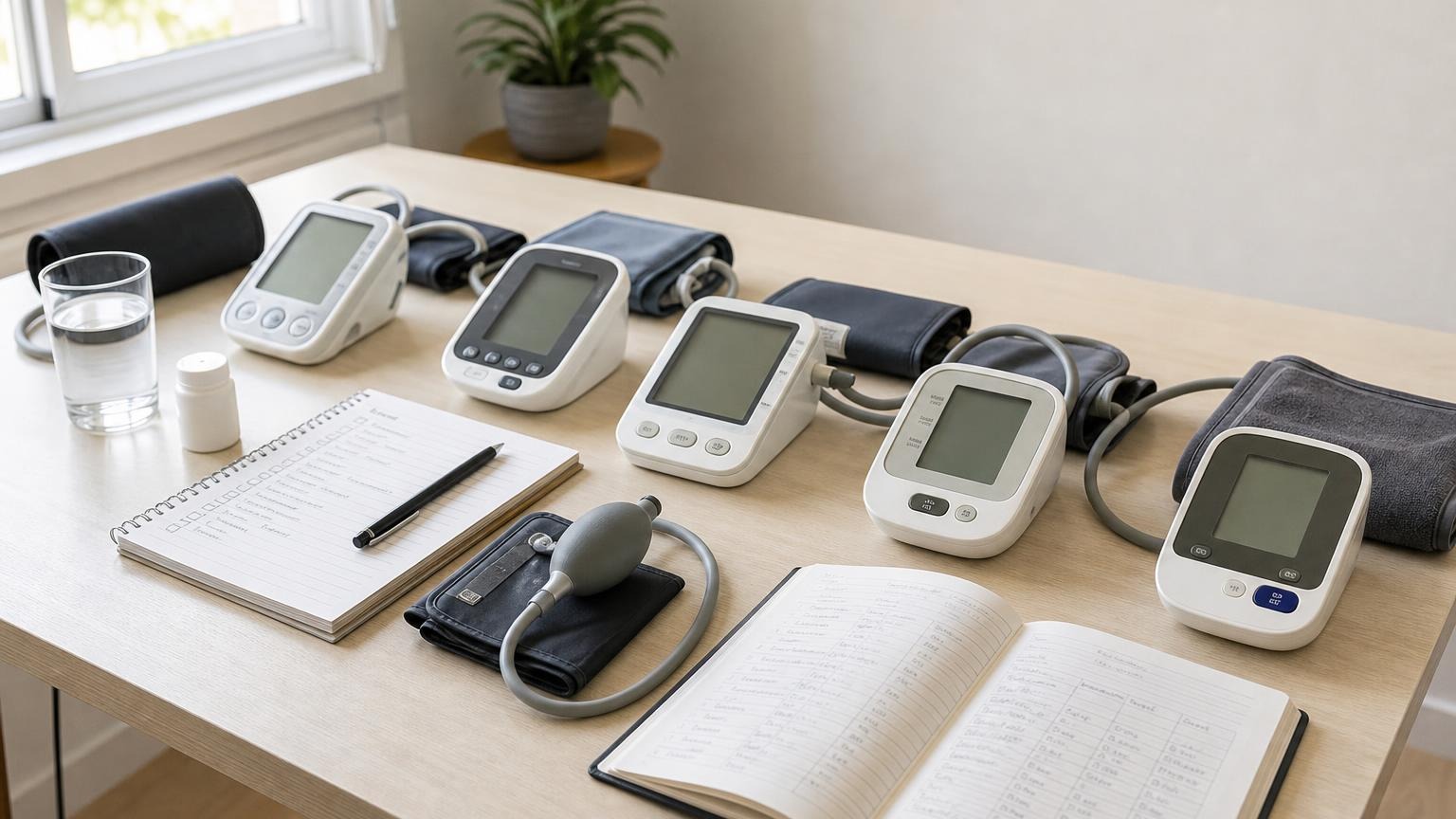
Why does your blood pressure monitor keep inflating? Learn the common causes, when to retry, and when repeated reinflation needs attention.
Why does your blood pressure monitor keep inflating after it already feels tight? Usually, the monitor is trying to get a clearer signal. That can happen because the cuff is loose, the arm moved, the reading is unusually high, the cuff size is wrong, or the device had trouble detecting the pressure pattern it needs.
One reinflation is not automatically a sign that your monitor is broken or that something dangerous is happening. But if it keeps happening, the pattern is worth troubleshooting before you trust the number.
Why a blood pressure monitor keeps inflating
Most automatic blood pressure monitors work by inflating the cuff, briefly squeezing the artery, and listening for pressure changes as air releases. If the monitor does not get a clean enough signal, some models inflate again or inflate higher than expected.
Common reasons include:
- the cuff was wrapped too loosely or unevenly
- the cuff size does not match your arm
- your arm, hand, or shoulder moved during the reading
- you talked, laughed, coughed, or held your breath
- the cuff was over clothing or bunched fabric
- the tube was kinked or not fully connected
- the monitor detected a pressure pattern that required a higher inflation level
- the batteries were weak or the power adapter was not the correct one
- the device or cuff is wearing out
The important point: reinflation is a signal to check the setup, not a diagnosis by itself.
If your readings are also jumping around, start with the basics in our guide to taking an accurate blood pressure reading at home.
Is it bad if the cuff gets very tight?
A blood pressure cuff is supposed to feel snug and briefly uncomfortable while it inflates. It should not feel painful, pinch the skin, leave deep marks, or make your hand feel numb for more than a short moment.
If the cuff keeps inflating higher than usual, stop the reading and reset your setup. Do not keep repeating a painful measurement just to get a number.
Check these details before trying again:
- Place the cuff on bare upper arm.
- Keep the cuff’s lower edge above the elbow crease, following your monitor’s instructions.
- Wrap it snugly, but not so tight that you cannot fit a fingertip under the edge.
- Keep the tube untwisted and connected securely.
- Sit quietly with your back supported and feet flat.
- Support your arm so the cuff is at heart level.
- Rest for 5 minutes before restarting.
If cuff discomfort is a frequent problem, read our guide on how tight a blood pressure cuff should be. A cuff that is too small, too tight, or placed incorrectly can make home monitoring unnecessarily stressful.
Common setup problems that cause repeated reinflation
Small setup issues can make an automatic monitor work harder than it needs to.
| Problem | Why it can trigger reinflation | Better approach |
|---|---|---|
| Loose cuff | The monitor may not build or sense pressure cleanly | Rewrap the cuff smoothly on bare upper arm |
| Wrong cuff size | The device may struggle to match inflation to the arm | Measure your arm and use the manufacturer’s cuff range |
| Arm below heart level | The reading may look higher and the signal may be harder to interpret | Support the arm on a table or pillow |
| Talking or moving | Motion can interfere with the pressure signal | Stay still and quiet until the reading finishes |
| Kinked tube | Airflow may be interrupted | Straighten the tube and check the connector |
| Weak power | Some monitors behave less consistently when power is low | Replace batteries or use the approved adapter |
Cuff size deserves special attention. If the cuff is too small for your arm, the reading may be less reliable and the inflation can feel harsher. Our blood pressure cuff size chart explains how to measure your arm before assuming the monitor is the problem.
Could reinflation mean your blood pressure is high?
Sometimes, yes. Some automatic monitors inflate higher when they need to measure a higher pressure range. If your systolic pressure is higher than the monitor expected from its first inflation, the device may add more pressure to complete the measurement.
That does not mean reinflation alone proves your blood pressure is high. It can also happen because of poor cuff placement, motion, talking, or a bad signal.
The practical approach is:
- stop if the cuff is painful
- reset your posture and cuff placement
- wait a few quiet minutes
- take two readings about one minute apart
- write down the average and any notes, such as “monitor reinflated” or “cuff felt too tight”
If the monitor reinflates and the final reading is high, do not diagnose yourself from one attempt. Repeat under better conditions and look for a pattern. Our article on how many blood pressure readings to take explains why repeated readings are more useful than a single number.
When to suspect the monitor or cuff
If the monitor keeps reinflating even when your setup is careful, the hardware may deserve a closer look.
Watch for patterns like:
- frequent reinflation across several days
- repeated error messages
- a cuff that leaks, cracks, or no longer holds shape
- a tube that slips out or looks damaged
- readings that suddenly differ from clinic readings or another trusted monitor
- reinflation that continues after fresh batteries and correct cuff placement
A worn cuff can be easier to overlook than a broken monitor. The fabric, bladder, Velcro, and tubing all matter. If the cuff no longer wraps evenly or loses pressure, replacing the cuff may be more sensible than replacing the whole monitor, as long as the replacement is approved for that model.
For a broader troubleshooting path, see our guide on whether home blood pressure monitors need calibration.
What to do after a failed or painful reading
If a reading fails, feels painful, or requires repeated reinflation, do not immediately take five more readings in a row. That can make your arm sore and add stress, which may make the next number less useful.
Use this reset routine instead:
- Remove the cuff.
- Check that the cuff size matches your arm.
- Replace weak batteries if the monitor shows a low-power symbol.
- Sit quietly for several minutes.
- Reapply the cuff on bare skin.
- Take one reading while still and quiet.
- If it seems unusually high or low, wait one minute and take a second.
- Log the average and note any problem with reinflation.
If you have concerning symptoms such as chest pain, shortness of breath, fainting, confusion, weakness on one side, or sudden severe headache, do not spend time troubleshooting the monitor at home. Seek urgent medical guidance.
FAQ
Why does my blood pressure cuff inflate twice?
Many automatic monitors inflate twice when the first attempt did not capture a clear enough signal or when the device needs a higher pressure range. One extra inflation is usually a reason to check the cuff and posture, not a reason to panic.
Should I stop the reading if the cuff hurts?
Yes. If the cuff becomes painful, pinches, or feels unsafe, stop the reading and remove it. Recheck cuff size, placement, and posture before trying again. Home monitoring should be briefly snug, not painful.
Can a loose cuff make the monitor keep inflating?
Yes. A loose or uneven cuff can make it harder for the monitor to sense pressure changes. Wrap the cuff smoothly on bare upper arm, with the cuff positioned according to the device instructions.
Does reinflation mean my monitor is inaccurate?
Not always. Reinflation can happen on an otherwise working monitor if setup conditions are poor. If it happens repeatedly despite correct technique, fresh power, and the right cuff size, compare the monitor with another trusted device or ask a clinician how to verify it.
Bottom line
If your blood pressure monitor keeps inflating, start with the simple causes: cuff fit, arm position, movement, tube connection, and power. One reinflation can be normal. Repeated reinflation, pain, error messages, or inconsistent readings deserve a more careful check before you rely on the number.
If your current monitor is hard to use consistently, compare upper-arm options in our current roundup:
This article is educational and not medical advice. Consult a qualified clinician before making treatment decisions or interpreting symptoms from home readings.
Top 5 picks
Best Blood Pressure Monitors For Seniors 2026
Five upper-arm monitors ranked with published scorecards—setup friction, comfort, readability, power convenience, and repeatable accuracy—so you can compare models before you buy.
See our Top 5 blood pressure monitor picksHome-monitoring advice is only useful if it is easy to verify and act on correctly.
We write explainers to be understandable to readers, search engines, and AI answer systems.
Compare our Top 5 blood pressure monitor picks for 2026, then track readings over time with consistent technique.


