Blood Pressure Monitor Start Button Not Working? What to Check
If your blood pressure monitor turns on but will not start a reading, check the controls, power, cuff connection, mode, and possible damage.
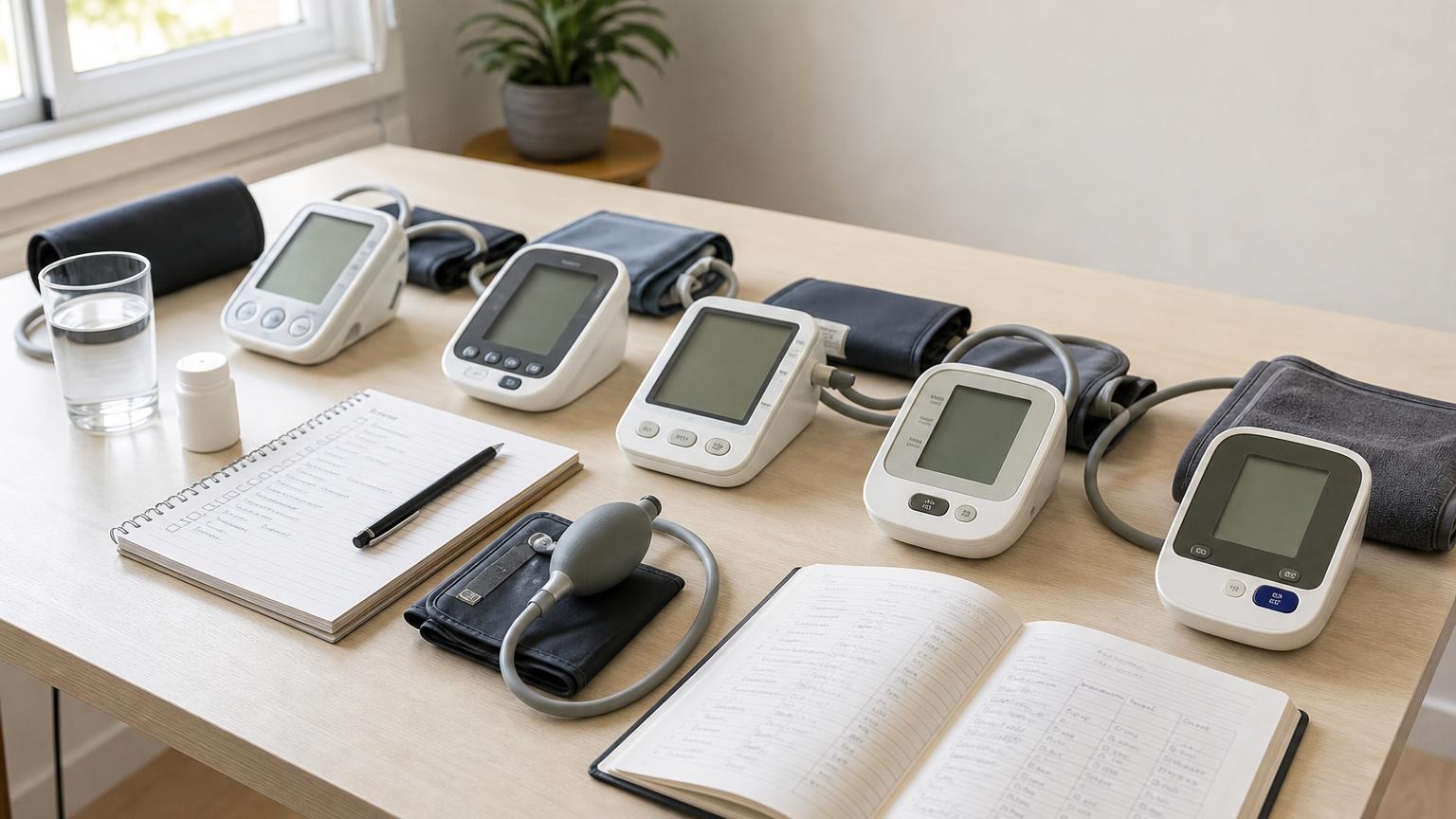
If your blood pressure monitor turns on but will not start a reading, check the controls, power, cuff connection, mode, and possible damage.
If your blood pressure monitor start button is not working, remove the cuff from your arm before troubleshooting. Confirm that the monitor has stable power, exit memory or settings mode, reconnect the cuff tube, and press the documented start/stop control once. If the button remains stuck, intermittent, or unresponsive, do not open the housing or keep forcing it.
A monitor that lights up but will not begin a measurement may have a simple mode or power problem. It may also have a worn control, damaged case, or internal fault that is not safe to repair at home. The exact button sequence varies by model, so the manual for the full model number is the final authority.
Why a blood pressure monitor start button may not work
The screen turning on does not prove the monitor is ready to run the pump. Automatic blood pressure monitors use the same controls for several functions, including measurement, memory, user selection, date and time, Bluetooth pairing, and settings. A device can therefore look powered on while waiting for a different input.
Common reasons the measurement will not start include:
- Weak or unstable power. The display may work even when the batteries cannot support the pump.
- The monitor is in memory or settings mode. Pressing a button may scroll records or change a value instead of starting inflation.
- The wrong control is being used. Some devices have separate power and start buttons; others combine them.
- A user, guest, or pairing prompt is waiting. The device may require a profile selection or an exit from setup before measuring.
- The air plug is loose. Some models may not start normally when the cuff tube is not fully connected.
- A button is physically stuck or worn. Dirt around the control, impact damage, liquid exposure, or ordinary wear can make it intermittent.
- The monitor has frozen. An incomplete startup, power interruption, or electronic fault may leave the screen on but the controls unresponsive.
- A safety or device error is active. The screen may show a code, low-battery symbol, or other prompt that needs to be interpreted through the manual.
Do not assume the pump has failed until you have ruled out power, mode, and cuff connection. At the same time, do not repeatedly press every button combination you find online. Instructions for a similar-looking model may erase memory, change units, start pairing, or trigger a factory reset.
Check a blood pressure monitor that turns on but will not start
Work through one controlled reset with the cuff off your arm:
- Save visible information. Photograph any code, symbol, user number, date, time, or saved reading before changing settings or batteries.
- Turn the monitor off normally. If it will not respond, follow the model’s manual for ending a session. Do not remove power while a cuff is inflated.
- Install a fresh matching battery set. Replace all batteries together with the type and orientation specified by the manufacturer. If the device supports an adapter, use only the approved adapter.
- Check the battery compartment. Look for moisture, residue, corrosion, bent contacts, or a loose door. Do not scrape or pour cleaner into it.
- Reconnect the cuff tube. Hold the plug rather than the hose and seat it in the correct port. Straighten obvious kinks without stretching the tube.
- Return to measurement mode. Exit memory, clock, user setup, Bluetooth, or settings screens exactly as the manual describes.
- Select the intended user if required. Confirm that you are not in guest or transfer-only mode.
- Press the start/stop button once. Use a normal press, not a sharp object or excessive force. Watch for a pump sound, changing screen, symbol, or error.
If the screen is completely blank, use the more specific guide to a blood pressure monitor that will not turn on. If digits are missing, the display freezes, or the backlight flickers, see what to check when the blood pressure monitor display is not working.
What the button behavior can tell you
The timing and consistency of the problem can narrow the likely cause.
| What happens | What to check first |
|---|---|
| Nothing happens, but the display stays on | measurement mode, user prompt, button response, manual |
| The screen dims or restarts when Start is pressed | batteries, contacts, approved adapter, power fault |
| A code appears instead of inflation | exact manual definition, cuff connection, setup |
| The pump starts only after several presses | worn or sticking control; stop forcing it and contact support |
| The monitor starts from the app but not the device | physical control, app mode, model-specific workflow |
| The cuff begins inflating and then stops | cuff, tube, movement, power, or a measurement error |
A button that works only when pressed hard, held at an angle, or tapped repeatedly is not dependable. That behavior may worsen without warning and can leave you unable to stop a cycle normally. Contact the manufacturer rather than treating an intermittent control as a harmless inconvenience.
If the monitor starts but ends with E1, E2, Err, or another message, use the broader guide to blood pressure monitor error codes. A failed cycle is not a blood pressure reading.
Do not repair or test the button this way
Avoid troubleshooting steps that can damage the monitor or make the next result harder to trust:
- do not pry up the button or open the case
- do not spray cleaner, alcohol, or lubricant around the control
- do not press the button with a pen, pin, knife, or other tool
- do not tape the button down
- do not substitute a random charger because its plug fits
- do not repeatedly start cycles on your arm to reproduce the fault
- do not use an undocumented factory reset before preserving readings
Clean only as the manufacturer directs, usually with the device powered off and no liquid entering openings. If the monitor was dropped or exposed to moisture before the control stopped working, mention that when contacting support. A normal-looking case does not rule out internal damage.
Can you trust the monitor after the button works again?
A fresh battery set, corrected user mode, or firmly seated cuff plug may solve a simple setup problem. Even then, one successful button press does not prove measurement accuracy.
After the monitor starts normally, take one careful test under standard home conditions. The American Heart Association’s home-monitoring guidance recommends a validated automatic upper-arm monitor, a correctly fitting cuff, at least 5 minutes of quiet rest, and repeat readings. The CDC’s measurement guidance similarly emphasizes consistent timing, proper setup, and recording results.
For the test:
- sit with your back supported and feet flat
- place the correct cuff on bare upper arm
- support the arm around heart level
- remain still and silent
- confirm that inflation and deflation feel normal
- take two completed readings about one minute apart
- note that power, mode, or the cuff connection was corrected
Stop using the monitor if the start/stop control becomes intermittent again, the screen resets, inflation begins unpredictably, the cuff does not release normally, or unrelated errors appear. Do not change medication based on a questionable device or a reading from an abnormal cycle.
When to contact the manufacturer or replace the monitor
Manufacturer support is the safer next step when:
- the start/stop button is physically stuck, loose, cracked, or unresponsive
- the control works only with unusual pressure or repeated attempts
- fresh approved power does not restore normal operation
- the device starts or stops without a deliberate button press
- the problem began after a fall, spill, or extreme storage conditions
- the case, battery compartment, adapter port, tube, or connector is damaged
- the cuff cannot be stopped and released through the normal control
- the manual’s documented reset does not restore reliable operation
Have the monitor model, serial number, cuff part number, power source, displayed symbols, and a description of the failure ready. Ask whether the model has a documented control reset, warranty service, or approved replacement path.
If a malfunction appears to have caused a serious injury, use the manufacturer’s reporting process and review the FDA’s MedWatch reporting information. Reporting a problem does not identify the cause, but it gives the manufacturer and regulator information to evaluate.
FAQ
Q: Why does my blood pressure monitor turn on but not start?
A: It may have weak power, be in memory or settings mode, be waiting for a user selection, have a loose cuff connection, or have a failing start button. Remove the cuff, preserve visible information, install fresh matching batteries, follow the manual back to measurement mode, and try the documented control once.
Q: Can weak batteries make the Start button seem broken?
A: Yes. A display can light with power that is not stable enough to run the pump. Replace the complete battery set with the specified type and confirm the contacts and battery door are sound. Use only the approved adapter if the model supports one.
Q: Should I hold down the Start button on a blood pressure monitor?
A: Only if the exact model manual says to. A short press starts many monitors, while a long press may open settings, pairing, memory deletion, or another function. Do not guess from instructions for a different model.
Q: What if the cuff starts inflating and the Stop button does not work?
A: Follow the model’s emergency-stop or cuff-removal instructions immediately. Do not continue the reading or pull on the air tube. After the cuff is safely removed, stop using the monitor and contact the manufacturer before another measurement.
Bottom line
When a blood pressure monitor’s start button is not working, troubleshoot with the cuff off your arm. Check stable power, the current screen mode, user selection, and the air connection before one normal button press. A stuck, intermittent, or force-dependent control needs manufacturer support, not a home repair.
If the controls no longer make routine readings dependable, compare replacement options by validation, cuff fit, readable controls, and manufacturer support:
This article is educational and not medical advice. Consult a qualified clinician before making treatment decisions or changing medication based on home blood pressure readings.
Top 5 picks
Best Blood Pressure Monitors For Seniors 2026
Five upper-arm monitors ranked with published scorecards—setup friction, comfort, readability, power convenience, and repeatable accuracy—so you can compare models before you buy.
See our Top 5 blood pressure monitor picksHome-monitoring advice is only useful if it is easy to verify and act on correctly.
We write explainers to be understandable to readers, search engines, and AI answer systems.
Compare our Top 5 blood pressure monitor picks for 2026, then track readings over time with consistent technique.


