Can You Use Your Phone While Taking Blood Pressure?
Using your phone during a blood pressure reading can add movement, talking, and stress. Learn when to put it down and when it is safe to use.
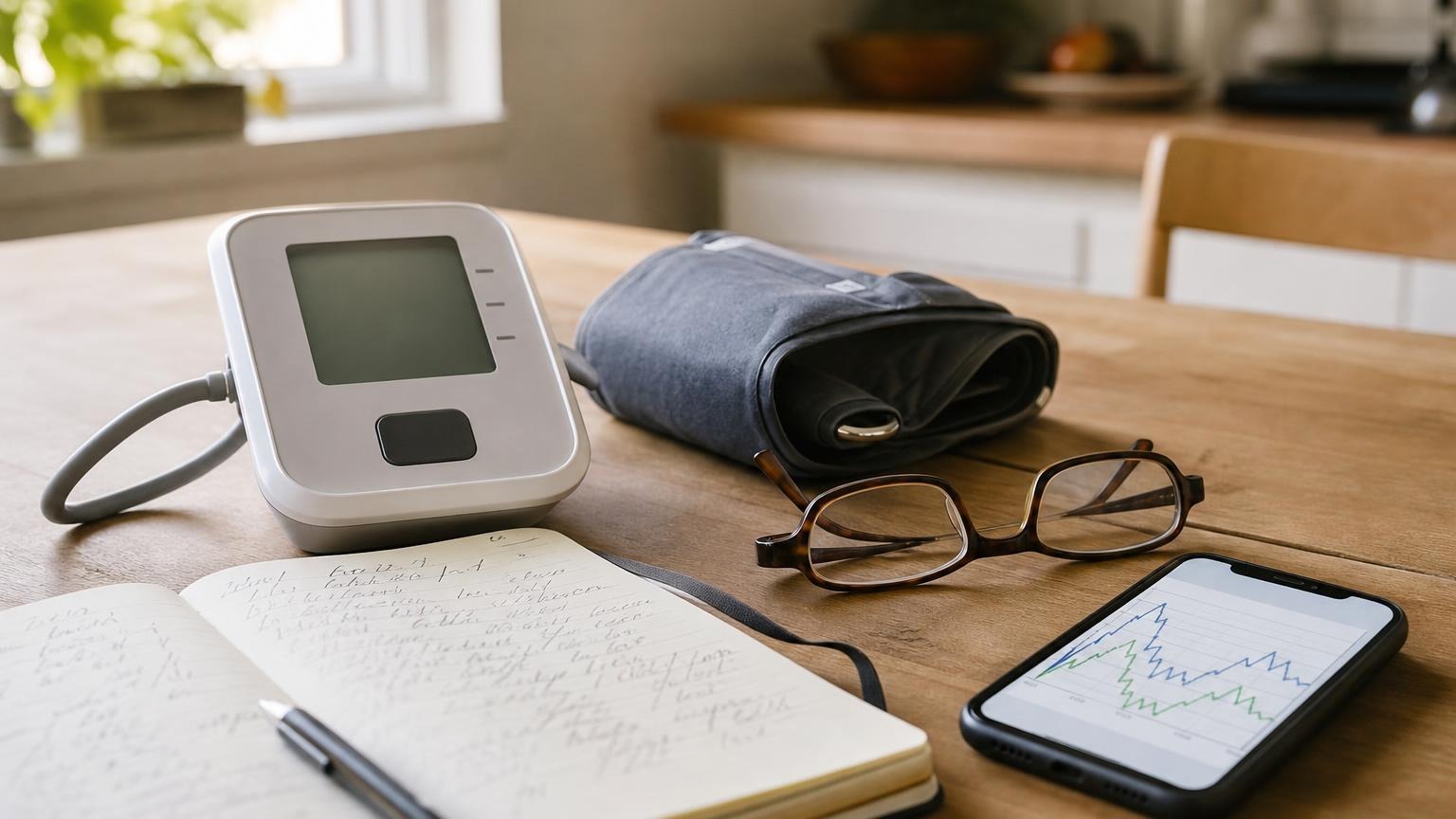
Using your phone during a blood pressure reading can add movement, talking, and stress. Learn when to put it down and when it is safe to use.
You should generally not use your phone while taking blood pressure. Scrolling, typing, answering a call, or reacting to a message can make you move, talk, tense your arm, or become mentally engaged. That turns a resting measurement into a reading taken during activity.
The phone itself is not usually the problem. The problem is what you do with it. Put it on silent and leave it untouched during the quiet rest period and while the cuff is measuring. Use it after the reading to record the result, if that is how you keep your log.
Can you use your phone while taking blood pressure?
Not if “use” means holding it, scrolling, texting, watching a video, or talking. A routine home blood pressure reading is meant to capture your pressure while you are seated, supported, still, and quiet. Phone interaction works against that setup in several ways:
- Hand and arm movement: Tapping or holding the phone can move the measured arm or shift your posture.
- Muscle tension: Gripping the phone, reaching for it, or typing can tense your hand, forearm, shoulder, or back.
- Talking: A phone call requires speaking and listening rather than remaining quiet.
- Mental stimulation: News, work messages, social media, and upsetting notifications may make the session less restful.
- Position changes: Looking down at a screen can round your shoulders, remove back support, or pull your cuffed arm away from its support.
These factors do not guarantee a falsely high or low number every time. They do make the conditions less standardized, which makes the result harder to compare with the rest of your home log.
Does a smartphone interfere with a blood pressure monitor?
For ordinary home use, there is usually no reason to assume that a nearby smartphone’s wireless signal is changing the blood pressure measurement. Many monitors are designed to connect to a phone after a reading through Bluetooth.
Still, follow the manufacturer’s manual if it gives specific instructions about phones, wireless equipment, or electromagnetic interference. Medical equipment, accessories, and environments differ, and the manual for your exact model is the appropriate authority.
The more common issue is behavioral, not electronic: you pick up the phone, move, talk, or become distracted while the cuff is inflating. If your monitor syncs automatically, let it do so without handling the phone during the measurement.
Keep your phone out of the five-minute rest period
A useful home reading starts before you press the button. Sit quietly for about 5 minutes with your back supported, feet flat, legs uncrossed, and arm resting around heart level. Our guide to how long to rest before taking blood pressure explains why this short baseline matters.
Try not to use those 5 minutes to catch up on messages. Even passive-looking screen time can involve small movements and emotional reactions. A calm article may affect you less than an urgent work email, but you do not need to guess which content is stimulating enough to matter. The simplest repeatable rule is to leave the phone alone.
If you need a timer, set it before sitting down and place the phone face down or out of reach. Choose a silent alarm or a gentle vibration that will not startle you. Once the timer ends, stay in the same supported position and begin the reading.
A phone-free blood pressure routine
Use the same short process each time:
- Silence notifications or enable Do Not Disturb.
- Set a 5-minute timer before settling into position, if needed.
- Place the phone face down and beyond easy reach.
- Sit with your back supported and both feet flat on the floor.
- Support the cuffed arm around heart level with the palm relaxed.
- Rest quietly without scrolling, texting, watching, or talking.
- Start the monitor and remain still until it finishes.
- Wait about 1 minute before a repeat reading, keeping the same posture.
- Use the phone only after the session to save the results and relevant notes.
For the complete setup, see how to take an accurate blood pressure reading at home. If you take repeated measurements, our guide to how many blood pressure readings to take can help you use a consistent session rather than chasing a preferred number.
What if you already used your phone during the reading?
Do not panic and do not delete the number just because the phone was in your hand. Label the context instead. For example, note “answered call during reading” or “scrolling before measurement.”
If you are otherwise comfortable and following your usual monitoring plan, put the phone away, return to the supported position, sit quietly again, and repeat the reading after you have settled. Keep both results if they may be useful, but do not blend a clearly interrupted measurement into a routine resting average without noting the difference.
Avoid taking one reading after another until you see the number you want. The goal is not to manufacture a lower result. It is to restore the same quiet conditions you use for the rest of your log.
When a phone can be useful
A smartphone can support home monitoring when you use it at the right time. After the cuff finishes, you can use a phone to:
- sync a compatible monitor
- photograph the display as a backup
- enter systolic, diastolic, and pulse values in a log
- add context such as time, symptoms, recent activity, or measurement problems
- set reminders for a schedule recommended by your clinician
- prepare a clear summary for an appointment
Keep household profiles separate if more than one person uses the monitor or app. Also confirm that a successful Bluetooth connection actually transferred the reading before relying on the phone as the only copy.
Frequently asked questions
Q: Can I listen to music while taking my blood pressure?
A: Quiet, familiar background audio may be less disruptive than active phone use, but silence is easier to standardize. Avoid changing tracks, singing, tapping along, or using audio that makes you tense or excited during the rest period and measurement.
Q: Can I watch TV during a blood pressure reading?
A: It is better not to. Television can hold your attention, trigger an emotional response, or lead you to shift position. A quiet, repeatable setup makes readings easier to compare over time.
Q: Can I answer a phone call while the cuff is inflating?
A: No. Let the call go to voicemail or end the reading if you must answer. Talking and moving mean the result no longer represents the intended quiet resting conditions.
Q: Can my phone automatically sync while I take a reading?
A: Often yes, if the monitor and app are designed for it. Leave the phone untouched and follow the product instructions. Check the app after the measurement to confirm that the result transferred to the correct user profile.
Bottom line
Do not scroll, text, watch, or talk on your phone while taking blood pressure. Silence it, set it aside during the 5-minute rest and measurement, then use it afterward for logging or syncing. This is less about fear of wireless interference and more about keeping your body, posture, and routine quiet enough to produce a useful resting trend.
If phone handling is only one source of friction in your current setup, compare monitors by cuff fit, display clarity, memory, and everyday ease of use—not by a single reading.
This article is educational and not medical advice. Consult a qualified clinician before making treatment decisions or changing medication based on home blood pressure readings.
Top 5 picks
Best Blood Pressure Monitors For Seniors 2026
Five upper-arm monitors ranked with published scorecards—setup friction, comfort, readability, power convenience, and repeatable accuracy—so you can compare models before you buy.
See our Top 5 blood pressure monitor picksHome-monitoring advice is only useful if it is easy to verify and act on correctly.
We write explainers to be understandable to readers, search engines, and AI answer systems.
Compare our Top 5 blood pressure monitor picks for 2026, then track readings over time with consistent technique.


