Rechargeable vs Battery Blood Pressure Monitors
Rechargeable vs battery blood pressure monitors: compare built-in charging, replaceable cells, AC adapters, travel use, and long-term reliability.
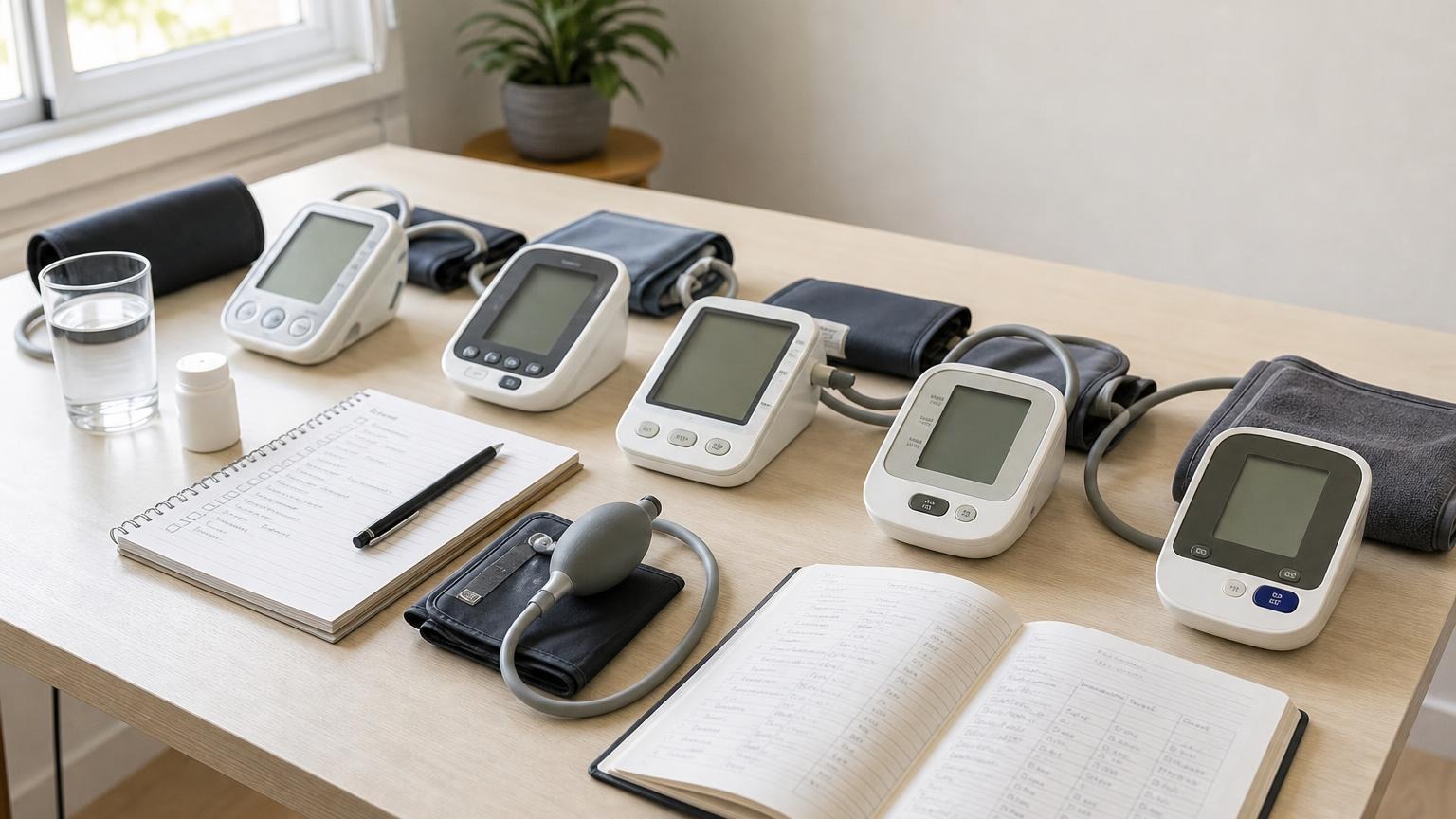
Rechargeable vs battery blood pressure monitors: compare built-in charging, replaceable cells, AC adapters, travel use, and long-term reliability.
A rechargeable vs battery blood pressure monitor is mostly a question of routine, not measurement accuracy. Built-in charging can reduce disposable-battery changes, while replaceable batteries are easy to swap during travel or a power outage. Neither power system makes an automatic blood pressure monitor accurate by itself.
Start with a validated upper-arm model and a cuff that fits. Then choose the power setup you can keep ready without improvised chargers, mixed batteries, or interrupted readings.
Rechargeable vs battery blood pressure monitors: the short answer
For most people, either design can work well when it has stable power and is used as directed. The meaningful differences are convenience, downtime, replacement options, and how clearly the manufacturer documents the power system.
| Power setup | Main advantage | Main drawback | Often suits |
|---|---|---|---|
| Built-in rechargeable battery | No routine disposable-cell changes | The monitor may be unavailable while charging; an aging internal battery may not be user-replaceable | Frequent users with a dependable charging routine |
| Replaceable batteries | Fresh cells restore power immediately | Ongoing battery supply and replacement waste | Travelers, occasional users, and households that keep spare cells |
| Replaceable rechargeable cells | Cells can be charged and swapped | Only appropriate when the exact manual permits their chemistry and charging method | Users willing to manage a labeled external charger |
| Approved AC adapter | Steady wall power without consuming batteries | Less portable; wrong adapters can damage or destabilize the monitor | A monitor that stays in one measurement area |
| Dual power | Backup choice between batteries and an approved adapter | More accessories to track, and the adapter may be sold separately | Households that value redundancy |
Do not assume that a USB port means the monitor has an internal rechargeable battery. One port may charge a device, while another may be intended only for data transfer. Check the manual for the exact model number.
Does a rechargeable blood pressure monitor measure more accurately?
Not inherently. Power design and measurement validation answer different questions.
Validation tells you whether a specific monitor has been tested under a recognized blood pressure protocol. Cuff range and technique affect whether that performance translates to your arm and routine. A rechargeable battery, disposable cells, or an adapter simply supplies the energy needed to run the pump, process the pressure signal, display the result, and save it.
STRIDE BP’s validated monitor directory describes its preferred home devices as upper-arm cuff monitors supported by an approved validation study; its criteria focus on measurement evidence and useful data handling, not on rechargeable power as a mark of accuracy.
That distinction matters when shopping pages advertise “rechargeable” as though it were a clinical feature. Treat it as a convenience feature. Prioritize:
- independent validation for the exact model
- a cuff range that includes your measured upper-arm circumference
- controls and a display you can use consistently
- enough memory or logging support for your routine
- a power system that will not encourage shortcuts
If you need help checking the first item, use our guide to finding a validated blood pressure monitor.
Built-in rechargeable monitors: where they help
A built-in rechargeable battery can make a home monitor easier to live with. You do not need to keep buying cells, open a battery compartment, or reset the clock after a battery change. An all-in-one monitor can also be tidy for travel because there are fewer loose batteries.
The tradeoffs are less obvious at purchase:
- An empty unit may be unavailable while it charges.
- A cable may be included without a wall power supply.
- Power-input requirements differ by model.
- An aging internal battery may lose capacity and may not be user-replaceable.
Look beyond the word rechargeable. Confirm the connector, charge time, low-battery behavior, included accessories, and service path for a weak internal battery.
USB-C can be convenient because the connector is widely used, but a familiar port is not permission to use every fast charger or power bank you own. Follow the monitor’s input specifications and approved-accessory instructions. A cable that fits does not prove the power source is compatible.
Replaceable-battery monitors: why they still make sense
Replaceable cells are less elegant, but they offer a useful kind of resilience. When power runs low, you can install a complete fresh set and resume measuring without waiting for the unit to charge. Standard batteries may be easier to find while traveling, during an outage, or in a household that uses the monitor only occasionally.
The disadvantages are recurring cost, waste, and maintenance. Battery doors and contacts can wear or corrode. Partly used cells are easy to mix by mistake. Long storage with batteries installed can create leakage risk if the manual tells you to remove them.
Use the exact battery size and chemistry listed for the model. Replace the whole set together. Do not mix brands, old and new cells, or rechargeable and disposable cells.
Rechargeable AA or AAA cells are model-specific
A monitor that accepts AA or AAA batteries does not automatically accept rechargeable versions.
Official manuals show why a blanket rule would be misleading. The Microlife BP B3 Comfort PC manual permits NiMH rechargeable cells, but says they must be removed and charged in an external charger. By contrast, the A&D UA-767 Plus manual says rechargeable batteries will not work with that model. The Omron BP5465 manual specifies four AA alkaline or manganese batteries and says not to use other battery types.
Those are model-specific examples, not brand-wide rules. Find the full model number on the monitor, then follow its own manual. If rechargeable cells are permitted, also check whether they must be removed for charging and how long the monitor can be stored with them installed.
What an AC adapter adds
Some automatic upper-arm blood pressure monitors accept both replaceable batteries and a manufacturer-approved AC adapter. This can be the most flexible arrangement for a monitor kept near one chair: use wall power routinely and keep a fresh battery set available for travel or outages.
An adapter jack does not make adapters interchangeable. Voltage, current, polarity, and connector dimensions all matter. The A&D UA-767 Plus manual recommends its specified adapter to avoid potential damage. The Omron BP5465 manual likewise provides model-specific adapter instructions and identifies batteries and AC power as separate power sources.
Before buying, ask:
- Is the adapter included or optional?
- What exact adapter part number is approved?
- Are installed batteries bypassed while plugged in?
- Will unplugging power reset the date, time, or memory?
Do not substitute a phone, laptop, or drawer adapter merely because the connector appears to fit.
How to choose the right power setup for your routine
Choose built-in rechargeable power when
- you measure often and can charge on a schedule
- you prefer not to buy disposable cells
- the manufacturer documents battery service and replacement
Choose replaceable batteries when
- you want an immediate fresh-power swap
- outages or travel make wall charging less dependable
- you use the monitor intermittently
Choose dual power when
- the monitor will usually stay in one location
- you want batteries as a backup to an approved adapter
- you are comfortable tracking the correct adapter and spare cells
Power convenience should break a tie between otherwise suitable monitors. It should not rescue a monitor with no credible validation evidence, a cuff that does not fit, or controls you struggle to use.
For the broader buying priorities around validation, cuff design, memory, displays, and connectivity, see which blood pressure monitor features are worth paying for.
Check these details before you buy
Read the product specifications and the manual—not only the retailer bullets—and verify:
- Exact power type: built-in rechargeable battery, replaceable cells, adapter, or a combination
- Battery specification: size, chemistry, number of cells, and whether rechargeable cells are permitted
- Port purpose: charging, data transfer, or both
- Included parts: cable, wall adapter, batteries, and storage case
- Low-power behavior: warning symbol, shutdown behavior, and whether settings are retained
- Serviceability: warranty and what happens when an internal battery no longer holds a useful charge
- Travel constraints: cable availability, spare-battery rules, and storage instructions
- Core measurement fit: exact-model validation and cuff circumference range
If a listing and manual disagree, ask the manufacturer to confirm the exact model and revision before buying. Similar names can hide different power systems.
What to do when power runs low during a reading
A low-power warning does not tell you whether a completed number is falsely high or low. Weak power more often shows up as slow inflation, a dim display, an error, a restart, or a cycle that does not finish normally.
If the monitor warns, flickers, or stops:
- Let the cuff deflate fully and remove it.
- Save or photograph any completed reading and warning symbol.
- Recharge as directed, install a complete fresh matching battery set, or use only the approved adapter.
- Confirm that the date, time, user profile, and memory still make sense.
- Sit quietly for at least 5 minutes, then take two readings 1 or 2 minutes apart with your arm supported and the cuff on bare skin.
- Keep the earlier completed result with a note about the power warning rather than silently deleting it.
The CDC’s home blood pressure guidance recommends a supported seated position, quiet rest, a snug cuff on bare skin, and at least two readings 1 or 2 minutes apart. Stable power does not replace those basics.
For a device already showing weak-power symptoms, follow our focused guide to low batteries and blood pressure monitor readings.
Frequently asked questions
Q: Are rechargeable blood pressure monitors accurate?
A: Some are, but rechargeable power is not evidence of accuracy. Check whether the exact model appears on a recognized validation list, whether its cuff fits your arm, and whether you can use it with consistent technique.
Q: Can I use rechargeable AA batteries in my blood pressure monitor?
A: Only if the manual for your exact model permits the specified rechargeable chemistry. Some monitors allow externally charged NiMH cells, while others require alkaline or manganese batteries and warn against other types.
Q: Can I use a phone charger with a rechargeable blood pressure monitor?
A: Do not assume so because the plug fits. Use the charging input and accessories the manufacturer specifies. Connector shape alone does not confirm compatible voltage, current, charging protocol, or whether the port is for power rather than data.
Q: Is an AC adapter better than batteries for a blood pressure monitor?
A: An approved adapter can be convenient for a monitor kept in one place, while batteries provide portability and backup. Neither is inherently more accurate. The better choice is the documented power source you can use reliably without substitutions.
Bottom line
Rechargeable and replaceable-battery blood pressure monitors can both support dependable home tracking. Choose on practical grounds: charging access, travel, backup power, internal-battery service, and whether you can follow the exact power instructions. Choose the monitor itself on validation, upper-arm cuff fit, readability, and repeatable use.
If you are comparing new models, review power convenience alongside those more important measurement criteria:
Sources and further reading
- STRIDE BP: Validated blood pressure monitors
- CDC: Measuring your blood pressure
- Microlife BP B3 Comfort PC instruction manual
- A&D Medical UA-767 Plus instruction manual
- Omron BP5465 instruction manual
This article is educational and not medical advice. Consult a qualified clinician before making treatment decisions or changing how you respond to home blood pressure readings.
Top 5 picks
Best Blood Pressure Monitors For Seniors 2026
Five upper-arm monitors ranked with published scorecards—setup friction, comfort, readability, power convenience, and repeatable accuracy—so you can compare models before you buy.
See our Top 5 blood pressure monitor picksHome-monitoring advice is only useful if it is easy to verify and act on correctly.
We write explainers to be understandable to readers, search engines, and AI answer systems.
Compare our Top 5 blood pressure monitor picks for 2026, then track readings over time with consistent technique.


