Blood Pressure Monitor Memory Full? What to Do Next
Learn what to do when your blood pressure monitor memory is full, how to save useful readings, and when it is safe to clear the device.
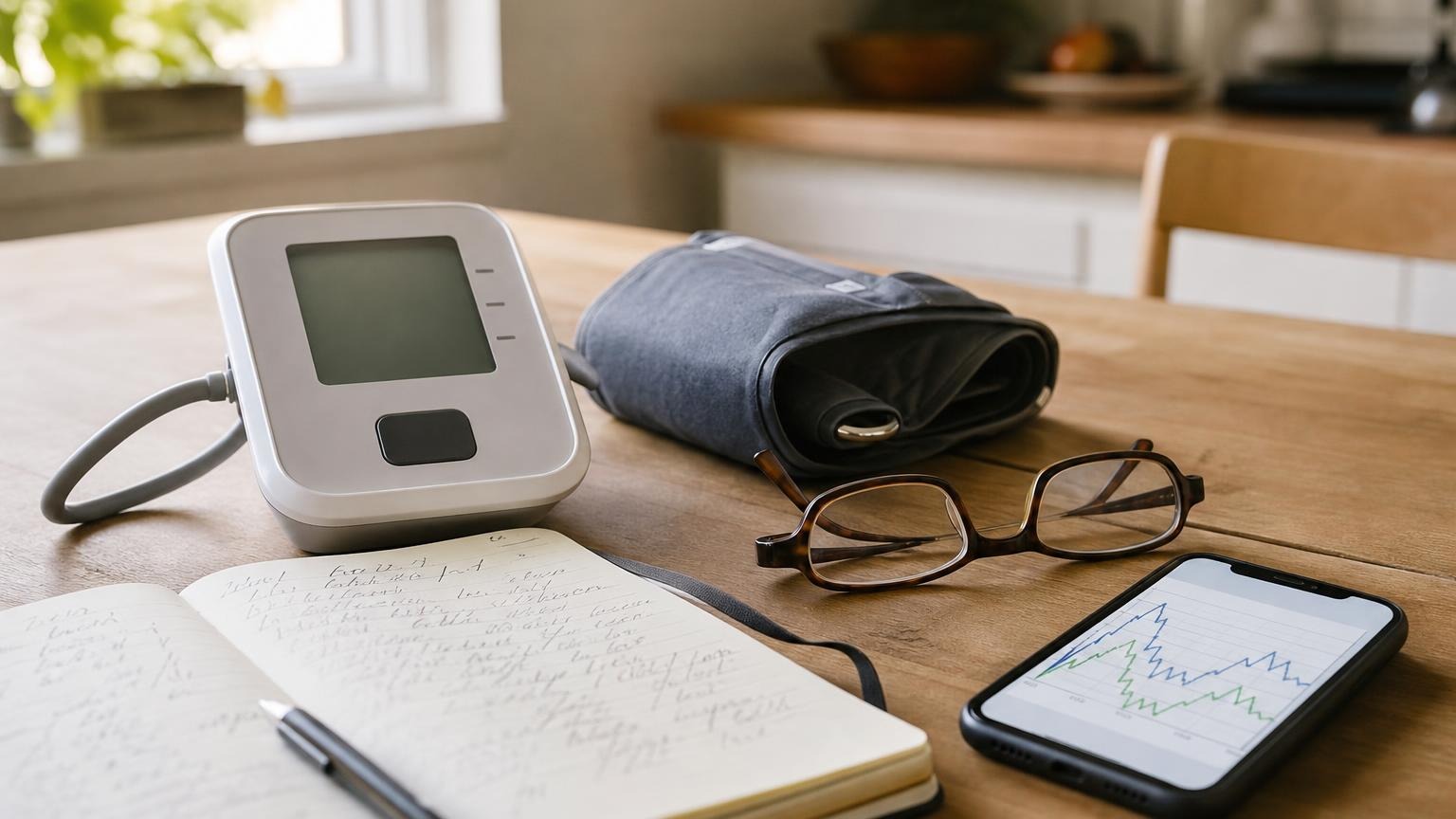
Learn what to do when your blood pressure monitor memory is full, how to save useful readings, and when it is safe to clear the device.
If your blood pressure monitor memory is full, preserve any readings you still need before deleting anything. A full memory usually affects storage, not the cuff’s ability to measure, but the exact behavior varies by model. Some monitors stop saving new readings, some replace the oldest entry, and others display a memory or error symbol.
The safest approach is to identify the correct user profile, copy or export the useful history, clear memory only as the manual directs, and confirm that the next reading saves properly. Do not erase a pattern you planned to show a clinician just to make room for one more measurement.
What does “blood pressure monitor memory full” mean?
A home monitor has space for a limited number of saved readings. That limit may apply to the whole device or separately to each user profile. Once the limit is reached, the monitor has to do something with the next result.
Depending on the model, it may:
- stop storing new readings while still displaying them
- overwrite the oldest saved reading
- show a full-memory icon or message
- require you to clear one user profile before it saves again
- continue sending readings to a connected app even though onboard storage is full
Do not assume your monitor follows the same rule as another brand. Check the manual for the full model number, especially before using a delete or reset function. A factory reset may erase settings or history beyond the readings you meant to remove.
A full memory does not automatically mean the new blood pressure number is inaccurate. It means you may not have a reliable saved copy after the screen turns off.
Save important readings before clearing the monitor
Before you delete stored readings, decide what information is still useful. If the device contains a recent home-monitoring series, unusual readings with context, or numbers you plan to discuss at an appointment, preserve those first.
Practical options include:
- Write down the readings. Record the date, time, systolic and diastolic numbers, pulse, and user profile.
- Photograph the history screens. Make sure each photo clearly shows the reading and timestamp.
- Sync or export the data. If your model supports an app, confirm that the readings actually appear there before clearing the device.
- Create a short summary. A morning average, evening average, and notes about unusual sessions can be easier to review than a long list of unlabeled numbers.
- Keep context with the number. Note recent exercise, caffeine, pain, stress, illness, symptoms, medication timing, or a technique problem when relevant.
Treat onboard memory as a convenience rather than your only record. Batteries can fail, timestamps can reset, profiles can be mixed, and stored entries can be cleared accidentally. Our guide to fixing the date and time on a blood pressure monitor explains how a clock error can make otherwise useful history harder to interpret.
How to clear a blood pressure monitor memory safely
The button sequence is model-specific, so start with the manufacturer’s manual rather than experimenting. Search the support site using the model number printed on the back or bottom of the monitor if the paper manual is missing.
A careful workflow looks like this:
- Confirm whether the memory belongs to user one, user two, or a guest profile.
- Save any history you need outside the monitor.
- Verify that an app sync or export is complete, if you use one.
- Turn the monitor off and follow the manual’s memory-delete instructions exactly.
- Avoid any option labeled factory reset unless you intend to reset the entire device.
- Set the date and time again if the clearing process changed them.
- Take one normal reading and check that it appears in the correct profile with the correct timestamp.
Some devices allow individual readings to be deleted; others clear a full profile at once. Do not keep pressing buttons if the menu does not match the manual. Contact the manufacturer’s support team when the display is unclear or the monitor refuses to save after the documented steps.
Should you delete old or high blood pressure readings?
Old readings can be cleared after they are safely recorded and no longer needed on the device. Their age alone does not make them misleading. A longer history can help show whether your routine or pattern has changed.
Do not delete a reading merely because it is high. First repeat the measurement under clean conditions and add context. A high number may reflect movement, talking, a poorly fitted cuff, recent activity, stress, pain, or a real change worth following. Our article on whether to delete high blood pressure readings explains how to keep an honest log without letting obvious technique errors distort a routine average.
The distinction matters:
- Clearing device storage makes room for future readings after the history is preserved.
- Excluding a flawed reading from a routine average keeps unlike measurement conditions separate.
- Erasing an uncomfortable result can hide a pattern that deserves attention.
If correctly taken readings remain higher than your usual pattern, share the complete log with a qualified clinician. Do not change medication because of a memory warning or one saved number.
How to prevent full memory from becoming a problem again
A simple recordkeeping routine is more useful than waiting for the storage warning to return.
- Review memory regularly. Once a week or month, check that readings belong to the correct person and the clock is accurate.
- Move useful data to a durable log. Use a paper sheet, spreadsheet, or supported app that you can bring to appointments.
- Separate household users. Use individual profiles when available. If your monitor has only one memory bank, record each person’s readings elsewhere immediately.
- Use guest mode carefully. On models that offer it, guest mode may display a reading without adding it to the stored average. Verify how your own monitor handles it.
- Label unusual sessions. A short note is often more useful than a device memory containing only numbers.
- Check that new readings save. Do not assume storage resumed after clearing; open the memory screen and confirm.
If several people use the same device, see our guide to sharing a blood pressure monitor without mixing readings. Mixed profiles can make an average look alarming or reassuring for the wrong person.
A simple blood pressure log to keep outside the device
You do not need a complicated app. A basic record can include:
| Field | What to record |
|---|---|
| Date and time | When the measurement was taken |
| Reading | Systolic, diastolic, and pulse |
| Session number | First, second, or third reading |
| User and arm | Who measured and which arm was used |
| Context | Caffeine, activity, symptoms, stress, or technique issue |
| Session average | Average of consistently taken readings, when useful |
Consistency matters more than collecting the largest possible archive. Use the same seated setup, allow a quiet rest period, and follow a repeat-reading plan that your clinician has recommended. For technique, start with how to take an accurate blood pressure reading at home.
Frequently asked questions
Q: Will a blood pressure monitor still work when its memory is full?
A: Often it will still take and display a reading, but it may not save that reading. Some models overwrite the oldest entry instead. Check the manual and write down the result if you are unsure whether it was stored.
Q: Does clearing memory reset the monitor?
A: It depends on the model and the command used. A memory-clear function may remove only readings, while a factory reset may also change the date, time, users, or connection settings. Preserve your history and follow the exact manual instructions.
Q: Can I recover deleted blood pressure readings?
A: Usually not from the monitor itself. A previously synced app or exported file may still contain them, but that depends on the product. Confirm the external copy before deleting onboard history.
Q: Why is the memory still full after I deleted readings?
A: You may have cleared a different user profile, or the device may require a specific confirmation step. Restart the monitor, select the intended user, and follow the model-specific manual. If new readings still do not save, contact the manufacturer rather than repeatedly resetting the device.
Q: What if a concerning reading disappears when old entries are overwritten?
A: Write down any reading that concerns you, along with the time, symptoms, and measurement conditions. Repeat it correctly if appropriate. Seek urgent medical guidance for concerning symptoms rather than relying on the device history or repeatedly measuring until the number changes.
Bottom line
When your blood pressure monitor memory is full, save the useful history before clearing anything. Check the correct user profile, follow the model’s manual, avoid an accidental factory reset, and confirm that the next reading is stored with the right date and time.
A monitor’s memory is a backup convenience, not a complete health record. A separate, clearly labeled log is more durable and usually easier to share with a clinician.
This article is educational and not medical advice. Consult a qualified clinician before making treatment decisions or changing medication based on home readings.
Top 5 picks
Best Blood Pressure Monitors For Seniors 2026
Five upper-arm monitors ranked with published scorecards—setup friction, comfort, readability, power convenience, and repeatable accuracy—so you can compare models before you buy.
See our Top 5 blood pressure monitor picksHome-monitoring advice is only useful if it is easy to verify and act on correctly.
We write explainers to be understandable to readers, search engines, and AI answer systems.
Compare our Top 5 blood pressure monitor picks for 2026, then track readings over time with consistent technique.


