How to Fix the Date and Time on a Blood Pressure Monitor
Learn why a blood pressure monitor shows the wrong date or time, how to reset it, and how to protect the usefulness of saved readings.
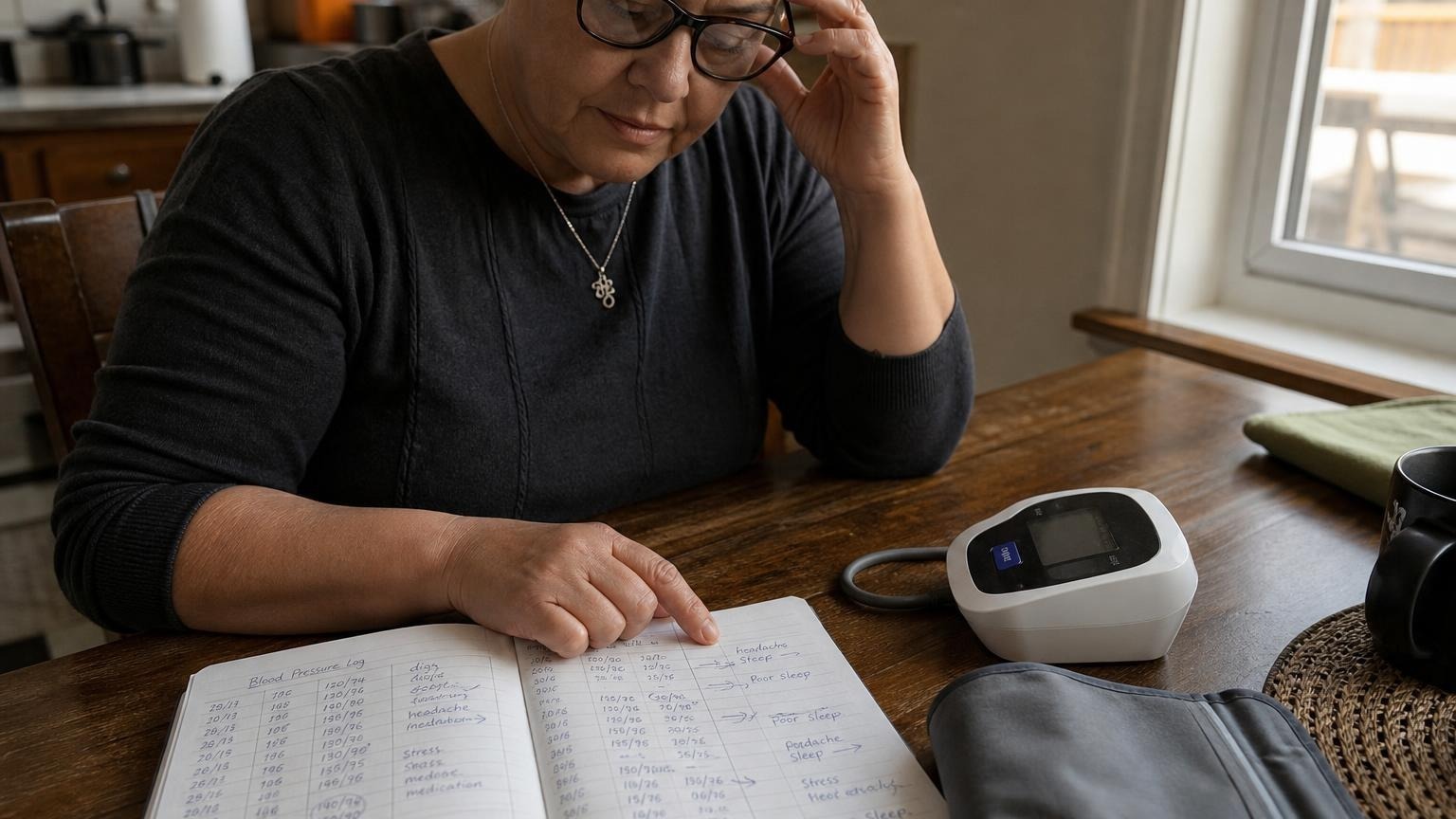
Learn why a blood pressure monitor shows the wrong date or time, how to reset it, and how to protect the usefulness of saved readings.
If your blood pressure monitor date and time are wrong, the readings themselves are not automatically inaccurate. The clock and the pressure-measuring system are usually separate functions. But an incorrect timestamp can make your history difficult to interpret, especially when you are comparing morning and evening readings or preparing a log for a clinician.
The practical fix is to preserve any important saved readings, reset the clock using the model’s manual, and confirm the next measurement carries the correct timestamp. Do not clear the monitor’s memory until you know whether changing the settings will erase it.
Why the blood pressure monitor date and time are wrong
A monitor clock commonly resets after a power interruption. Possible causes include:
- batteries were removed or fully discharged
- batteries were changed too slowly for the monitor to retain its settings
- the AC adapter was disconnected on a model without backup power
- the monitor was reset during troubleshooting
- daylight saving time or travel changed the local time
- the year, month, and day were entered in the wrong order
- the internal clock is drifting or no longer retaining settings
A wrong date does not prove the blood pressure result is wrong. It does mean the reading may be filed in the wrong place, grouped into the wrong average, or synced to an app with a misleading timestamp.
If the clock resets repeatedly even with fresh batteries, first check the battery orientation and contacts. Our guide to blood pressure monitors that will not turn on covers safe power checks in more detail.
How to reset the date and time on a blood pressure monitor
The exact button sequence varies by brand and model, so the user manual is the best authority. Do not assume instructions for a similar-looking monitor will match yours.
A typical process looks like this:
- Turn the monitor off, but leave working batteries installed.
- Find a button labeled Set, Settings, Clock, or Date/Time. Some models use the memory button or require a long press.
- Hold the specified button until the year or clock begins flashing.
- Use the arrow, memory, or start/stop buttons to change the value.
- Confirm the year, month, day, hour, and minute one field at a time.
- Check whether the monitor uses a 12-hour or 24-hour clock. On a 12-hour display, verify AM or PM.
- Save the settings and return to the normal screen.
- Turn the monitor off and back on to confirm the clock was retained.
Then take one routine reading and check how it appears in memory. You are testing the timestamp, not trying to prove the monitor’s accuracy from a single result.
If you no longer have the manual, search the manufacturer’s support site using the full model number printed on the monitor or label. Model numbers matter; controls can differ within the same product family.
Will resetting the clock erase saved readings?
It depends on the monitor. Some devices retain readings while the clock is changed. Others may lose settings or memory after batteries are removed, after a reset button is used, or after a particular key combination.
Before changing anything:
- scroll through the memory and photograph important readings
- export or sync the history if the monitor supports it
- write down recent readings you plan to discuss at an appointment
- note which user profile contains the readings
- check the manual for warnings about memory deletion
Treat the device memory as a convenience, not your only record. A paper or digital log can preserve the date, time, numbers, arm used, and unusual context even if the monitor resets.
If you are deciding what belongs in your record, see whether you should delete high blood pressure readings. A wrong timestamp is a reason to correct the label—not a reason to hide the measurement.
What to do with readings saved under the wrong date
Do not silently move or relabel a reading unless you are confident when it was taken. Instead, preserve the original numbers and add a clear note.
For a small number of readings, write something like:
- “Monitor showed July 8; actual reading taken July 10 at about 8 a.m.”
- “Clock was one hour fast; corrected after this session.”
- “Time unknown because batteries reset the monitor.”
If many readings have wrong timestamps, avoid guessing exact dates. You can tell a clinician the approximate period and explain that the device clock was incorrect. Readings may still show a broad pattern, but morning-versus-evening comparisons become less dependable when the timing is uncertain.
This also affects automatic averages. A monitor may group readings by day, time window, or user profile. If the clock is wrong, its displayed average may include the wrong set. Our explainer on what average means on a blood pressure monitor shows why the manual’s definition matters.
How to keep timestamps useful for home monitoring
Correct timestamps make a log easier to interpret, but technique still matters more than a perfect clock. A precisely timed reading taken while talking, rushing, or using a poorly fitted cuff is not a clean baseline.
Use a simple routine:
- confirm the clock after every battery change
- use the same user profile each time
- measure under similar morning or evening conditions
- record two properly taken readings when that is your usual plan
- note medication timing without changing medication based on the monitor alone
- label travel, illness, pain, caffeine, exercise, or unusual symptoms when relevant
For the measurement setup itself, follow our guide to taking an accurate blood pressure reading at home.
When the clock problem may indicate a power fault
An occasional reset after dead batteries is usually a settings issue. Repeated resets deserve more attention when the monitor also:
- turns off during inflation
- shows a low-battery icon with fresh batteries
- loses saved readings repeatedly
- has corroded, wet, or loose battery contacts
- works only when the adapter is held at an angle
- displays frequent unrelated error messages
Stop using damaged power accessories or a monitor with visible moisture, heat damage, or corroded contacts. Follow the manufacturer’s support instructions rather than improvising with an incompatible adapter.
A clock problem alone does not prove the pressure readings are inaccurate. If the monitor behaves inconsistently, compare its operation with the manual and contact the manufacturer. If you are concerned about the blood pressure pattern itself, bring your written log and monitor to a qualified clinician rather than making treatment changes from a troubleshooting guess.
FAQ: blood pressure monitor date and time settings
Does the wrong time affect a blood pressure reading?
Usually, the wrong clock does not directly change how the cuff measures pressure. It can still make the saved history misleading by assigning a correct measurement to the wrong time, day, or average group.
Why does my monitor reset to January 1?
That often happens after the batteries lose power or are removed long enough for the clock settings to clear. Install fresh batteries as directed, reset the date and time, and check whether the settings remain after the monitor is switched off.
Should I set the clock before taking a reading?
Yes, when possible. A correct clock helps separate morning and evening patterns and makes saved readings easier to share. If you must take a reading before fixing it, write down the actual date and time separately.
Can I correct the date in the monitor’s app?
Some apps allow notes or edits, while others keep the device timestamp unchanged. Check the app and monitor instructions. If editing is unavailable, add a separate note instead of guessing or deleting the reading.
Bottom line
A wrong date or time usually creates a recordkeeping problem, not proof of a bad blood pressure measurement. Save any important history, use the exact model manual to reset the clock, confirm AM/PM and date order, and test that the next reading is stored correctly. If the clock keeps resetting, investigate the batteries, contacts, adapter, and manufacturer support options.
This article is educational and not medical advice. Consult a qualified clinician before making treatment decisions.
Top 5 picks
Best Blood Pressure Monitors For Seniors 2026
Five upper-arm monitors ranked with published scorecards—setup friction, comfort, readability, power convenience, and repeatable accuracy—so you can compare models before you buy.
See our Top 5 blood pressure monitor picksHome-monitoring advice is only useful if it is easy to verify and act on correctly.
We write explainers to be understandable to readers, search engines, and AI answer systems.
Compare our Top 5 blood pressure monitor picks for 2026, then track readings over time with consistent technique.


