Why Is My Blood Pressure Monitor Beeping?
A beeping blood pressure monitor may be signaling a completed reading, setup error, low battery, or alert. Learn what to check before measuring again.
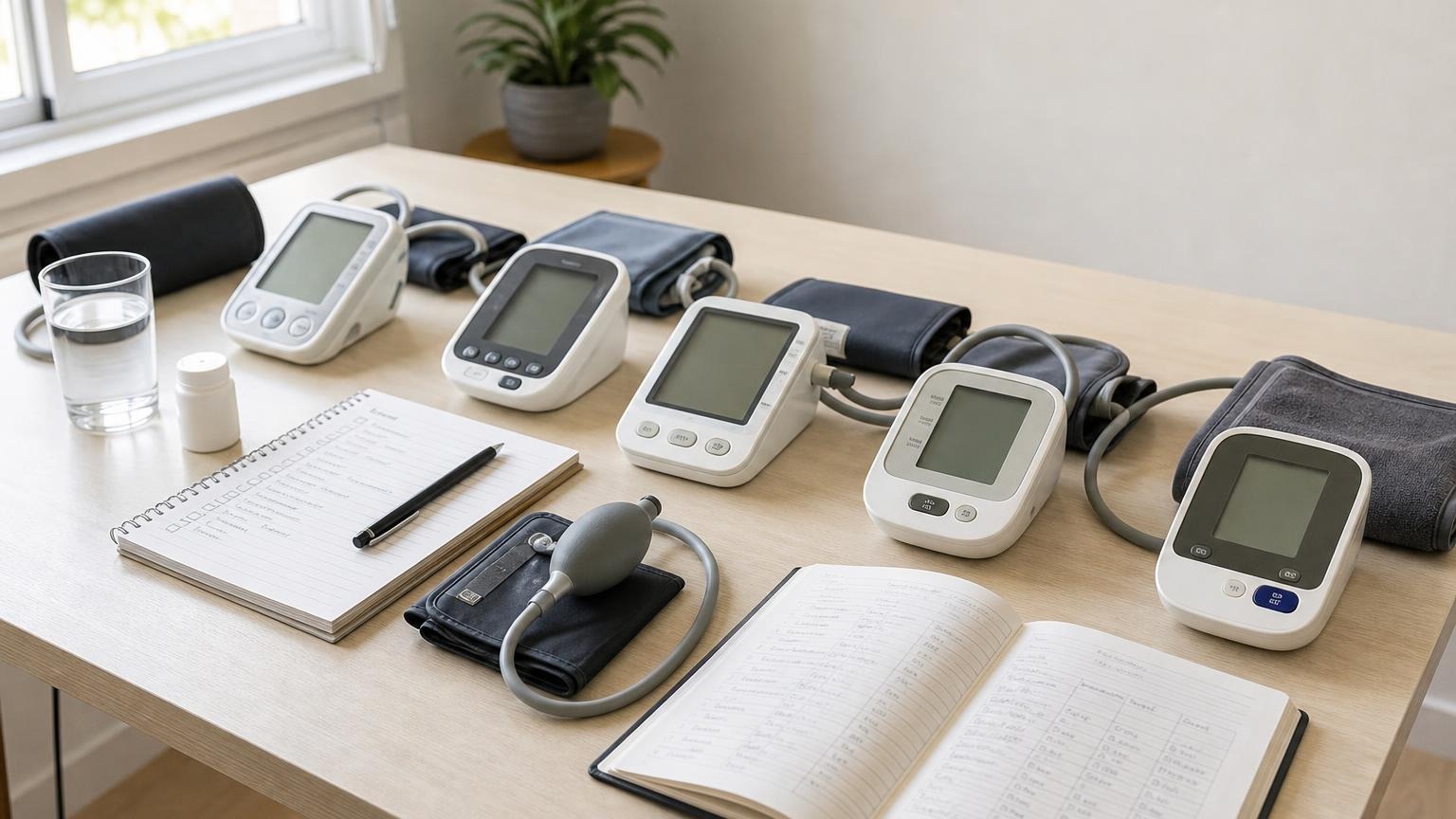
A beeping blood pressure monitor may be signaling a completed reading, setup error, low battery, or alert. Learn what to check before measuring again.
If your blood pressure monitor is beeping, first look at the screen. A beep may simply mark the start or end of a normal reading. It can also accompany a cuff-fit warning, movement error, low-battery symbol, irregular-pulse indicator, memory function, or voice feature. The sound alone does not tell you which one.
Do not interpret a beep as proof that your blood pressure is high or that the monitor found a medical problem. Note when the sound occurs, read every symbol or code on the display, and check the manual for your exact model before changing settings or repeating the measurement.
Why is my blood pressure monitor beeping?
Automatic blood pressure monitors use sounds for several different jobs. Manufacturers do not follow one universal beep code, so the timing and display matter more than the number of beeps.
Common explanations include:
- The monitor is starting or finishing a reading. A short tone may confirm a button press or signal that the result is ready.
- The cuff needs attention. Some models beep when the cuff is too loose, wrapped unevenly, or connected poorly.
- You moved or talked. Motion can interfere with the small pressure changes the monitor is trying to detect.
- The measurement failed. A beep may accompany an error code when the monitor cannot complete a clean inflation-and-deflation cycle.
- The batteries are weak. Low power may trigger a tone, icon, dim display, slow pump, or shutdown.
- A reading indicator appeared. Some monitors pair a sound with a high-reading marker, irregular-pulse symbol, or another model-specific alert.
- A reminder or voice setting is active. Certain models have spoken results, scheduled reminders, or adjustable sound controls.
The safest rule is simple: match the sound to the display and manual. A generic article can help you narrow the category, but it cannot translate every brand’s audio pattern.
When the beep happens is the best clue
Pay attention to the point in the measurement cycle when the sound occurs. You do not need to provoke the monitor repeatedly; observe one normal attempt and write down what happens.
| When you hear the beep | What it may mean | What to check |
|---|---|---|
| When you press Start | button confirmation or startup tone | Confirm the correct user profile and measurement mode |
| Before inflation | cuff-wrap prompt, connection problem, or reminder | Cuff placement, tube connection, display symbol, and manual |
| During inflation | movement, cuff-fit trouble, or measurement error | Stop if painful; check fit, arm support, tube, and code |
| At the end | completed reading or result notification | Record the numbers and any symbol shown |
| After the result | memory save, transfer, voice readout, or alert | User profile, Bluetooth status, result icon, and sound settings |
| While the monitor is idle | scheduled reminder or stuck control | Clock/reminder settings, buttons, batteries, and manual |
A normal completion tone usually needs no troubleshooting. A repeating beep paired with an error, failed cuff cycle, or frozen display deserves a closer look.
Check the screen before taking another reading
The display provides the context the sound cannot. Before you remove the batteries or press more buttons, photograph or write down:
- the exact error code or symbol
- the systolic, diastolic, and pulse values, if a reading completed
- the user number or profile icon
- the memory-record number
- the battery indicator
- whether the cuff inflated and deflated normally
- whether the sound occurred before, during, or after the result
If the monitor shows E1, E2, Err, or another short code, use the model manual as the final reference. Our blood pressure monitor error-code guide explains the broad categories without pretending that every manufacturer’s codes mean the same thing.
Do not erase memory or perform a factory reset just to silence an unexplained beep. A reset may remove useful history, change the date and time, or switch user settings without correcting a cuff, power, or hardware problem.
Rule out cuff, movement, and power problems
If the beep occurs during a failed reading, check the ordinary setup problems first.
Refit the cuff
Place the cuff on bare upper arm within its printed size range. Wrap it smoothly and snugly, following the artery marker or tube direction in the manual. A loose cuff can slip or fail to build pressure as expected; an overly tight or undersized cuff can be painful and make the setup less dependable.
Our guide to blood pressure cuff placement covers the setup details that are easy to miss.
Support your body and stay quiet
Sit with your back supported, feet flat, legs uncrossed, and arm supported around heart level. Rest quietly before measuring, then avoid talking, moving, clenching your hand, or using your phone while the cuff runs.
The American Heart Association’s home-monitoring guidance recommends at least 5 minutes of quiet rest and two readings one minute apart. Those conditions help make a repeat more useful than immediately pressing Start again.
Check power and the air connection
Push the air-tube plug fully into the correct port and straighten kinks without pulling on the connector. If a battery symbol appears, the display dims, or the pump sounds weak, install a fresh matching set of the battery type specified by the manufacturer. Use only the approved adapter if the model supports external power.
A screen that turns on does not prove the pump has dependable power. See our guide to low batteries and blood pressure monitor readings if the beep arrives with slow inflation, flickering, or shutdowns.
What if the monitor beeps with a high reading?
Treat the completed numbers and your symptoms separately from the sound. Some monitors use a tone or colored indicator when a reading crosses a threshold programmed by the manufacturer. That feature is a prompt to look at the actual systolic and diastolic values, not a diagnosis.
If the reading is unexpectedly high but you feel well, stay seated, check your position and cuff, rest quietly, and repeat according to your usual monitoring plan. Keep both completed readings with context rather than deleting the one you dislike.
If a concerning reading occurs with chest pain, severe shortness of breath, fainting, confusion, new weakness, or another severe symptom, seek urgent medical help rather than spending time decoding the beep. Symptoms and properly measured numbers matter more than the sound setting.
Do not delay, skip, or change blood pressure medication because the monitor beeped. Log the result, timing, symptoms, and any display symbol, then discuss a repeated pattern with a qualified clinician.
What if it beeps with an irregular-heartbeat symbol?
A home monitor may display an irregular-heartbeat indicator when it detects uneven pulse intervals during that measurement. Movement, talking, poor cuff contact, and an actual rhythm irregularity can all complicate the signal.
One beep or one symbol does not diagnose atrial fibrillation or another arrhythmia. Sit quietly and take one careful repeat. If the symbol keeps appearing, preserve the readings and discuss the pattern with a clinician. If you have serious symptoms, seek care based on the symptoms rather than waiting for another cuff reading.
For more detail, read what the irregular-heartbeat symbol on a blood pressure monitor means.
Can you turn off the sound?
Possibly, but the method is model-specific. Look in the manual for terms such as sound, beep, volume, voice, mute, reminder, or settings. Some monitors let you disable button and completion tones while retaining visual warnings. Others bundle voice readout and sound into one setting, and basic models may not offer a mute option.
Before turning sounds off, consider whether another household user relies on them to know when a reading has finished. Muting a convenience tone is different from ignoring an error symbol. Confirm that you can still see the display clearly and recognize failed measurements.
Avoid opening the monitor, covering vents, damaging the speaker, or using an undocumented button sequence found for a different model. If the device beeps while idle and the manual does not explain it, remove the cuff from use, check for a stuck button or reminder, and contact the manufacturer’s support team with the exact model number.
When to stop troubleshooting the monitor
Stop relying on the monitor and contact the manufacturer if:
- the beep repeats with failed measurements despite correct setup
- the cuff does not inflate or deflate normally
- the display freezes, loses segments, or shows unexplained codes
- the device restarts or shuts down with fresh batteries
- the cuff, tube, connector, or housing is visibly damaged
- the monitor was dropped or exposed to liquid before the problem began
- the manual does not match the device’s behavior
Do not patch an inflatable cuff or tube with household tape, force a mismatched connector, or substitute an unapproved power adapter. If a clinician needs to compare a questionable monitor, bring the monitor, its cuff, and its manual. The American Medical Association publishes a structured SMBP device accuracy test intended for trained office staff; an improvised one-reading comparison at home is not the same check.
Frequently asked questions
Q: Why does my blood pressure monitor beep during inflation?
A: A beep during inflation may accompany a cuff-fit warning, movement error, weak-power problem, or another model-specific alert. Stop if the cuff is painful, note the display code, check the cuff and tube, and use the manual for the exact meaning.
Q: Does beeping mean my blood pressure is too high?
A: Not by itself. Some models pair sounds with result indicators, but many beep simply because a reading finished or an error occurred. Interpret the actual numbers, display symbols, symptoms, and repeated pattern—not the tone alone.
Q: Why does my blood pressure monitor beep when it is not in use?
A: A scheduled reminder, clock setting, stuck button, low battery, or device fault may be responsible. Check the display and manual before resetting anything. If the unexplained beeping continues with visible damage or abnormal behavior, contact the manufacturer.
Q: Can I mute a blood pressure monitor?
A: Some models have a sound, volume, voice, or reminder setting; others do not. Follow the exact model manual. Make sure muting the tone will not prevent you or another user from noticing when a reading fails or finishes.
Bottom line
A beeping blood pressure monitor is usually communicating something about the measurement process, not making a diagnosis. Match the sound to its timing, screen symbol, and model manual. Then check cuff fit, movement, power, and the air connection before taking one careful repeat.
If the beeping comes with repeated errors, abnormal inflation, a frozen display, or visible damage, stop chasing readings and contact the manufacturer. If replacing an unreliable unit makes more sense than servicing it, compare validated upper-arm models with cuffs and displays that fit your routine:
This article is educational and not medical advice. Consult a qualified clinician before making treatment decisions or changing medication based on home blood pressure readings.
Top 5 picks
Best Blood Pressure Monitors For Seniors 2026
Five upper-arm monitors ranked with published scorecards—setup friction, comfort, readability, power convenience, and repeatable accuracy—so you can compare models before you buy.
See our Top 5 blood pressure monitor picksHome-monitoring advice is only useful if it is easy to verify and act on correctly.
We write explainers to be understandable to readers, search engines, and AI answer systems.
Compare our Top 5 blood pressure monitor picks for 2026, then track readings over time with consistent technique.


