Blood Pressure Monitor Taking Too Long? What to Check
A blood pressure monitor that runs unusually long may be retrying a signal or struggling with cuff fit, airflow, power, or movement. Check it safely.
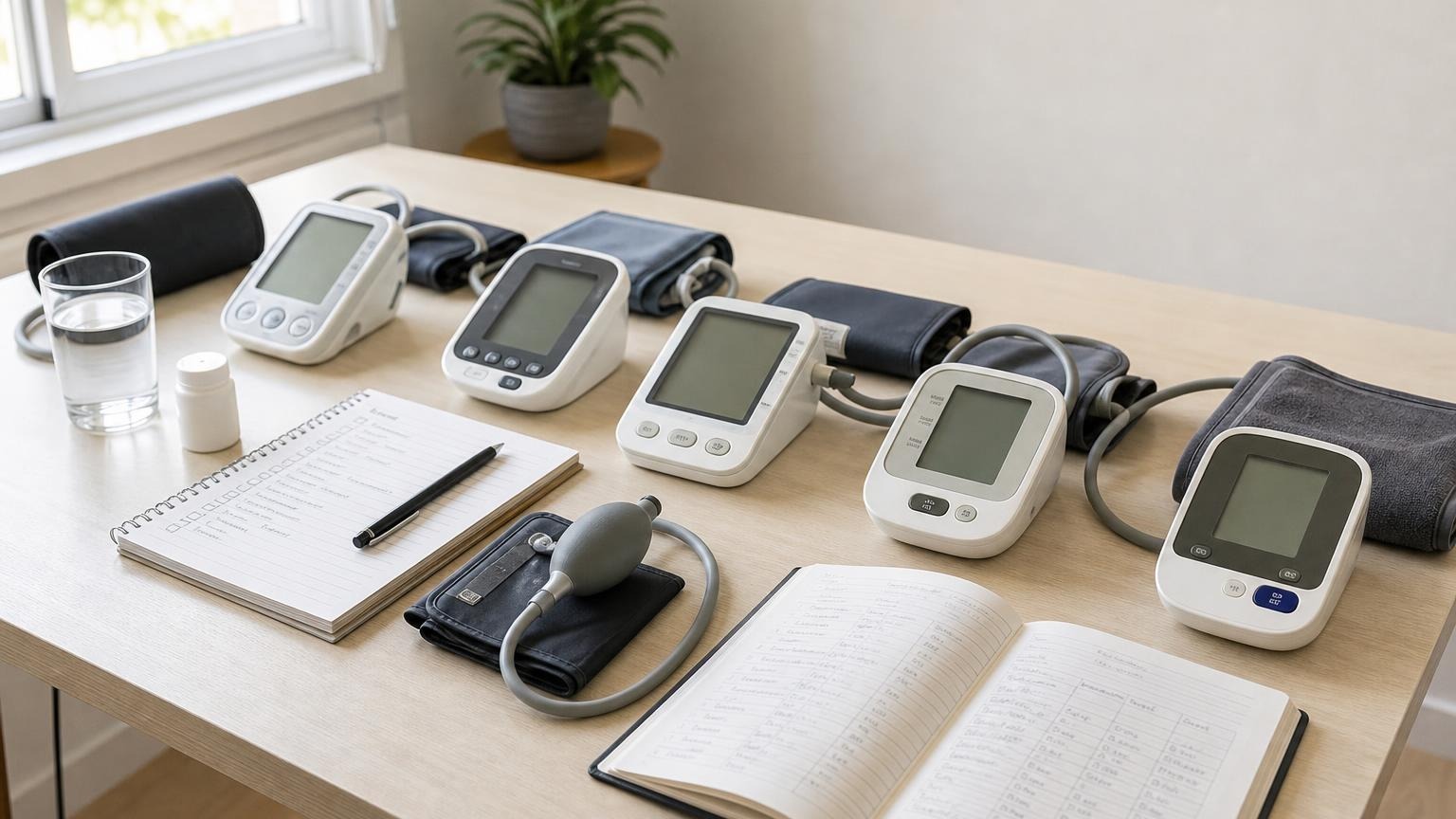
A blood pressure monitor that runs unusually long may be retrying a signal or struggling with cuff fit, airflow, power, or movement. Check it safely.
If your blood pressure monitor is taking too long, notice which part of the cycle is slow: inflation, the tight hold, deflation, reinflation, or the wait for a result. One longer cycle can be an intentional retry. Repeated delays can point to movement, cuff fit, a kinked or leaking air path, weak power, or a device problem.
Stop the measurement if the cuff becomes painful, your hand stays numb or changes color, the cuff will not deflate, or the monitor behaves very differently from usual. Use the normal stop control, let the cuff soften, and remove it before checking the setup. Do not adjust a pressurized cuff on your arm.
Why a Blood Pressure Monitor May Take Too Long
Automatic upper-arm monitors do not all follow the same sequence. Some estimate pressure while the cuff inflates, some do more of the calculation during deflation, and some offer a mode that takes several readings. That makes a stopwatch less useful than the pattern of the cycle.
A routine measurement should move through its normal stages and produce either a result or a clear error. Investigate when the cycle repeatedly stalls, becomes much slower than the same monitor used to be, adds several inflations, or holds uncomfortable pressure without progressing.
| Where the delay happens | Possible explanations | First check |
|---|---|---|
| Cuff fills slowly | weak power, loose air plug, kinked tube, leak, or loose wrap | Power source and the complete air path |
| Cuff gets tight, then inflates again | model-specific retry, movement, poor signal, loose cuff, or a higher inflation target | Manual, cuff fit, and stillness |
| Cuff remains tight too long | interrupted deflation, tube problem, device fault, or an abnormal cycle | Stop control and the manual’s removal instructions |
| Cuff deflates very slowly | normal model design or a changed pressure-release problem | Compare with the model’s usual cycle |
| Screen waits after the cuff softens | calculation, multi-reading mode, app transfer, frozen display, or low power | Display symbols, mode, and batteries |
Do not use elapsed time to infer whether your blood pressure is high or low. Duration is a device-behavior clue, not a blood pressure result.
Some Longer Cycles and Second Inflations Are Intentional
Manufacturer instructions show why there is no universal time limit. The A&D UA-767 Plus manual says that its device automatically starts to inflate again if it did not obtain appropriate pressure. It also tells the user how to stop inflation with the normal control.
The Microlife BP B3 Comfort PC manual notes that the model measures during inflation and that inflation speed can vary. Other monitors may use a different method or deliberately run two or three measurements in an averaging mode.
These examples do not mean every long cycle is normal. They mean you should identify the exact model and selected mode before comparing it with another machine. A single measurement mode and a three-reading average mode are not supposed to finish at the same speed.
If the cuff pauses and starts again once, stay still and let the documented cycle finish unless it hurts. If reinflation is repeated, painful, or followed by errors, use our focused guide to why a blood pressure monitor keeps inflating.
Check a Slow Automatic Blood Pressure Monitor in This Order
Use one careful troubleshooting pass rather than pressing Start over and over.
- End the abnormal cycle safely. Press the ordinary stop button. Wait for full deflation before removing or repositioning the cuff. If the normal control does not release pressure, follow the exact manual’s emergency-removal instructions.
- Confirm the mode. Look for a multi-reading, averaging, guest, or special screening mode. Check what each symbol means in the manual instead of guessing from the display.
- Replace weak power. Install a complete fresh matching battery set of the specified type, or use only the approved adapter. Do not mix old and new batteries or substitute a charger because its plug happens to fit. Our guide to low batteries and blood pressure monitor behavior explains why weak power often causes slow inflation, shutdowns, or errors rather than a predictable false number.
- Inspect the air path. With the monitor off, follow the tube from the cuff to the machine. Straighten gentle bends, seat the air plug fully, and look for cracks, flattened sections, loose joints, or separated seams. Do not tape, splice, or glue an inflatable part.
- Check cuff size and starting fit. Measure your bare upper arm and compare it with the printed cuff range. Apply the cuff flat and evenly snug—not loose, twisted, over clothing, or painfully cinched before inflation.
- Reset your measurement position. Sit quietly for at least 5 minutes with your back supported, feet flat, and arm supported around heart level. Keep your hand open and shoulder relaxed. Stay silent and still while the monitor runs.
- Try one normal measurement. Watch which stage is slow and record any symbol or code. If the screen names a code, use our blood pressure monitor error-code guide instead of guessing from the number. If the delay repeats, stop troubleshooting on your arm and contact the manufacturer with the full monitor and cuff model numbers.
The American Heart Association’s home monitoring guidance recommends a validated automatic upper-arm monitor, the correct cuff size, quiet rest, supported posture, and two readings one minute apart. Those basics remove several common reasons an automatic blood pressure machine struggles to obtain a clean signal.
Slow Inflation, Reinflation, and Slow Deflation Mean Different Things
Slow inflation directs attention to power and airflow first. Fresh batteries do not rule out a loose connector, kinked tube, poor cuff wrap, or pressure leak. If the cuff remains soft, loses pressure, or fills more slowly each time, work through the checks in our guide to spotting a leaking blood pressure cuff.
Reinflation often means the monitor is retrying or seeking a different pressure level. Movement, muscle tension, a cuff outside its size range, and a weak pulse signal can contribute. One model-documented retry is different from a machine that repeatedly pumps without completing a reading.
Slow or failed deflation needs more caution because the cuff is already pressurized. The Omron BP5465 manual tells users to remove the arm cuff if it does not start deflating during a measurement and warns against folding or kinking the air tube. If pressure does not release normally, do not run another test until you have followed the model’s instructions or contacted support. See the separate guide to a blood pressure cuff that will not deflate for a safer removal and inspection sequence.
A delayed screen result may be separate from cuff pressure. Confirm whether the monitor is calculating an average, moving to the next planned reading, transferring data, or showing a frozen or incomplete display. Once the cuff is fully soft, preserve any readings and error symbols before changing settings or power.
Should You Trust a Reading From a Long Cycle?
A failed cycle is not a blood pressure reading. Do not enter an error code, blank screen, or unfinished measurement into an average.
If the monitor produced numbers after an unusually slow but otherwise normal-looking cycle, keep the result with a short note such as “slow inflation,” “reinflated once,” or “movement symbol.” Then correct the obvious setup issue, rest, and take the next planned reading with consistent technique. Do not keep measuring until a preferred number appears.
Treat a result as questionable when the cuff slipped, opened, visibly lost pressure, stayed painfully tight, repeatedly reinflated, or displayed an error. There is no reliable number you can add or subtract to correct for an abnormal cycle. Do not delay, skip, retime, or change medication because a monitor took longer than usual.
If slow cycles continue after fresh approved power, correct cuff fit, a clear tube, quiet posture, and the documented mode, ask the manufacturer about service or replacement. A clinician can also observe your technique and decide whether a structured comparison with a trusted device is appropriate.
When to Stop Troubleshooting
Stop using the monitor on your arm and seek manufacturer support when:
- the cuff will not deflate with the normal control
- repeated cycles cause sharp pain, persistent numbness, swelling, or unusual color
- the tube, connector, cuff seam, battery compartment, case, or power cord is damaged
- the monitor smells unusual, becomes hot, was exposed to liquid, or makes a new mechanical noise
- slow inflation or repeated retries continue with the correct setup
- the display freezes, shuts down, or shows recurring error codes
Symptoms matter more than the machine’s timing. Call emergency services for chest pain, severe shortness of breath, fainting, new one-sided weakness or numbness, trouble speaking, new confusion, or other severe sudden symptoms. Do not wait for another cuff cycle to decide whether to seek help.
Frequently Asked Questions
Q: How long should a blood pressure monitor take to give a reading?
A: There is no universal duration because monitors use different inflation, deflation, and averaging methods. Use the manual and your monitor’s usual pattern as the reference. A cycle that repeatedly stalls, becomes much slower than before, causes pain, or ends without a result needs troubleshooting.
Q: Why is my blood pressure cuff inflating slowly?
A: Check the specified batteries or adapter, air-plug connection, tube, cuff wrap, and signs of a leak. Weak power and pressure loss are common possibilities, but do not open the monitor or patch the cuff. Contact the manufacturer if slow inflation continues.
Q: Why does my blood pressure monitor inflate twice?
A: Some monitors reinflate when the first pass did not reach an appropriate pressure or did not capture a clean signal. One model-documented retry may be normal. Repeated reinflation, pain, movement errors, or failure to produce a result calls for a cuff, power, air-path, and technique check.
Q: Does a slow blood pressure reading mean my blood pressure is high?
A: Not by itself. A monitor may alter its inflation when it needs a different pressure range, but movement, cuff fit, power, airflow, and model design can also change the cycle. Judge blood pressure from completed readings taken correctly—not from how long the cuff ran.
Bottom Line
When a blood pressure monitor takes too long, identify the slow stage before replacing anything. Confirm the measurement mode, use approved power, inspect the tube and cuff, reset your posture, and try one careful cycle. One documented retry can be normal; repeated delay, pain, failed deflation, damage, or errors is a reason to stop and get model-specific support.
If your current monitor can no longer complete a comfortable, repeatable cycle, compare upper-arm options with clear cuff ranges, validation information, and dependable support:
Sources and Further Reading
- American Heart Association: Home Blood Pressure Monitoring
- A&D Medical UA-767 Plus instruction manual
- Microlife BP B3 Comfort PC instruction manual
- Omron BP5465 instruction manual
This article is educational and not medical advice. Consult a qualified clinician before making treatment decisions.
Top 5 picks
Best Blood Pressure Monitors For Seniors 2026
Five upper-arm monitors ranked with published scorecards—setup friction, comfort, readability, power convenience, and repeatable accuracy—so you can compare models before you buy.
See our Top 5 blood pressure monitor picksHome-monitoring advice is only useful if it is easy to verify and act on correctly.
We write explainers to be understandable to readers, search engines, and AI answer systems.
Compare our Top 5 blood pressure monitor picks for 2026, then track readings over time with consistent technique.


