What Does M Mean on a Blood Pressure Monitor?
The M on a blood pressure monitor usually means memory. Learn how to identify stored readings, averages, memory numbers, and safe button use.
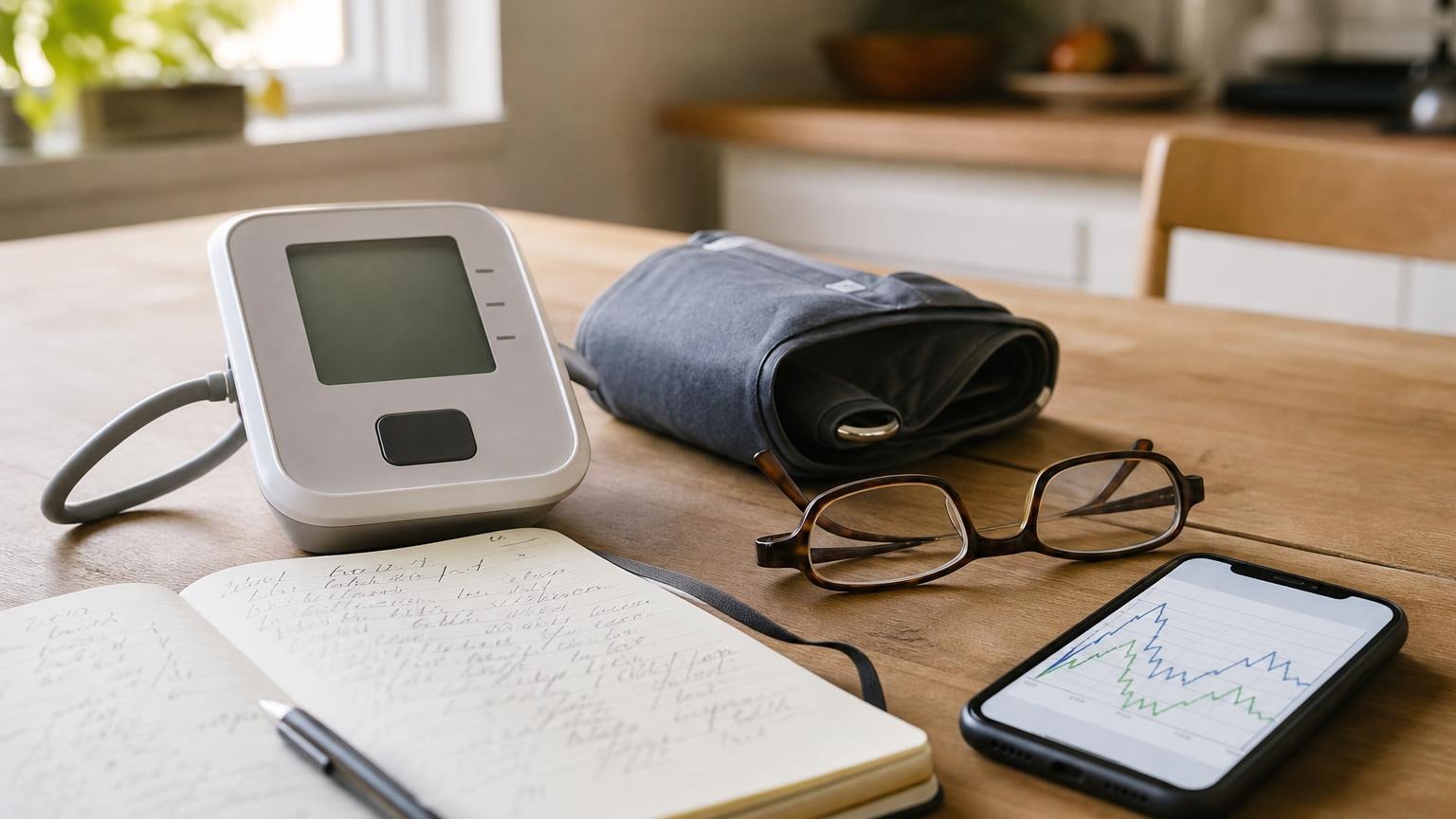
The M on a blood pressure monitor usually means memory. Learn how to identify stored readings, averages, memory numbers, and safe button use.
What does M mean on a blood pressure monitor? On many home models, M means memory. An M button opens readings saved earlier, while an M symbol on the screen can indicate that you are reviewing a stored result rather than a new measurement.
The details are not universal. A number beside M may identify where a reading sits in memory, and M may appear with A, AVG, a user number, or a date. Check the display key in the manual for your exact model before deciding what any symbol means.
What does M mean on a blood pressure monitor?
M most often labels the monitor’s memory function. It can appear in two places:
- On a physical button: pressing it usually opens stored readings or an average.
- On the display: it usually marks a result being recalled from memory.
Official manuals show both patterns. The OMRON BP5465 instruction manual labels a memory symbol that appears while stored readings are being viewed. Its display can also use the pulse area to show a memory number during recall.
The Microlife BP B3 Comfort PC manual calls its M control the “M-button (memory).” When that monitor is off, a brief press first displays M with A for the average of stored values before the user moves through individual results.
An A&D UA-767 Plus manual provides another documented example: its M symbol means the user is reviewing a previous measurement stored in memory.
Those examples explain the common convention; they are not instructions for every OMRON, Microlife, A&D, or other monitor. Similar-looking models can use different button sequences, storage limits, and display layouts.
Why M may appear with A, AVG, or another number
Memory screens often show more than the letter M. The nearby information tells you what kind of stored result you are viewing.
| What appears | Common meaning | What to verify |
|---|---|---|
| M by itself | Memory mode or a recalled result | The symbol table in the exact manual |
| M with A or AVG | An average calculated from stored readings | Which readings and time period are included |
| M with 1, 2, or another count | A memory position, sequence number, or user-related value | The label and screen diagram for that model |
| M with a date and time | When the stored reading was recorded | Whether the monitor’s clock was set correctly |
| M with a user icon | Memory for the selected household user | Whether User 1 or User 2 is the intended person |
Do not assume an average uses only your last measurement session. Depending on the model, it may summarize the latest two or three readings, all stored readings for one user, or a morning or evening group. Our guide to what “average” means on a blood pressure monitor explains those differences.
M is also different from MAP, or mean arterial pressure, on a monitor that actually reports it. It is not the same as mmHg, the unit used for blood pressure, and it is not automatically a movement or irregular-heartbeat warning. Read the complete label instead of interpreting one letter in isolation.
How to tell a stored reading from a new measurement
A memory screen can look convincing because it may show systolic, diastolic, and pulse values in their usual positions. The easiest way to tell the difference is to notice what happened immediately before the numbers appeared.
A new measurement normally follows a complete measurement cycle: you press Start, the cuff changes pressure, the monitor detects a signal, the cuff releases, and a result appears.
A stored measurement usually appears after you press M, Memory, History, or a similar control without running the cuff. It may also include:
- an M or memory icon
- a memory sequence number
- an older date or time
- an average symbol
- arrows that move through previous entries
- a selected user profile
If the same numbers keep returning without a fresh cuff cycle, you may be reopening the last saved result rather than taking another reading. That possibility is covered in our troubleshooting guide to a blood pressure monitor that keeps showing the same reading.
Do not copy a recalled value into today’s log as though it were new. First confirm its timestamp and user. If the clock was wrong when the measurement was saved, write down the likely context rather than silently assigning it a new date.
Use the memory button without erasing useful readings
A memory button can do more than one job. A brief press may open history, repeated presses may move between entries, and a long press may start a deletion procedure on some models. That is why random button holding is a bad troubleshooting method.
Use this cautious sequence:
- Remove the cuff from your arm. Review settings and memory with no measurement running.
- Identify the exact monitor model. Look at the label on the back or bottom, not only the brand on the front.
- Select the correct user. Household profiles may have separate memory banks and averages.
- Photograph important screens. Preserve the reading, pulse, date, time, symbols, and user before changing anything.
- Use the manual’s stated press. “Press,” “press repeatedly,” and “press and hold” can trigger different functions.
- Stop before a delete prompt. Do not confirm CL, Clear, Delete, Reset, or a flashing memory symbol unless you intend to remove data and have saved what matters.
- Confirm the result elsewhere. Keep a paper log, export, or supported app copy for readings you plan to discuss with a clinician.
The American Heart Association’s home blood pressure monitoring guidance recommends taking two readings one minute apart and recording the results. It also notes that a monitor with built-in memory can be brought to medical appointments. Onboard memory is useful, but it should not be your only copy of an important home series.
What if M flashes or the reading is missing?
A flashing M can mean different things across models. It may be part of memory recall, a deletion confirmation, or another model-specific status. Do not assume flashing means the same thing as a full-memory warning or a device error. If the screen also shows E1, ERR, or another code, preserve the display and use the exact manual plus our broader blood pressure monitor error-code guide.
If a reading seems missing:
- check User 1, User 2, and any other regular profile
- confirm whether guest mode was used
- compare the saved timestamp with the monitor’s current clock
- check whether the oldest result was overwritten when memory filled
- separate monitor storage from app transfer
- save any result still visible before replacing power or resetting settings
Our article on a blood pressure monitor with full memory explains overwrite and clearing behavior. If the monitor displays a complete result but does not store it, use the separate checklist for a blood pressure monitor that is not saving readings.
Do not use a factory reset as the first fix. A reset can change settings or erase history without repairing a storage, clock, user, button, or app problem.
Is the M symbol a warning about your blood pressure?
Usually, no. M generally describes where the displayed information came from—memory—rather than classifying the blood pressure result as safe or dangerous.
That does not mean you should ignore the stored number. A recalled result may still be important, especially if it was taken correctly, repeats across several sessions, or came with symptoms. Interpret the completed systolic and diastolic values in context, not the letter M alone.
Memory controls also do not diagnose hypertension, correct a poor cuff fit, or prove a monitor is accurate. If readings are repeatedly unusual, preserve the values and measurement conditions and discuss the pattern with a qualified clinician. Do not change medication because you found an old result in memory or because a symbol was unclear.
Frequently asked questions
Q: Does M always mean memory on a blood pressure monitor?
A: M commonly means memory, but display conventions vary. Check the symbol table and memory section in the manual for the exact model, especially if M appears beside another letter, number, or warning icon.
Q: Why does my blood pressure monitor show M and A together?
A: On some monitors, M identifies memory mode and A identifies an average of stored readings. The average may cover a recent session or a larger memory set, so verify the calculation in the manual before adding it to your log.
Q: Is the number beside M my pulse?
A: Not necessarily. During normal result display, that area may show pulse. During memory recall, some monitors reuse it for a memory sequence number. Look for the pulse label, beats-per-minute marking, timestamp, and memory symbol in the model’s display diagram.
Q: Can pressing the M button delete blood pressure readings?
A: A brief press often opens memory, while a long press or a particular button combination may start deletion on some models. Save important readings and follow the exact manual; do not experiment with long presses when you are unsure.
Bottom line
The M on a blood pressure monitor usually means memory. It tells you that a button opens stored results or that the screen is showing an earlier reading, average, or memory position. Confirm the user, timestamp, nearby symbols, and model-specific instructions before treating the value as today’s measurement or clearing it.
If confusing memory controls are making consistent home tracking harder than it needs to be, compare upper-arm monitors by validation, cuff fit, display clarity, memory design, and everyday usability:
Sources and further reading
- American Heart Association: Home Blood Pressure Monitoring
- OMRON BP5465 instruction manual
- Microlife BP B3 Comfort PC instruction manual
- A&D Medical UA-767 Plus instruction manual
This article is educational and not medical advice. Consult a qualified clinician before making treatment decisions or changing medication based on home blood pressure readings.
Top 5 picks
Best Blood Pressure Monitors For Seniors 2026
Five upper-arm monitors ranked with published scorecards—setup friction, comfort, readability, power convenience, and repeatable accuracy—so you can compare models before you buy.
See our Top 5 blood pressure monitor picksHome-monitoring advice is only useful if it is easy to verify and act on correctly.
We write explainers to be understandable to readers, search engines, and AI answer systems.
Compare our Top 5 blood pressure monitor picks for 2026, then track readings over time with consistent technique.


