How to Reset a Blood Pressure Monitor Without Losing Readings
Reset a blood pressure monitor safely by saving readings first and choosing the right restart, memory-clear, pairing, or factory-reset procedure.
Reset a blood pressure monitor safely by saving readings first and choosing the right restart, memory-clear, pairing, or factory-reset procedure.
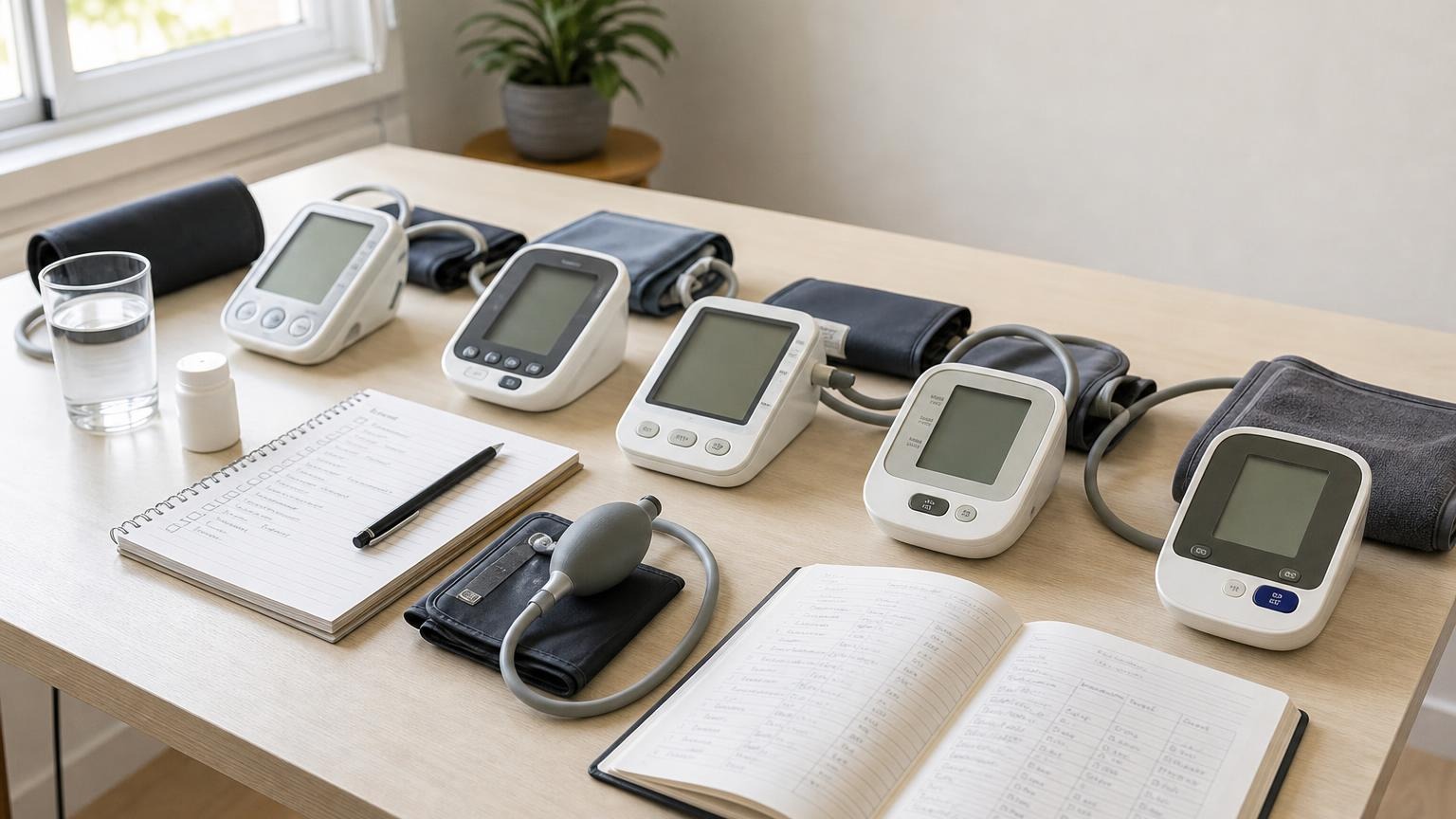
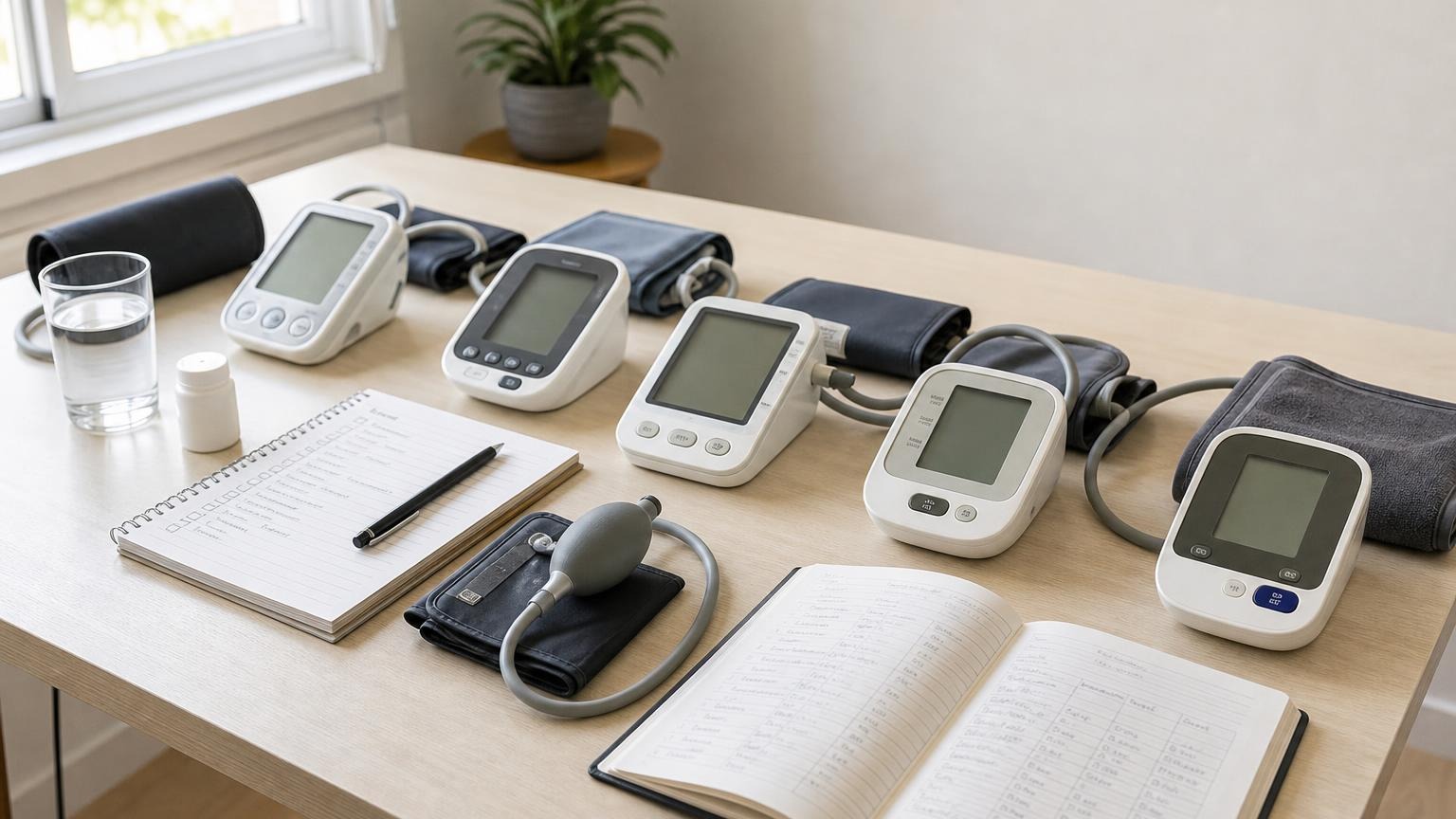
If you need to reset a blood pressure monitor, do not begin with an unfamiliar button combination. Save or photograph the readings you need, remove the cuff from your arm, find the manual for the exact model, and identify what kind of reset you actually need. A normal restart, clock correction, Bluetooth re-pair, memory clear, and factory reset are different operations. Start with the least destructive option and use a factory reset only when the model’s instructions call for it.
Before You Reset a Blood Pressure Monitor, Save the Data
A reset should not erase the record you planned to show a clinician. Before changing settings:
- Open the monitor’s memory and copy, photograph, export, or sync the readings you need.
- Confirm which user profile holds your readings on a multi-user monitor.
- Record the dates and times if the clock is wrong, because an incorrect timestamp can make a valid reading hard to place in context.
- Note any persistent error code or symbol before it disappears.
- Disconnect the cuff from your arm before testing buttons or power controls.
Do not delete an unusually high result merely to make an average look better. Our guide to deleting high blood pressure readings explains how to preserve the original value while adding context about movement, poor cuff placement, or another known measurement problem.
If your monitor transfers data to an app, check that the latest readings actually arrived. A reading visible on the monitor is not necessarily backed up in the app, and a reading in the app may remain there even after local data is erased. Treat the two records separately until the exact manual says otherwise.
Choose the Smallest Reset That Matches the Problem
“Reset” can mean several things. Match the action to the symptom instead of clearing everything by default.
| Problem | Least disruptive first step | Avoid |
|---|---|---|
| Frozen screen or unresponsive control | Use the normal power-off procedure, then check the approved power source | Random multi-button combinations |
| Wrong date or time | Correct the clock using the model’s setup menu | Clearing measurement memory |
| App will not sync | Preserve local readings, verify the correct user, and follow the model’s re-pairing steps | Deleting the app or factory-resetting first |
| Memory is full | Export or log needed readings, then follow the manual’s memory procedure | Assuming all models delete one reading at a time |
| Error code keeps returning | Record the code, inspect the cuff and tube, and use the exact model’s error table | Treating a reset as a repair |
| Monitor has unknown settings from a previous user | Save anything needed and follow the manual’s documented default-settings procedure | Guessing from a similar-looking model |
A wrong clock has its own fix; see how to correct a blood pressure monitor’s date and time. Pairing trouble also deserves a data-preserving sequence, covered in our blood pressure monitor sync guide.
A Safe, Model-Neutral Reset Order
There is no universal reset sequence for automatic blood pressure monitors. This order helps you avoid erasing useful information while you find the model-specific instructions.
1. End the measurement safely
Press the normal stop control if a measurement is running, then remove the cuff. Do not experiment with settings while the cuff is inflating or while an app transfer is in progress.
2. Preserve readings and identify the user
Copy the recent values, dates, times, pulse readings, and any symbols you need. On a shared monitor, make sure you are viewing the correct user before exporting or clearing anything. If storage is the problem, follow the more detailed steps in our guide to a blood pressure monitor with full memory.
3. Confirm the exact model
Look for the model identifier on the monitor’s underside or back, near the battery compartment, or on its original label. Do not confuse the cuff’s part number with the monitor model or a serial number. Regional suffixes can matter because menus, wireless features, and button layouts may differ.
Use the manufacturer’s official manual for that exact identifier. A button sequence from a related model can open pairing mode, switch users, change settings, or erase data instead of restarting the unit.
4. Rule out a power problem
Check for a low-battery symbol, mixed batteries, incorrect polarity, a loose battery door, or an unapproved adapter. Follow the manual’s battery type and replacement instructions. Some monitors retain readings when batteries are removed but lose the date and time; other designs use a rechargeable battery or handle settings differently.
If the unit is completely dark, work through the checks in why a blood pressure monitor will not turn on rather than assuming a factory reset is possible.
5. Try the normal restart
Turn the monitor off with its ordinary control and let the display finish shutting down. Restart it as the manual directs. If the instructions specifically call for disconnecting power or removing batteries, follow that procedure with the cuff off your arm and after saving readings.
Do not improvise by shorting battery contacts, opening the case, using an unapproved adapter, or holding every button at once. Those steps can damage the monitor and do not verify its measurement performance.
6. Correct only the affected function
Set the clock if the timestamp is wrong. Re-pair Bluetooth if transfer is the only problem. Clear the appropriate user’s memory if storage is full. Use the blood pressure monitor error-code guide if the display provides a code. A targeted fix preserves more information and makes it easier to tell whether the original problem is gone.
7. Use a factory reset only when documented
A factory reset is reasonable when the official manual or manufacturer support specifically recommends it for corrupted settings, an ownership change, or a persistent software problem. Read the warning and deletion behavior before confirming it. If the manual is unavailable or ambiguous, contact the manufacturer instead of copying a sequence from an unrelated model.
Restart, Memory Clear, and Factory Reset Are Not the Same
Official manuals show why the wording matters. The Omron BP5465 instruction manual gives separate procedures for deleting stored readings and restoring default settings. It also says replacing the batteries does not delete previous readings, while restoring defaults requires the clock to be set again and does not remove information already held in the app.
The Microlife BP B3 Comfort PC manual likewise says stored values remain after battery replacement even though the date and time must be reset. Its memory-clear procedure is a separate, deliberate action with a confirmation step.
These are examples, not instructions for every Omron or Microlife model. They demonstrate that battery removal, local memory deletion, and a settings reset can have different consequences even among familiar upper-arm monitors.
What to Recheck After a Reset
Before returning to your normal monitoring routine, confirm:
- Date and time: Make sure new readings will be logged under the correct timestamp.
- User profile: Select the right person so household readings do not mix.
- Units and measurement mode: Verify the display and any multi-reading mode match the manual and your usual setup.
- Cuff and air connection: Reconnect the approved cuff firmly and inspect the tube for kinks or damage.
- App connection: If used, pair the correct profile and confirm a new test entry transfers without erasing older records.
- Normal operation: Take one properly prepared reading. Watch for a complete inflation-deflation cycle, a readable result, and no recurring error.
A successful reset does not calibrate the monitor or prove accuracy. It only shows that the controls and measurement cycle are operating normally at that moment.
When Resetting Is the Wrong Fix
Stop troubleshooting and contact the manufacturer if the monitor has a cracked case, liquid or battery leakage, a damaged power cord, unusual heat or odor, repeated uncontrolled inflation, or a persistent error after the documented checks. Do not keep running measurement cycles to test a visibly damaged unit.
A reset also cannot diagnose why a reading is unexpectedly high or low. Repeat a questionable reading only after a proper rest and technique check. Seek urgent medical help for severe or concerning symptoms regardless of what the monitor displays. If the device’s behavior has changed and you no longer trust it, review the difference between verification and blood pressure monitor calibration and ask the manufacturer or a clinician about the next step.
Frequently Asked Questions
Q: Will resetting a blood pressure monitor erase my readings?
A: It depends on the model and the kind of reset. A normal restart or battery change may preserve readings, while a memory clear or factory reset may remove local data. Save the readings first and check the exact manual before confirming any deletion prompt.
Q: Can I reset a blood pressure monitor by taking the batteries out?
A: Battery removal may restart some monitors, but it is not a universal reset method. It may also reset the clock while leaving measurement memory intact. Follow the model’s power and battery instructions, and never remove power during a measurement or data transfer.
Q: Why did the date reset while my blood pressure readings stayed in memory?
A: Some monitors preserve measurement memory separately from the clock. After power loss or a battery change, the saved values can remain while the year or time needs to be entered again. Correct the clock before taking new readings so the log stays in order.
Q: Does a factory reset make a blood pressure monitor accurate again?
A: No. A factory reset can restore settings or clear software-related problems, but it does not calibrate the pressure sensor, repair an air leak, or prove accuracy. Persistent errors, damage, or implausible results need model-specific support or a clinician-guided comparison.
Bottom Line
Save your readings, identify the exact model, and choose the narrowest fix. Start with normal power and setting checks; reserve a factory reset for a documented reason. If the monitor still fails, repeats errors, or cannot preserve a usable log after the official procedure, replacement may be more sensible than repeated resets.
Sources and Further Reading
- Omron BP5465 upper-arm blood pressure monitor instruction manual
- Microlife BP B3 Comfort PC instruction manual
This article is educational and not medical advice. Consult a qualified clinician before making treatment decisions.
Top 5 picks
Best Blood Pressure Monitors For Seniors 2026
Five upper-arm monitors ranked with published scorecards—setup friction, comfort, readability, power convenience, and repeatable accuracy—so you can compare models before you buy.
See our Top 5 blood pressure monitor picksHome-monitoring advice is only useful if it is easy to verify and act on correctly.
We write explainers to be understandable to readers, search engines, and AI answer systems.
Compare our Top 5 blood pressure monitor picks for 2026 , then track readings over time with consistent technique.